YOUTUBER: Chris Sangster

19. July 2026

SPARKY

Chris Sangster vs Logic Pro 12.3: Foreground Grids and Other Headaches

© Picture: Chris Sangster (YouTube)

Chris Sangster vs Logic Pro 12.3: Foreground Grids and Other Headaches

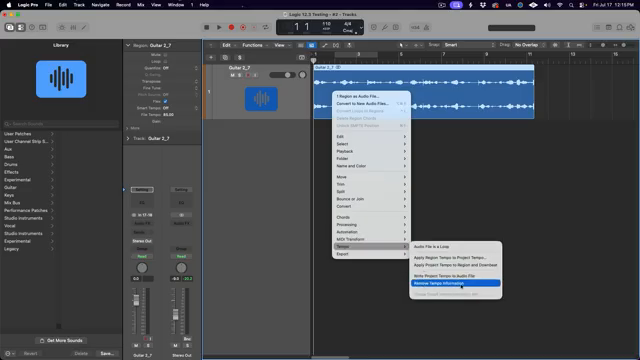
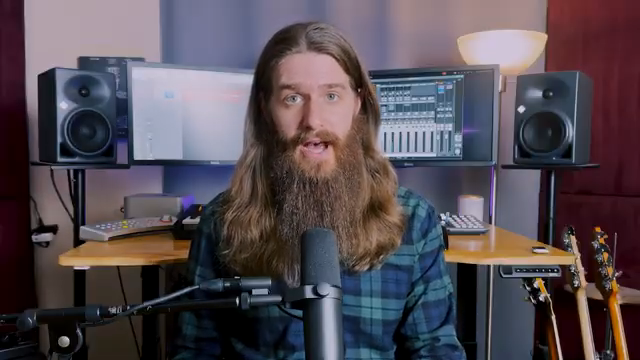
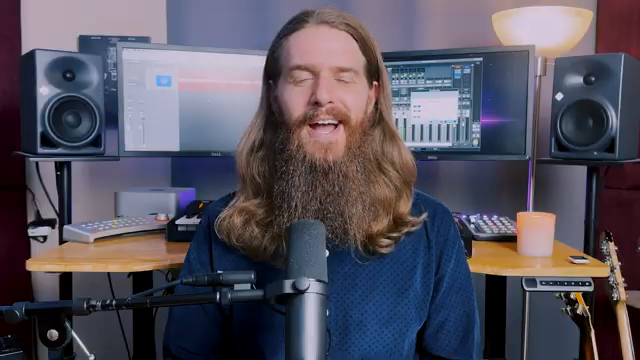
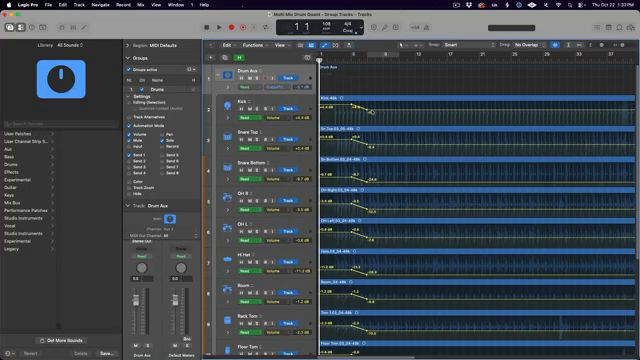
Chris Sangster, the tireless LA studio crusader, takes a no-holds-barred swing at Logic Pro 12.3 in his latest video. Forget fluffy release notes—this deep dive is all about real-world workflow, from that long-awaited foreground grid to Smart Tempo quirks and Beat Breaker tweaks. Chris doesn’t sugar-coat Logic’s bugs, but he does serve up the good, the bad, and the nerdy. If you want to know whether this update’s worth your precious SSD space, strap in. Some details you’ll simply have to see (and hear) for yourself.

,

Chris Sangster vs. Logic’s Stem-Bounce Nightmare: EasyBounce to the Rescue

© Picture: Chris Sangster (YouTube)

Chris Sangster vs. Logic’s Stem-Bounce Nightmare: EasyBounce to the Rescue

Ever lost hours of your life bouncing stems in Logic Pro, soloing tracks while your coffee goes cold and your will to live drains away? Chris Sangster, the man behind sangstersounds, has found a tool that promises to end this madness: EasyBounce. In his latest video, Chris walks us through this automation beast, showing how it turns Logic’s most tedious task into a set-and-forget affair. Whether you’re a studio rat or a gigging producer, if you’re sick of clicking your way through stem exports, this is a must-watch. We dig in, so you can decide if this is the workflow

,

Chris Sangster’s Region Inspector Rave: Logic Pro’s Best-Kept Workflow Weapon

© Picture: Chris Sangster (YouTube)

Chris Sangster’s Region Inspector Rave: Logic Pro’s Best-Kept Workflow Weapon

Let’s face it: most Logic Pro users sleepwalk past the Region Inspector, missing out on a goldmine of power moves. Chris Sangster, the meticulous mind behind Sangster Sounds, drops the fluff and gets surgical with Logic’s most overlooked panel. If you’re tired of repetitive grid-lock and clunky edits, this video is your ticket to smarter, dirtier, and far slicker sessions. Chris doesn’t just break down features – he exposes workflow hacks that’ll make your next project punch harder and run cleaner. Don’t blink, or you’ll miss tricks that’ll turn your DAW routine into a full-blown rave bunker.

24. February 2026

SPARKY

Chris Sangster Turns Club Chaos Into Streaming Gold – A No-Nonsense Live Mix Breakdown

© Picture: Chris Sangster (YouTube)

Chris Sangster Turns Club Chaos Into Streaming Gold – A No-Nonsense Live Mix Breakdown

Ever tried turning a sweaty club gig into a streaming-ready album? Chris Sangster, aka sangstersounds, dives headfirst into the mess of live recording and comes out swinging. Forget sterile tutorials – this is a real-world, warts-and-all session where phase gremlins, mic bleed, and dodgy cables get the boot. Sangster’s approach is equal parts technical wizardry and streetwise problem-solving, all inside Logic Pro. If you want to see how a pro wrangles chaos into something you’d actually want to listen to on Spotify, this is your backstage pass. Expect clever hacks, brutal honesty, and a few tricks you’ll want to steal

, , ,

10. February 2026

SPARKY

Logic Pro 12: Chris Sangster Digs for Gold (and Finds a Subscription Paywall)

© Picture: Chris Sangster (YouTube)

Logic Pro 12: Chris Sangster Digs for Gold (and Finds a Subscription Paywall)

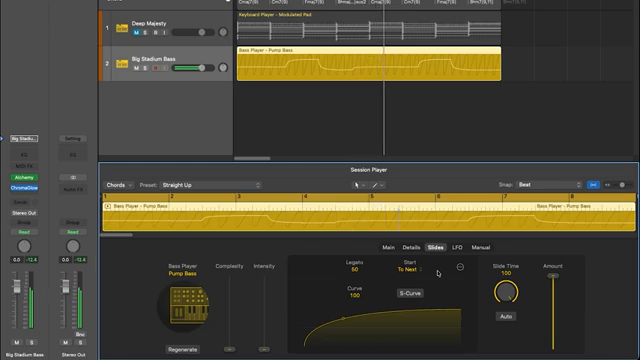
Chris Sangster, the man behind sangstersounds, takes Logic Pro 12 for a spin and doesn’t hold back. Is this update a true rave bunker upgrade, or just another shiny Apple distraction? From synth session players that flirt with greatness to a Chord ID that’s more confused than a DJ at a country fair, Sangster slices through the hype with his trademark LA polish and dry wit. If you’re wondering whether Logic Pro 12 is worth your precious SSD space—or if Apple’s new subscription model is about to mug your wallet—strap in. This review’s got more twists than a modular patch

26. January 2026

RILEY

Chris Sangster’s MIDI Survival Guide: Logic Pro Troubleshooting That Actually Works

© Picture: Chris Sangster (YouTube)

Chris Sangster’s MIDI Survival Guide: Logic Pro Troubleshooting That Actually Works

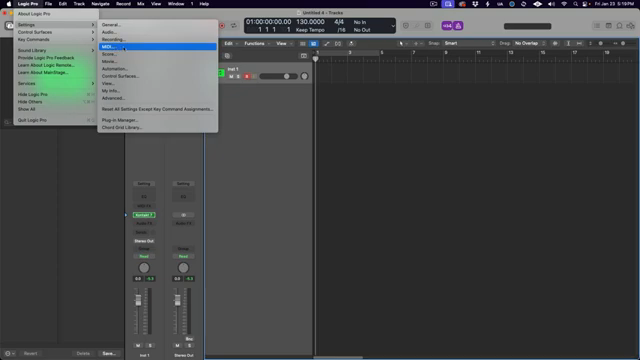
Ever had your MIDI keyboard ghost you in Logic Pro right when the beat’s about to drop? Chris Sangster, the LA studio wizard behind sangstersounds, is here to save your session and your sanity. In this no-nonsense, step-by-step video, Chris lays out every fix in the book—from unplugging cables to deep-diving into Mac’s MIDI Studio—so you can get back to making music instead of pulling your hair out. His style is all about practical solutions, not tech jargon, and he’s got the streetwise tips to match. If you want to stop troubleshooting and start grooving, this is the checklist you

, , , ,

4. January 2026

RILEY

Chris Sangster’s Logic Pro Toolbar Breakdown: The Secret Sauce You’ve Been Sleeping On

© Picture: Chris Sangster (YouTube)

Chris Sangster’s Logic Pro Toolbar Breakdown: The Secret Sauce You’ve Been Sleeping On

Ever spent hours lost in Logic Pro, clicking around like you’re searching for loose change in a couch? Chris Sangster—aka sangstersounds—just dropped a video that’ll slap your workflow awake. He’s digging into Logic Pro’s toolbar, that overlooked strip up top that most folks ignore for years (guilty as charged). If you’re tired of menu-diving and want to make beats faster than your pizza gets delivered, this one’s for you. Chris’s LA studio vibes and no-nonsense tips make this a must-watch for anyone who wants to stop fighting their DAW and start making music that actually grooves.

19. October 2025

RILEY

sangstersounds Unboxes the Magic of Pianoteq 9

© Picture: Chris Sangster (YouTube)

sangstersounds Unboxes the Magic of Pianoteq 9

Ever wanted to tweak your piano sound like changing clothes? Well, sangstersounds’ latest review of Pianoteq 9 is like magic for your music. Tune in as Chris unravels how this plugin lets you mess with mic placements and room dimensions even after recording. Streetwise hacks for virtual pianists? You bet!