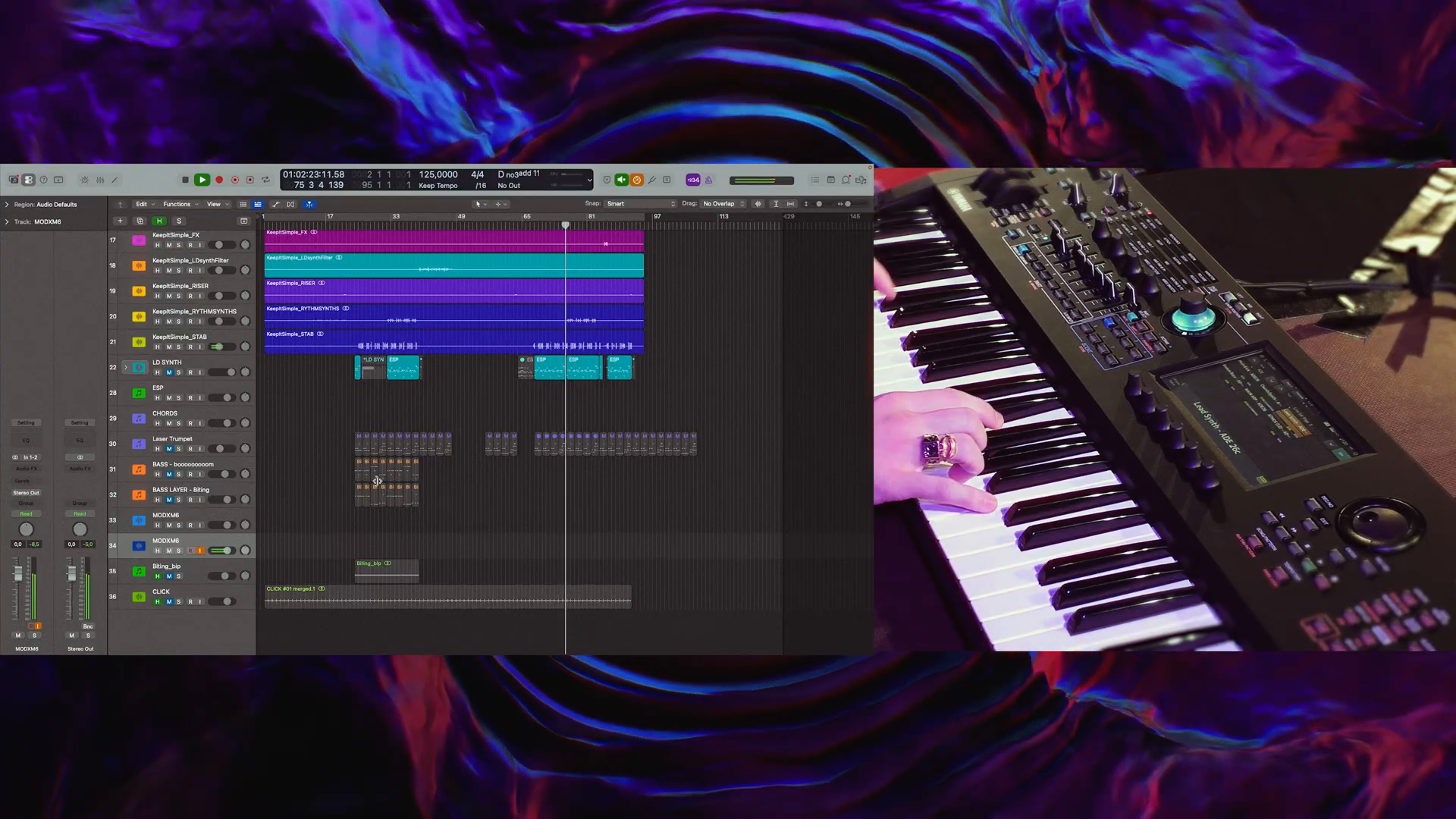
Alex Kvarnestig makes the last tweaks to his synth sound on the plane. The keyboard isn’t with him, he says; ESP runs on his laptop. In the video published November 13, 2026 on Yamaha Synths Official, the Swedish producer and musician then demonstrates on the MODX M6 what came out of it. His motivation is concrete: Artists he produces for also take him on tour. There, the production sounds should remain recognizable.
The Stick Transports Sounds, Not the Decision
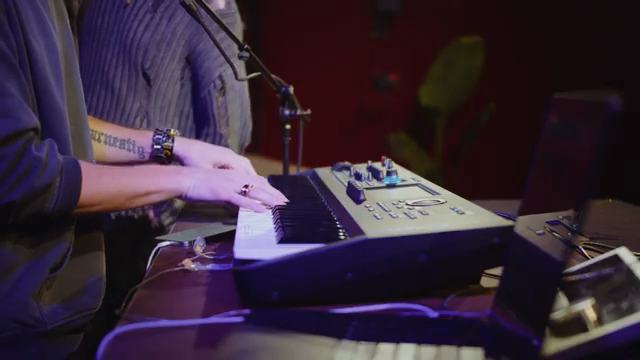
© Screenshot: Yamaha Synths Official (YouTube)
“I'm here I'm just plug the USB in and everything works”
© Quote: Yamaha Synths Official (YouTube)
On his song Keep It Simple, Kvarnestig breaks the production down into musical building blocks. A kick from ESP, initially chosen just for fun, stayed in the track and was exported as audio, according to him. With the Boom Bass preset, the individual character instead comes from further production work and sidechain rhythms. It’s already clear here: The starting sound is not yet the finished arrangement.
He describes the transfer in the most matter-of-fact way: Save sounds in ESP as a file on a USB stick, load them on the instrument. He then demonstrates kick, chords, lead, and bass on the keyboard. Kvarnestig sums up his switch from preparing on the go to hardware on site like this:
Yamaha MODX M – Amazon keyword search
Search for this product on Amazon →
No verified direct product link was available. This link opens an Amazon keyword search; results may vary.
Advertising – affiliate link. If you buy through this link, we may earn a commission – at no extra cost to you.
Reverb Becomes a Key
Musically more interesting than data transfer is Kvarnestig’s approach to the lead. He builds the basic sound in ESP, but also processes it in the studio with external effects. Instead of recreating the entire signal chain for the stage, he exports short sound snippets as WAV files: individual notes or their effect treatments, not the whole song.
He layers a reversed note as an additional layer and places it in a lower octave. Another layer contains the heavily reverberated version. In the demonstration, you can follow how the basic sound, reversed note, and reverb become playable together. This isn’t just preserving a preset: Here, production work is translated into an instrument.
For his subsequent performance, Kvarnestig chooses lead and chords and sings along. Not everything has to be played by hand at once. What matters to him is the freedom of choice:
© Screenshot: Yamaha Synths Official (YouTube)
“you can choose exactly what you want to perform live”
© Quote: Yamaha Synths Official (YouTube)
Many Faders, Still Prefer the Computer
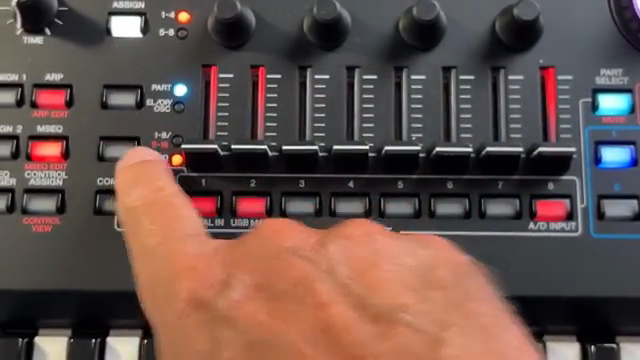
© Screenshot: Woody Piano Shack (YouTube)
“And it's challenging for someone like me to program this all using the touchscreen.”
© Quote: Woody Piano Shack (YouTube)
Woody Piano Shack, in his video from October 15, 2025, still had a pre-production prototype on loan from Yamaha. He discloses the manufacturer relationship. He welcomes the eight faders for part levels and the eight scene buttons for performance variations. For him, however, deep programming remains a different matter than immediate access while playing.
In this older piece, ESP is still an announced perspective, not a software test demonstrated by Woody. He hopes to use it to build patches on the PC and then transfer them to the hardware. How much this prospect means to him is explained by his assessment of programming on the instrument:
The Keyboard Doesn’t Always Have to Come Along
Scott’s Synth Stuff, in his overview of OS 3.0 and ESP 3.0 published January 14, 2026, also describes the reverse stage solution: laptop and lightweight MIDI controller instead of a traveling MODX M. According to his account, ESP does not require connected hardware when running.
He also highlights multiple ESP instances in the DAW. However, this shouldn’t be taken as an automatic migration of every studio production into a single keyboard. Scott also emphasizes that the software mirrors the limitations of the respective hardware. Kvarnestig’s targeted selection of playable parts is therefore the more interesting idea than a blanket everything-goes promise. For the alternative laptop setup, Scott puts the practical advantage this way:
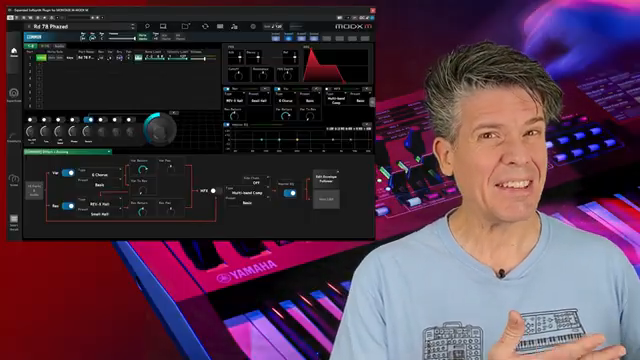
© Screenshot: Scott's Synth Stuff (YouTube)
“you can run this completely separately. You can run it on a laptop controlled by a cheap MIDI controller”
© Quote: Scott's Synth Stuff (YouTube)
The real gain in Kvarnestig’s demonstration isn’t the USB stick. It’s the decision to bring a painstakingly produced effect back under your own fingers. Closeness to the studio version doesn’t have to mean letting more run from tape. It can also mean playing more of it yourself.
Yamaha MODX M – View product
Search for this product on Amazon →
No verified direct product link was available. This link opens an Amazon keyword search; results may vary.
Advertising – affiliate link. If you buy through this link, we may earn a commission – at no extra cost to you.
Videos for this article

All YouTube videos featuring the Yamaha MODX M
Primary – main topic (10)
 Alex Kvarnestig | Bringing a full studio production to the stage with MODX M & ESP
 Biggest MODX Update Yet? OS 3.0 & ESP 3.0 Breakdown
 YAMAHA MODX M Tutorial (M6, M7, M8)
 YAMAHA MODX M Demo - Ten Mind Blowing Sounds
 Yamaha MODX M. The sound of Montage M for a lot less money!!
 Yamaha | MODX M | Sound Demo
 Yamaha MODX M synthesizer review — My Favorite NEW Features! (and a few things I don't like)
 The NEW Yamaha MODX M: Everything You Need to Know!

