Ever wanted to throw vocal stabs on your pads without a turntable? Verysickbeats’ JFilt just cracked the code, blending the Koala Sampler and SP‑404MKII for some raw, hands-on scratch vibes. Forget dusty vinyl—grab your mic, say “fresh” (or “ahh” if you’re thirsty), and let your sampler do the rest. This vid lays down the workflow so smooth even your little cousin could catch the groove. Dive in for a taste of that DIY beatmaker hustle.
30. August 2026
RILEY
Verysickbeats Flips Vocals on Pads: Koala + SP‑404MKII Get ‘Fresh!’
Pads Ain’t Just for Drums Anymore
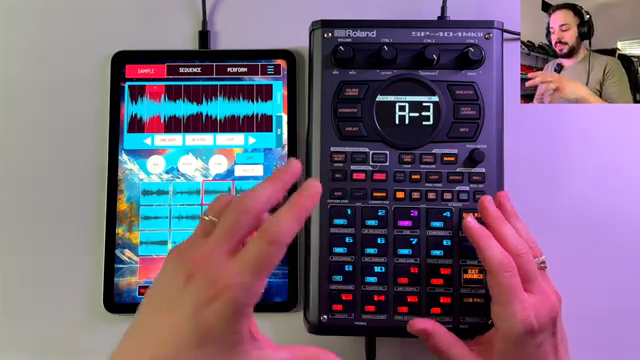
Let’s be real—half of us thought vocal scratches needed wax and a DJ friend named Jazzy. But JFilt, aka Verysickbeats, flips that idea right on its head. He opens this one by showing how you can toss your own voice straight onto the pads, no turntable or dusty crates necessary. All it takes is a mic, a few “fresh” or “ahh” takes, and suddenly you’re cooking up that classic hip-hop flavor on the SP‑404MKII or Koala Sampler.
The coolest part? This isn’t just a party trick—it opens up wild new moves for live beats and lofi sessions. Now, any pad can hold a slice of your personality, making your next set slap harder than a 3AM food truck taco. If you’re tired of the same old snare rolls, this is the shake-up your sampler’s been begging for.
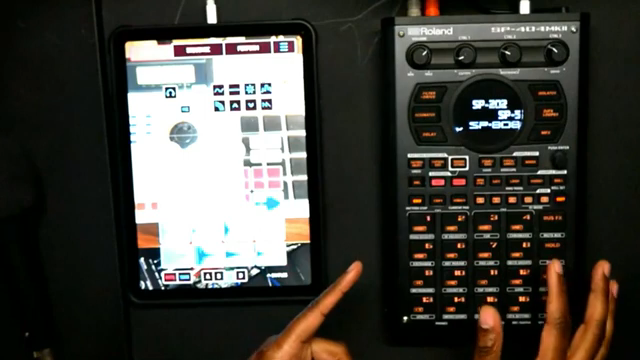
"And the answer is yes. And I'm going to show you."
© Screenshot/Quote: Verysickbeats (YouTube)
Sampling So Easy, Even Your Neighbor Could Do It
Verysickbeats keeps it simple: hit record, say your magic word, and assign the sound to a pad. No PhD in waveforms required. He walks through recording “fresh” right into the Koala app, chopping it up, and trimming to taste—all in real time. No menu diving, no 400-page manual, just that quick fire workflow that lets you stay in the groove.
This approach is perfect if you’re new to sampling or just impatient (like me). You see every step, from raw take to pad-ready vocal, and it’s all done without fancy gear. If you can say “fresh,” you can do this—your only excuse now is stage fright.
Wah, Deckard, and the Secret Sauce
"This deck card is crazy, guys."
© Screenshot/Quote: Verysickbeats (YouTube)
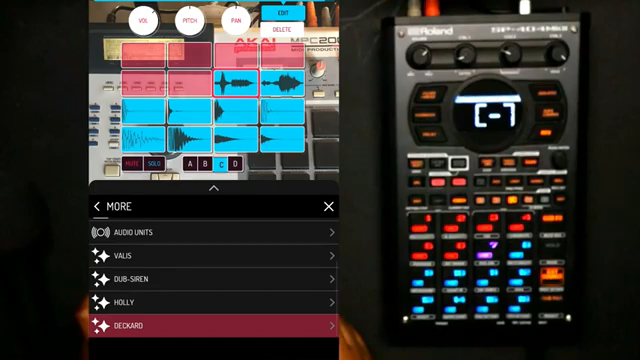
Here’s where things get spicy. JFilt drops some insider sauce by showing how to slap effects like wah on your vocal sample, twisting the tone with the SP‑404MKII’s Control 3 knob until it’s as funky or weird as you want. But the real flex is the Deckard tool inside Koala, letting you scratch vocals like a mini turntable—except you don’t need to buy a Technics.
Deckard turns any sample into a playground for finger DJs. You can punch, stop, slow, and scratch your “fresh” like you’re battling in the DMC finals, all from a phone or tablet. It’s the kind of hack that makes expensive gear jealous, and it’s straight from the mind of someone who loves shortcuts.
From Pad to Beat: Real-World Tricks in Action
Theory’s cool, but you know I’m all about the real-world hustle. Verysickbeats jumps into live examples, mixing the vocal cuts with drums and re-sampling tricks. You get to see him juggle both Koala and SP‑404MKII, layering those scratchy vocals right into a beat like it’s nothing.
There’s a real sense of play here—mistakes, happy accidents, the works. This isn’t some flawless product demo; it’s a street-level lesson on making your gear work for you, not the other way around. Whether you’re in your bedroom or a basement cypher, these moves will get your friends nodding and your rivals taking notes.
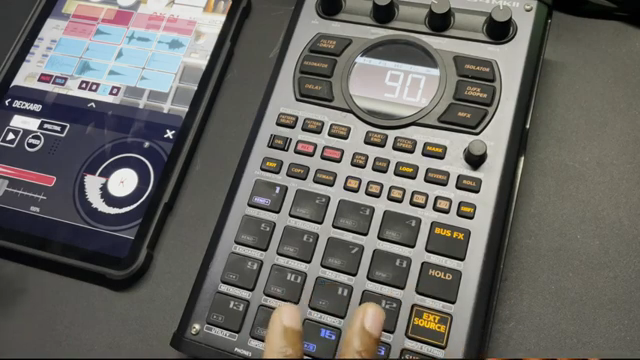
"You could really get slick with it. You know what I'm saying?"
© Screenshot/Quote: Verysickbeats (YouTube)
Don’t Just Read About It—Watch and Learn
Honestly, words can’t do justice to the little details—the finger rolls, the sound of a perfectly-timed “ahh.” If you want to really catch the vibe and see how these tricks sound in a live beat, you gotta peep the video. Nothing beats watching JFilt in his element, flipping samples while dropping gems. Trust me, your sampler will thank you.
This article is also available in German. Read it here: https://synthmagazin.at/verysickbeats-packt-vocals-auf-pads-koala-sp-404mkii-bringen-den-fresh-sound/
More articles about these products:
 sunwarper vs. Koala Sampler: Stem Splitter Showdown in a Budget Rave Bunker
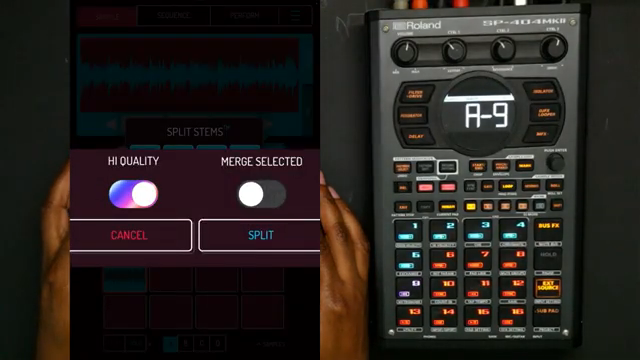 Verysickbeats Puts Koala Sampler’s New Stem Splitter to the Street Test
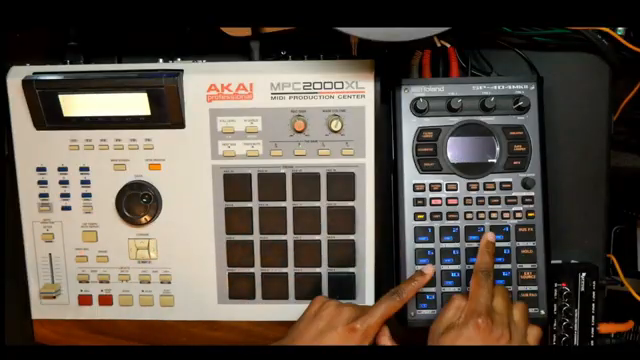 Verysickbeats Shows How Kev Brown Keeps It Minimal — And It Still Slaps
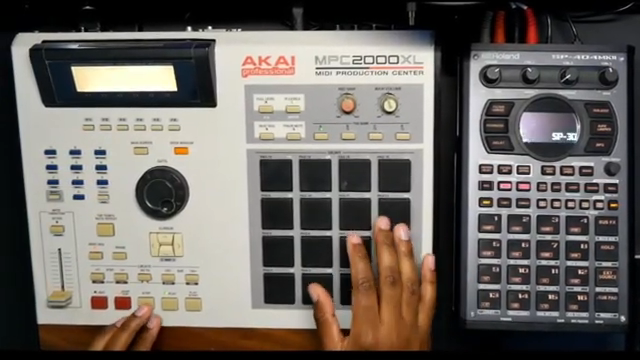 Verysickbeats Rebuilds Outkast’s Secret Groove: Polyrhythm Tricks on the MPC2000XL & SP-404MKII
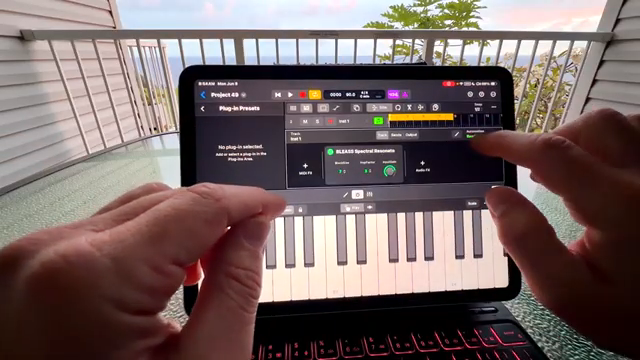 Island Beats & Koala Feats: Sunwarper’s Hawaiian Field Trip
 Verysickbeats Schools Us: Why Auto-Tune Can’t Hang With a Vocoder
 Verysickbeats Flips the Script: Koala Sampler Drum Chopping That Hits Like a Freight Train
 Verysickbeats Flips the Script: Koala Sampler’s AUv3 Update Is a Workflow Game Changer
 Sunwarper vs. The DAW: Why Portable Samplers Rule the Studio Streets
 sunwarper Turns Koala Sampler Into a Hardware Beast: MIDI Mayhem Unleashed
 sunwarper’s SP404 MK2: Five Years Deep and Still the Studio Chameleon?
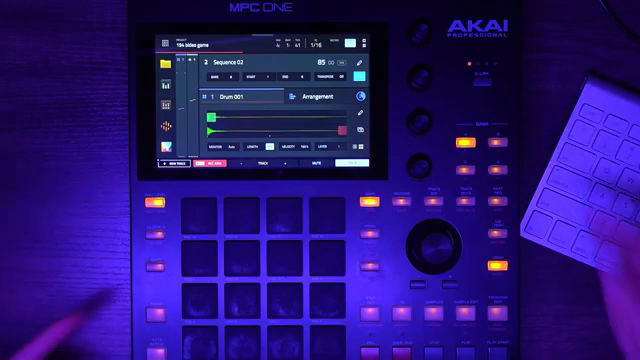 GabeMillerMusic’s MPC One and Koala Sampler Adventure
Watch on YouTube:
Latest articles
Watch on YouTube:
Visit the channel:
https://www.youtube.com/Verysickbeats
https://www.youtube.com/Verysickbeats
Links from Verysickbeats:
Patreon: https://patreon.com/verysickbeats
Instagram: https://instagram.com/verysickbeats
Twitter: https://twitter.com/jfilt
Twitch: https://twitch.tv/verysickbeats
Discord: https://discord.com
Sponsored links:
If you purchase via these links, we may earn a small commission – at no extra cost to you. The link opens an Amazon keyword search, and results may vary depending on availability.
Deckard (Koala Scratch Tool)
🔗 Check price on Amazon
🔗 Check price on Amazon
Koala Sampler
🔗 Check price on Amazon
🔗 Check price on Amazon
SP‑404MKII
🔗 Check price on Amazon
🔗 Check price on Amazon