Alright beat nerds, buckle up—Verysickbeats (aka JFilt) just took the Koala Sampler to church with the latest AUv3 update. You know this guy’s all about turning everyday gear into secret weapons, and now he’s showing how Koala isn’t just a fun toy—it’s a full-on production beast. With plugin hosting, resampling, and some real-time beatmaking that slaps, this walkthrough is like getting a crate-digging lesson while eating tacos on the L train. If you thought mobile sampling was just for sketches, think again. This update might have you reconsidering your whole groove setup.
24. May 2026
RILEY
Verysickbeats Flips the Script: Koala Sampler’s AUv3 Update Is a Workflow Game Changer
Koala Sampler Levels Up: AUv3, VST3 & More
Verysickbeats kicks off by putting the spotlight on Koala Sampler’s biggest flex yet: AUv3, VST3, and clap plugin support, turning this once-basic sampler into a straight-up powerhouse. No more being boxed in by stock sounds—now you can drag your favorite VSTs and instruments right into the mix. That’s like turning your budget sampler into a mini DAW without the headache of a full-blown computer rig.
What’s wild is how seamless this is for the price. JFilt makes it clear—you’re just a few bucks away from unlocking a feature that usually costs more than a weekend’s worth of takeout. This update means you can run your own sounds, stack instruments, and really push the Koala Sampler way past its old limits. It’s the kind of upgrade that makes you wonder why you ever needed anything fancier.
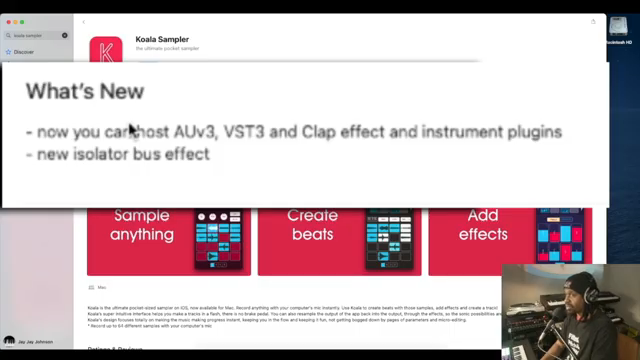
"Now you can host AUV3 VST 3 and clap effect and instrument plugins."
© Screenshot/Quote: Verysickbeats (YouTube)
Plug and Play: Workflow on Steroids
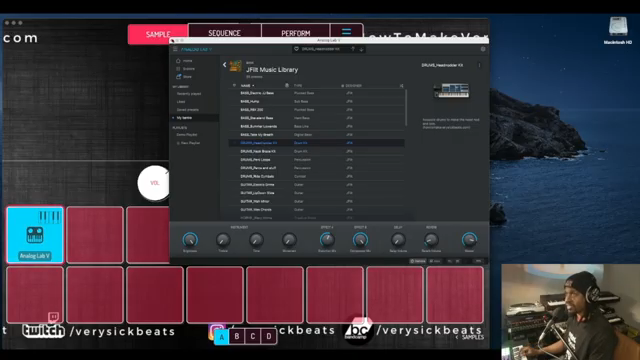
"What I like to do is just resample it because then that way I could save on my CPU power if that makes sense."
© Screenshot/Quote: Verysickbeats (YouTube)
With AUv3 support, Koala lets you pull in your favorite plugins like you’re shopping for snacks at the corner store. JFilt walks through how to load up Arturia Analog Lab V and drop custom sounds onto pads with just a couple clicks. It’s all about instant access—no deep menus or rocket science needed.
The update isn’t just about stacking sounds; it’s about speed. The ability to resample right from the plugin saves your CPU and keeps your workflow moving faster than a late-night subway. It’s a true plug-and-play vibe, and for anyone making beats on the fly, this is the kind of street-level hack that changes the whole game.
Beatmaking in Real Time: The Mini-DAW Hustle
Now comes the real fun—watching Verysickbeats cook up a beat from scratch with the new workflow. He shows how you can loop drums, lay down keys, add bass, and keep swapping plugins on the same pad. It’s like building a beat sandwich where every layer is custom-seasoned, and nothing gets soggy.
The real-time sequencing and resampling mean you can flip sounds, try new ideas, and keep the bounce going without stopping to rewire your setup. Koala feels less like an app and more like your favorite groovebox—fast, flexible, and always ready for whatever weird sample you throw at it. If you ever wanted a mini-DAW in your pocket, this is as close as it gets without a suitcase full of gear.
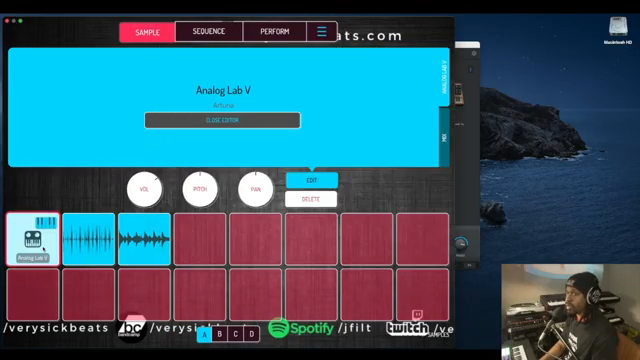
"I'm just using one pad just changing the sounds and you could use whatever plug-in you have for whatever pad that's a dope thing about this."
© Screenshot/Quote: Verysickbeats (YouTube)
Resampling & Export: Versatility, No Cap
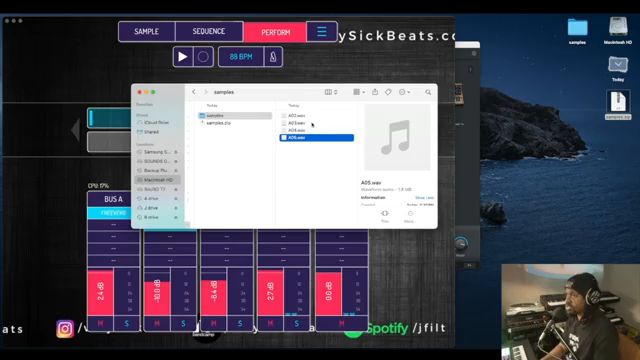
"So now you can take this into your DAW of choice and sequence in there if you want to."
© Screenshot/Quote: Verysickbeats (YouTube)
The video dives into some real-world techniques—resampling is front and center, letting you bounce plugin performances down to pads to save CPU and keep things snappy. You can stack effects, route sounds to different busses, and even assign FX chains to separate elements. It’s like having a mobile SP-404 that’s been hitting the gym.
Exporting? Easy. JFilt demonstrates how to pull out your samples and sequences with a couple taps, so you can toss them into your DAW or share with your homies. Whether you’re building full tracks in Koala or just sketching ideas to finish later, this sampler’s got more hustle than a street vendor on a hot day.
See It, Don’t Sleep: Why You Need to Watch
Look, reading about these tricks is one thing, but the real sauce is in how Verysickbeats flips sounds live and shows workflow shortcuts in action. If you want to see how the update actually moves, peep the video and watch a master at work—sometimes you gotta see the groove to feel it.
This article is also available in German. Read it here: https://synthmagazin.at/verysickbeats-dreht-auf-das-auv3-update-macht-den-koala-sampler-zum-workflow-gamechanger/
More articles about these products:
 Verysickbeats Puts Koala Sampler’s New Stem Splitter to the Street Test
 Verysickbeats Flips Vocals on Pads: Koala + SP‑404MKII Get ‘Fresh!’
 Island Beats & Koala Feats: Sunwarper’s Hawaiian Field Trip
 Verysickbeats Schools Us: Why Auto-Tune Can’t Hang With a Vocoder
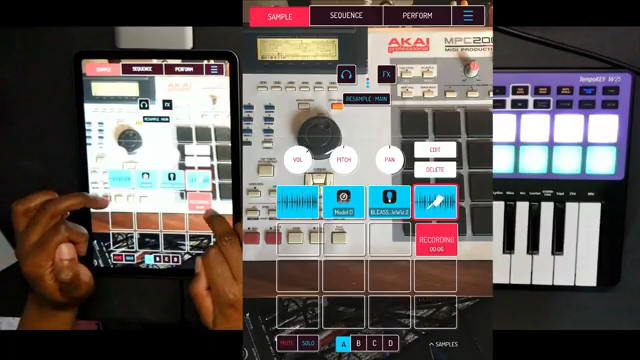 Verysickbeats Flips the Script: Koala Sampler Drum Chopping That Hits Like a Freight Train
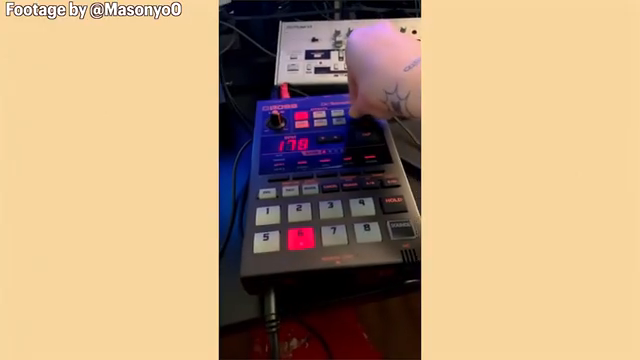 Sunwarper vs. The DAW: Why Portable Samplers Rule the Studio Streets
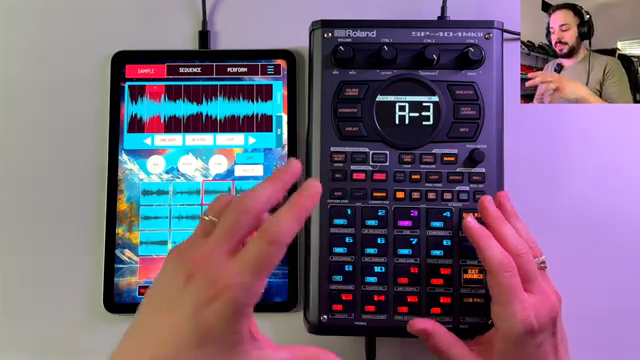 sunwarper Turns Koala Sampler Into a Hardware Beast: MIDI Mayhem Unleashed
 sunwarper’s SP404 MK2: Five Years Deep and Still the Studio Chameleon?
 MusicRadar Tech Invites Us Into Ikonika’s Slow Burn: A Sonic Journey of Identity and Atmosphere
 GabeMillerMusic’s MPC One and Koala Sampler Adventure
 AndertonsKeyboardDept Unveils the Arturia Keylab MK3: A Masterclass in MIDI
Watch on YouTube:
Latest articles
Watch on YouTube:
Visit the channel:
https://www.youtube.com/Verysickbeats
https://www.youtube.com/Verysickbeats
Links from Verysickbeats:
Patreon: https://patreon.com/verysickbeats
Instagram: https://instagram.com/verysickbeats
Twitter: https://twitter.com/jfilt
Twitch: https://twitch.tv/verysickbeats
Discord: https://discord.com
Sponsored links:
If you purchase via these links, we may earn a small commission – at no extra cost to you. The link opens an Amazon keyword search, and results may vary depending on availability.
Arturia Analog Lab V
🔗 Check price on Amazon
🔗 Check price on Amazon
Koala Sampler
🔗 Check price on Amazon
🔗 Check price on Amazon