Ready to turbocharge your stale loops? MusicRadar Tech gets their hands dirty with Ableton’s Beat Repeat, dragging it from forgotten effect to headline glitch weapon. Certified Ableton trainer Tom Glendinning doesn’t just twiddle knobs – he dives deep, showing how to twist basic drum patterns into organic chaos and stereo mayhem. It’s not your average tutorial; this one’s all about real-world tricks, stereo weirdness, and why you should ignore the plugin hype (for now).
16. July 2026
SPARKY
MusicRadar Tech Unleash Ableton Beat Repeat: From Lazy Slicer to Glitch Mayhem
The Beat Repeat Rave Bunker
MusicRadar Tech kick things off by dragging Ableton’s Beat Repeat out of the shadows and straight onto the main stage. Forget using it as a one-trick pony—this device is about turning basic drum patterns into something that morphs, glitches and generally refuses to behave. If you’ve been sleeping on Beat Repeat, maybe tossing it aside for shinier VSTs, it’s time to rethink your workflow.
Tom Glendinning doesn’t waste time on fluff. Instead, he shows how Beat Repeat can inject instant attitude into even the most boring loops. This isn’t about polite, background effects; it’s about using built-in tools to create rhythmic mayhem and keep your beats moving. The point is clear: you don’t need to spend a fortune to start a toaster-fight on your drum bus.
"You can get some pretty interesting kind of results out of it in the area of kind of glitchy, repeating sort of sounds, rhythmic repeats."
© Screenshot/Quote: Musicradartech (YouTube)
Chance, Grid, and Variation: The Sonic Street Weapons
"There's also kind of three main modes of operation that you can be in."
© Screenshot/Quote: Musicradartech (YouTube)
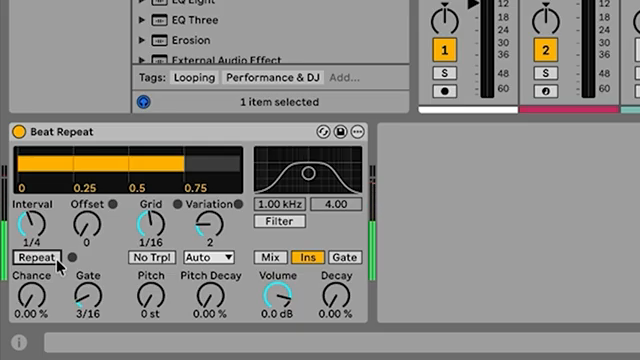
Dive into the controls and you realise why Beat Repeat is more than a glitch pedal for beginners. The Chance knob decides how often the effect strikes—set it high, and your track becomes a stutter-fest; keep it low, and the chaos is more calculated. Grid locks in the rhythm, while Variation adds that human, unpredictable swing every digital groove craves.
Tom walks through Mix, Insert and Gate modes, each one acting like a different kind of rave bunker: do you want your original groove peeking through, or do you crave only pure repeat carnage? These options make Beat Repeat as subtle or as rowdy as you want. With the right settings, you’re not just adding repeats—you’re slicing, rearranging, and keeping your arrangements dangerously lively.
Organic Beats and Lazy Slicing
This is where things get juicy. Instead of hammering listeners with obvious stutters, Tom demonstrates how Beat Repeat can sneak organic variation into your loops. By playing with lower grid values and a flexible gate, you get those happy accidents—little rolls and ghost notes—that make your drums sound alive, not programmed.
It’s a producer’s best mate when you’re stuck with eight bars of the same loop and need to keep your ears interested. The so-called ‘lazy beat slicer’ trick means you can automate or record variations, then pick the best bits later. We’ve all looped ourselves into a creative coma—here’s a way out, no advanced patching or external plugins required.
"Some of those are kind of more organic than others, but some of them sound pretty natural."
© Screenshot/Quote: Musicradartech (YouTube)
Stereo Glitches and Vocal Madness
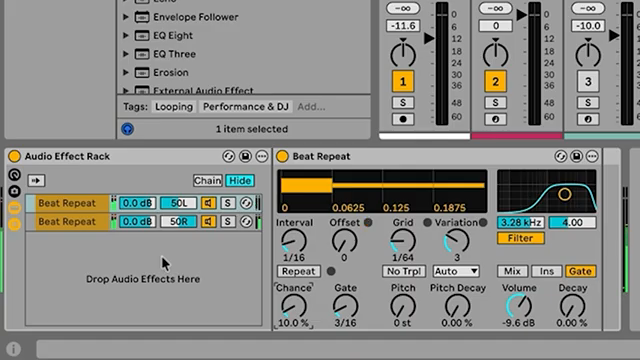
"You get these really interesting sort of stereo glitches happening every once in a while."
© Screenshot/Quote: Musicradartech (YouTube)
Ready for the next level? Tom throws Beat Repeat into an Effect Rack, splitting the action left and right to unleash stereo glitches that bounce around your headphones. By duplicating chains and panning them, you create unpredictable stereo effects that sound like an army of malfunctioning drum machines. This isn’t clean, linear programming—this is chaos with style.
But he doesn’t stop there: dragging the rack onto vocals or even the master channel opens up a world of ear candy. Suddenly, lifeless vocals get a flicker of character, and entire tracks lurch with glitchy energy. The real fun? No two takes are the same. If you want to experience the full stereo insanity, do yourself a favour and watch the video—written words won’t make your speakers wobble.
Demo Mode: The Proof Is in the Pattern
Theory’s nice, but Tom’s practical demos are what make this tutorial slap. Watching Beat Repeat mangle drums, vocals, and whole mixes, you see the effect’s full potential—delicate or destructive, depending on your mood. It’s not just about glitch for glitch’s sake; it’s about adding unpredictable, organic life to your productions. If you’re still not convinced, just watch the patterns transform in real time—no manual can substitute for seeing the effect unleashed in the hands of someone who actually knows what they’re doing.
This article is also available in German. Read it here: https://synthmagazin.at/musicradar-tech-entfesselt-ableton-beat-repeat-vom-faulen-slicer-zum-glitch-chaos/
More articles about these products:
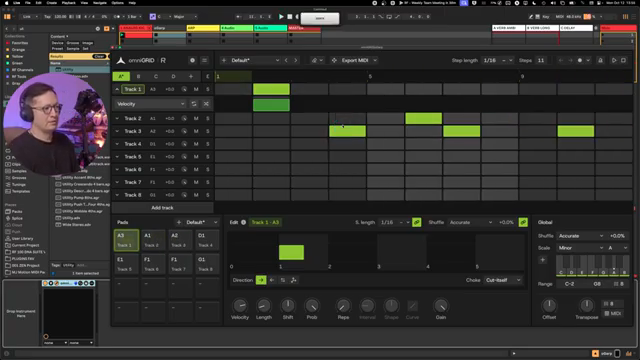 Rapid Flow’s Step Sequencer Survival Kit: omniGRID 1.1 from Blank Slate to Bass Face
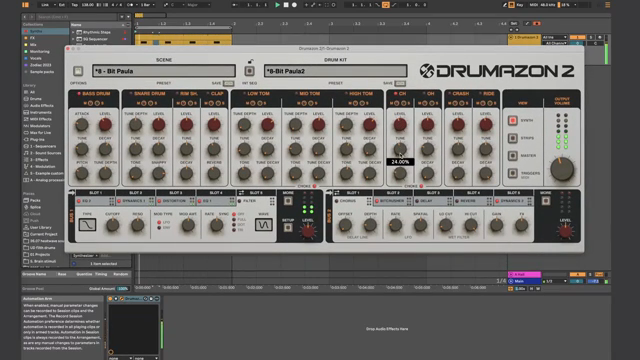 Underdog Electronic Music School: When One Pulse is Enough to Break Your Brain
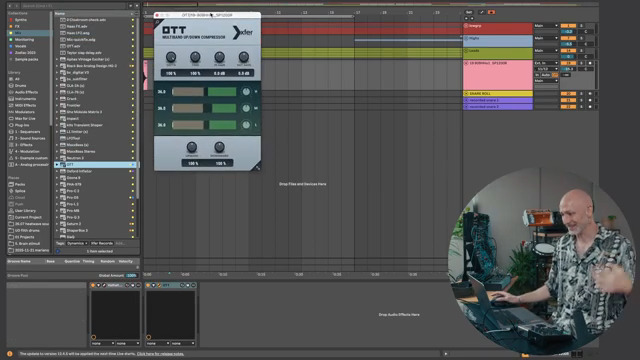 Markers That Splash: Underdog Electronic Music School’s Guide to Kickstarting Your Phrases
 Kairos as Living Sculpture: MusicRadar Tech Enters Laura Misch’s Sonic Sanctuary
 Voltage Labs: Berlin’s Sonic Mosaic – Studios, Shadows and the Pulse of Creation
 Architecting Performances: Novation Launch Control and Ableton Live Macro Workflows
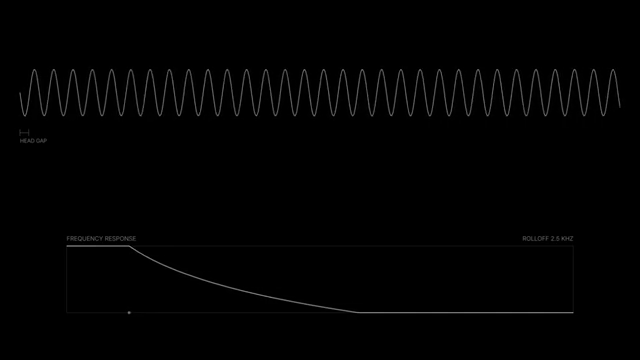 Nebula Machines: Bahadırhan Koçer and the Sonic Physics of Dub Techno
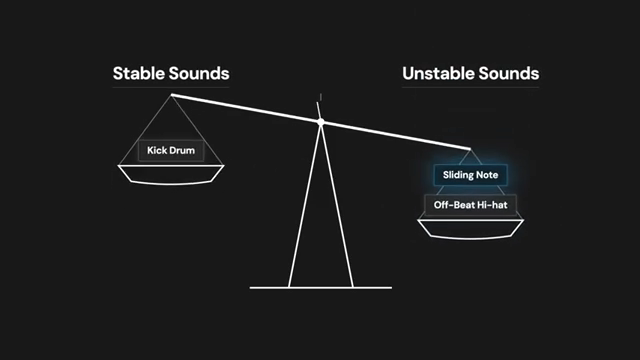 Pick Yourself’s Hypnotic Bass Hack: Rumble Kicks Are Out, Sliding Grooves Are In
 Mad Moments & Club Tactics: Tom VR Gets Real with MusicRadar Tech
 Bonedo Synthesizers: How to Make Any Synth Scream Acid Like a 303
 LNA Does Audio Stuff: Making Beats on the Cheap with Ableton Note—Beach Edition
 Andrew Huang’s Remix Rodeo: Four Producers, One Song, Total Mayhem
Watch on YouTube:
Latest articles
Watch on YouTube:
Visit the channel:
https://www.youtube.com/MusicRadarTech
https://www.youtube.com/MusicRadarTech
Links from MusicRadarTech:
website: https://www.musicradar.com
instagram: https://www.instagram.com/musicradartech
Sponsored links:
If you purchase via these links, we may earn a small commission – at no extra cost to you. The link opens an Amazon keyword search, and results may vary depending on availability.
Ableton Beat Repeat
🔗 Check price on Amazon
🔗 Check price on Amazon
Ableton Live
🔗 Check price on Amazon
🔗 Check price on Amazon