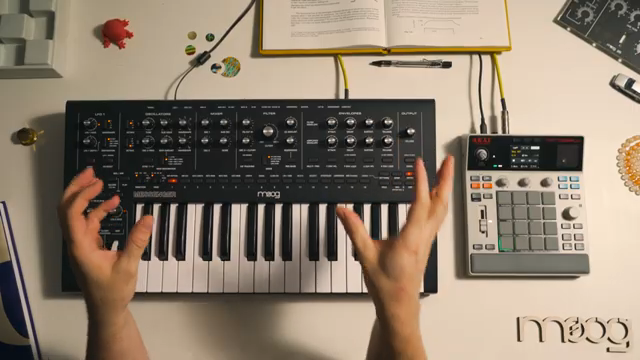
Moog Music steps into digital territory by pairing the monophonic Messenger synth with the Akai MPC Sample, showing how classic analog tones can be sampled, edited, and layered to create intricate drum beats. This official walkthrough delivers a practical look at capturing, trimming, and tweaking Messenger sounds in the MPC Sample, highlighting the strengths of this focused hybrid rig. While the Messenger provides analog character, the MPC Sample brings rapid sampling and arrangement capabilities to the table—an approach that feels both classic and forward-thinking.
9. July 2026
LYRA
Moog Music: Layering the Messenger with Akai MPC Sample – A Workflow Deep Dive
From Analog to Digital: The Hybrid Promise
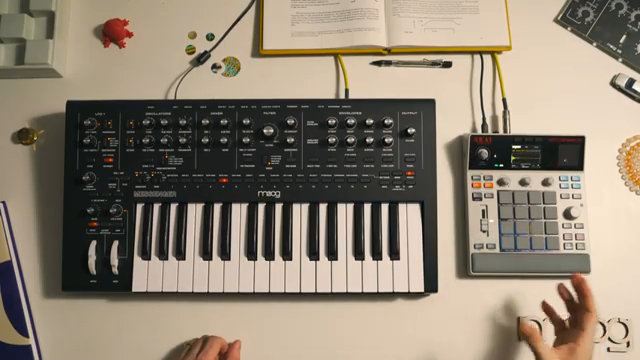
The video opens with Moog Music demonstrating how the Akai MPC Sample can be used to extend the creative range of their Messenger, a monophonic analog synthesizer. By leveraging the sampling power of the MPC, the Messenger’s single voice becomes a palette for more complex, polyphonic arrangements, turning monophonic drum and percussion patches into playable, layered digital kits.
This hybrid workflow is positioned as a practical answer to the limitations of classic mono synths, especially when it comes to building full beats and arrangements. The approach is presented as both accessible and fast: sounds crafted on the Messenger are quickly sampled into the MPC Sample, ready to be sequenced and manipulated in real time.
Dialing in Kicks: Sampling, Mixing, and Filtering
The walkthrough focuses first on capturing several variations of kick drums from Messenger’s preset bank. The presenter demonstrates sampling both longer-decay and tighter kick versions, showing the MPC Sample’s responsiveness to different playing dynamics and key press lengths. Each kick is recorded onto individual pads for easy triggering in later sequencing steps.
After sampling, the video details how to optimize each sound within the MPC: adjusting sample volume for mix prominence, using the internal low-pass filter to shape the top end, and trimming excess silence to maximize sample memory. The workflow is methodical, emphasizing immediate feedback and hands-on control over each recorded drum sound.
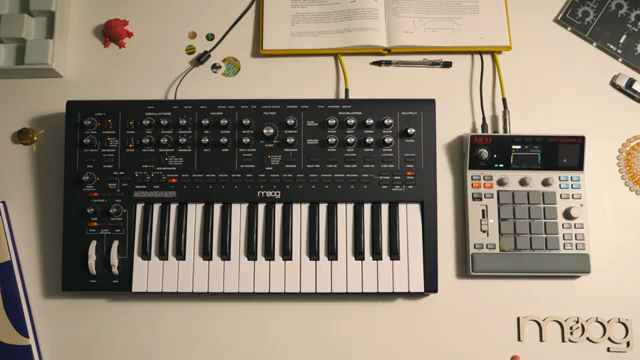
"You can see it just automatically waited for the signal to come in to record it and now we have that kick on pad one."
© Screenshot/Quote: Moogsynthesizers (YouTube)
Building a Drum Kit: Snares, Claps, Hi-Hats, and More
"I'm trimming the samples so that I'm leaving space for more memory because I just don't need the silence and the less sample time that I have the more I'm able to fit as I keep sampling additional sounds in."
© Screenshot/Quote: Moogsynthesizers (YouTube)
The process continues as the Messenger supplies a range of percussive sounds—toms, snares, claps, and a variety of hi-hats. Each is sampled onto its own pad, with attention paid to dynamic variations (like short and long snares, or open and closed hi-hats) to enrich the final drum kit. The video highlights the importance of trimming and volume balancing each sample, ensuring that all sounds sit well together in the mix.
A notable detail is the use of the MPC’s amp envelope and filters to shape the percussive character of each sample. The presenter demonstrates how shortening samples and adjusting decay can produce snappier, more natural-sounding hi-hats, while high-pass filtering is used to transform a woodblock sound into something closer to a rimshot. The workflow remains focused and efficient, with the MPC Sample enabling quick iteration.
Arranging Beats: Fast Editing and Performance Flexibility
With all samples loaded, the MPC Sample’s sequencing and editing tools come into play. The presenter quickly builds up a house/techno beat by recording four-bar patterns, layering kicks, snares, claps, and hi-hats. The video demonstrates features like beat repeat and 16-level chromatic playing to add interest and variation to the drum sequence.
The workflow’s speed is contrasted with older MPC models, noting how much quicker it is to sample and arrange with the MPC Sample. The video closes by showing how mute mode facilitates live arrangement and experimentation, and underlines the setup’s flexibility: any new sound designed on the Messenger can be immediately sampled and integrated. While this session focuses on drums, the next video promises to expand into melodic sampling, hinting at even broader creative potential.
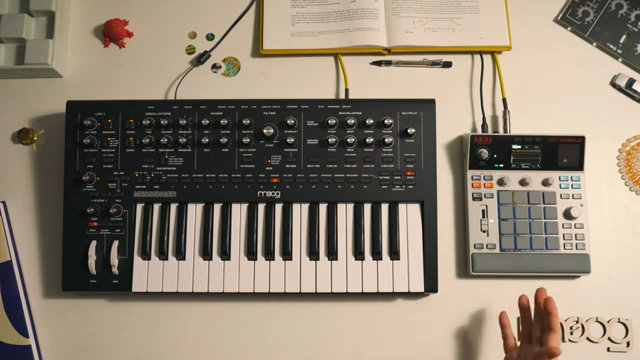
"Anybody that's using MPC 60 or MPC 3000 will appreciate just how fast that was because it can be quite laborious recording in and editing samples on some of the vintage MPCs."
© Screenshot/Quote: Moogsynthesizers (YouTube)
This article is also available in German. Read it here: https://synthmagazin.at/moog-music-layering-des-messenger-mit-akai-mpc-sample-ein-workflow-deep-dive/
More articles about these products:
 Akai MPC Sample: How Much MPC Do You Really Need?
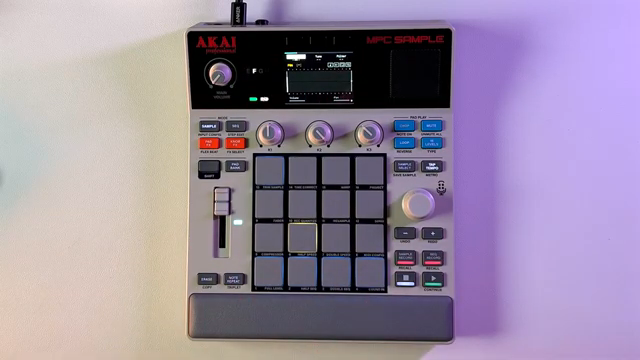 MPC Sample Reality Check: Sunwarper Spills the Good, the Bad & the Groovy
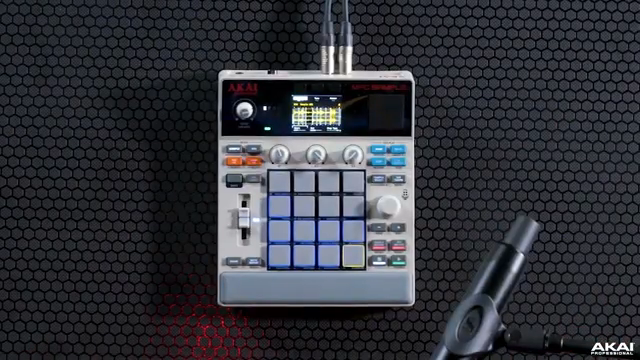 Akai Professional’s MPC Sample: Chopping, Grooving, and Crafting Without Barriers
 TAETRO vs. Pocket-Sized FM Fury: The MVAVE FM-1 Reviewed
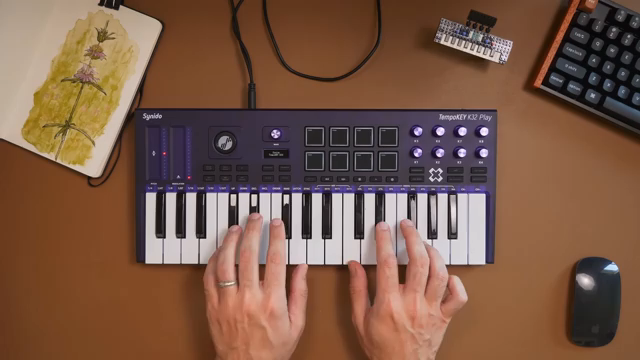 TAETRO vs. Creative Block: Chasing Beats with the MPC Sample & TempoKEY K32 Play
 Moog Music: Analog Drum Synthesis Meets Modern Sampling with Messenger & MPC Sample
 TAETRO’s Sidekick Obsession: Teenage Engineering Finds the Missing Link
 AudioPilz Toys with the MPC Sample: Teenage Engineering Vibes, Akai Grit
 Why MALO BEATS Thinks the MPC Sample Outguns the Rest
 Sunwarper vs. The DAW: Why Portable Samplers Rule the Studio Streets
 sunwarper’s MPC Sample: The Beatmaker’s Sketchbook That’ll Make You Rethink Your Workflow
 TAETRO Throws Down: Ableton Move vs MPC Sample – Which Groovebox Wins the Street Fight?
Watch on YouTube:
Latest articles
Watch on YouTube:
Visit the channel:
https://www.youtube.com/MoogSynthesizers
https://www.youtube.com/MoogSynthesizers
Links from MoogSynthesizers:
website: https://moogmusic.com
instagram: https://instagram.com/moogsynthesizers
facebook: https://www.facebook.com/moogmusicinc
twitter: https://twitter.com/moogmusicinc
Sponsored links:
If you purchase via these links, we may earn a small commission – at no extra cost to you. The link opens an Amazon keyword search, and results may vary depending on availability.
Akai MPC Sample
🔗 Check price on Amazon
🔗 Check price on Amazon
Moog Messenger
🔗 Check price on Amazon
🔗 Check price on Amazon