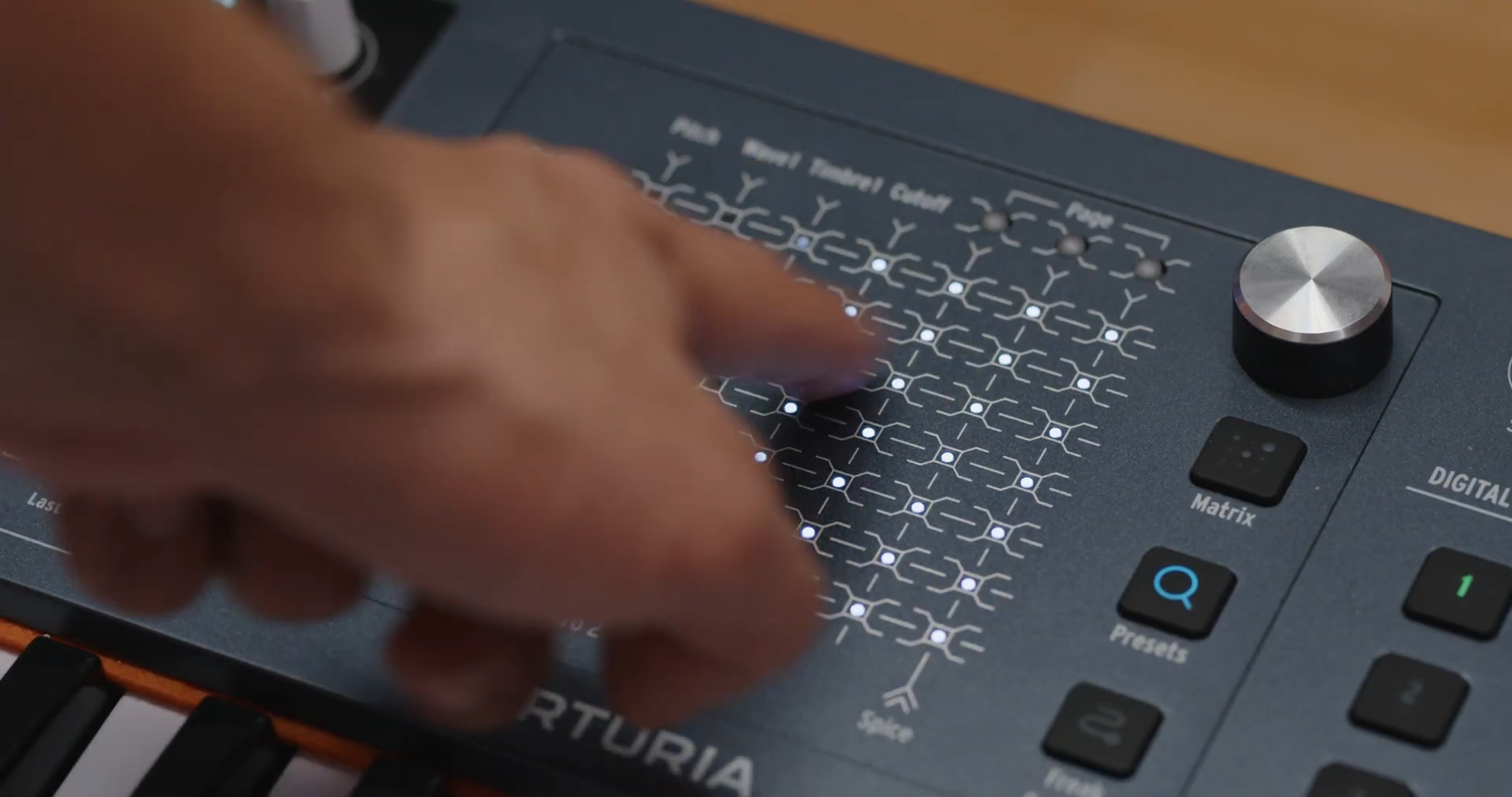
One swipe, and the glowing dots give way column by column to a new preset page. In the Arturia tutorial “MiniFreak 49 | Modulators & Mod Matrix” from October 27, 2026, Alex demonstrates how the same touch surface transforms from a modulation tool into a sound browser. The interesting part is less the animation and more the question behind it: Does a surface full of directly selectable slots make it easier to arrive at a musical idea?
49 slots, one twist to bass
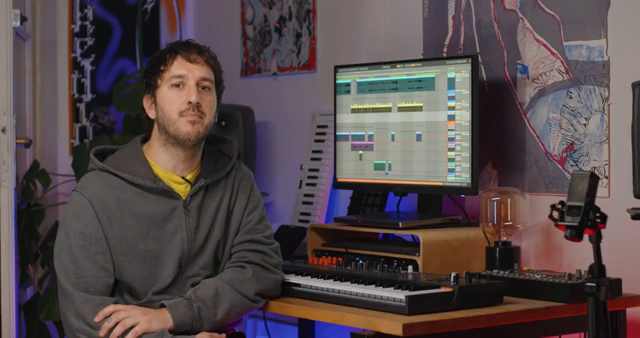
“Press the preset button to light it and every dot becomes a preset slot. A lit dot is a preset, an unlit dot is an empty slot and the current preset pulses slowly. A page holds 49 presets and the screen shows the page number plus the name and type of the selected preset.”
© Screenshot/Quote: Arturia (YouTube)
Alex first shows an overview with dimmed white dots. Only the selected preset lights up in the color of its sound type. The matrix does not replace the display: the screen still shows page number, name, and type. The surface thus provides direct access, while the screen gives readable identity. This is an appealing approach for an instrument where you don’t want to memorize every memory slot.
But more interesting than having as many accessible sounds as possible is which ones are needed at the moment. With the matrix knob, Alex filters the list by types such as bass, lead, pad, keys, or strings. The dots then take on the color of the chosen category and show how many presets there are and where they are located. If you’re looking for a bass, you can first narrow down the selection and then tap directly. The tutorial does not measure how much time this saves compared to other selection methods.
Why not everything glows in color
How much such colors shape expectations can be seen with Starsky Carr. In “The not so Minifreak,” he loads his own sounds, originally built for the smaller MiniFreak, and explores the interface. When he gets to the preset browser, he pauses: before an update he mentions, the slots were colored differently depending on sound type, but now they all look the same in the overall view. He explicitly misses the colorful overview.
But Carr also demonstrates the still-colored categories and later identifies, for example, purple pads. This distinction is essential for orientation: Arturia’s manual describes a white overall list with a color-highlighted selected preset, while the filtered view colors the category. An LED surface is not automatically self-explanatory. You first have to know whether its color currently refers to a single sound or the filtered selection.
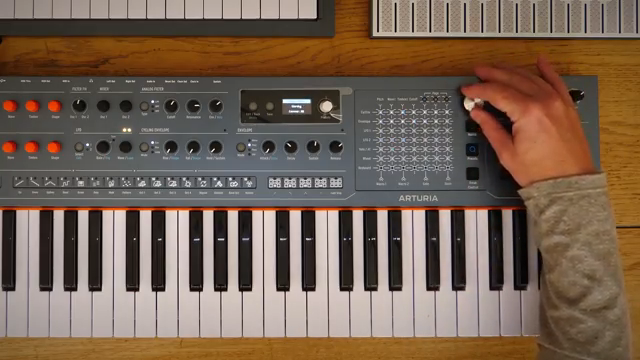
“These were in different colors earlier. I did an update on it, and these had different colors depending on the type of sound, but now they're all the same.”
© Screenshot/Quote: Starsky Carr (YouTube)
The category doesn’t compose for you
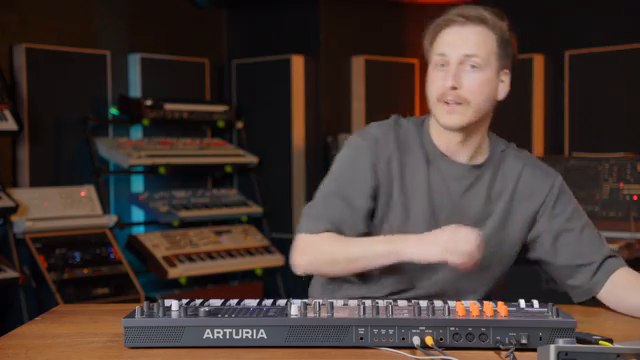
“So we want something much more plucky to cut through all those long sounds.”
© Screenshot/Quote: Noisegate (YouTube)
Noisegate, in “Arturia MiniFreak 49: Full-Size Keys Change Everything,” starts at a refreshingly musical point: with prepared drums from the OPXY, a track is built. First, the presenter looks for a bass, records it, and adds chords. Then something much more plucky is needed to cut through the long sounds. This is exactly where the significance of a label like lead or keys ends: the sought-after quality arises from the interplay.
It gets even better with sound effects. After searching, he decides to build a classic noise filter riser himself. He selects noise, routes LFO 1 to cutoff, and finally records the result. Here, the browser is neither an end in itself nor a substitute for tweaking. It brings the musician to a starting point—what follows is guided by a concrete idea for the track.
Found—and now get hands-on
The most playful consequence is again shown by Alex: after selection, the same surface can become a performance tool under Freak Control. In FX Mix mode, three effect amounts and the filter cutoff are assigned to the four corners; the additional Z axis controls voice spread. According to the manual, this axis responds to the contact area of your finger. Thus, the preset just found becomes material that can be further shaped with a hand movement. For the adventurous, this may be the greater gain than merely shortening the search.
“Freq control turns the touch matrix into a performance surface, which is where modulation goes from something we set up to something we play.”
© Screenshot/Quote: Arturia (YouTube)
Whether 49 dots actually lead to the right sound faster remains open without a time comparison. A shorter path to a narrowed-down selection is plausible. But Noisegate’s track shows the more important measure: not how quickly the next preset is loaded, but whether it leads to the next musical decision.
Videos for this article
All YouTube videos featuring the Arturia MiniFreak 49
Primary – main topic (17)
 Insane Arturia MiniFreak 49 Jamming! - Playing Only Demo
 MiniFreak 49 | Modulators & Mod Matrix | ARTURIA
 MiniFreak 49 | Oscillators & Filter | ARTURIA
 MiniFreak 49 | Sequencer & Arpeggiator | ARTURIA
 Arturia MiniFreak 49 Is Now True Stereo! MiniFreak 37 Sound Comparision | SYNTH ANATOMY
 Arturia MiniFreak 49 - Powerful Sound Design, Expressive Performance!
 Arturia MiniFreak 49 Review: Still a Game Changer?
 Arturia MINIFREAK 49 - Bigger and Better!
Show all (9 more)
 I Used The Arturia Minifreak 49 For 30 Days | Here’s What Nobody Tells You
 I Called the MiniFreak Synth of the Year in 2023. It Just Grew Up.
 Arturia MiniFreak 49 - More Control - SonicLAB Presentation
 The New Minifreak 49 Goes Hard! Exploring What Makes it Special
 Arturia MiniFreak 49: Full-Size Keys Change Everything
 MiniFreak 49 | Playthrough | ARTURIA
 Arturia MiniFreak 49 Sound Snacks: Full-Size Freak Polysynth With More DIRT | SYNTH ANATOMY
 Arturia MiniFreak 49 Review — More Than Just Extra Keys!
 The not so Minifreak // Arturia Minifreak 49