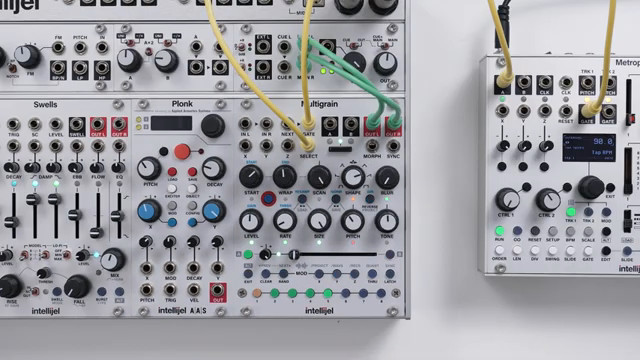
Granular synthesis in Eurorack just got a fresh injection of cleverness with Intellijel’s Multigrain firmware 1.4. This official walkthrough from Intellijel dives into the latest sound options—choke and gate modes—plus a pair of new mod outputs and a flexible approach to grain size scaling. As ever, Intellijel’s presentation is practical and patch-focused, showing how these additions let you sculpt sharper textures, trigger other modules, and wrangle overlapping grains with precision. For modular heads who want their granular to be both experimental and controllable, this update is well worth a look.
2. May 2026
MILES
Intellijel Multigrain 1.4: Firmware Tweaks, Choke Tricks and Modular Mayhem
Granular Grit: Multigrain’s Modular Mindset
Intellijel’s Multigrain module is introduced here as a highly flexible granular synthesis engine, purpose-built for the modular environment. The video wastes no time in positioning Multigrain as a tool for sound designers who want to blend live and sample-based grains, with each sound slot capable of independent behaviour. The firmware 1.4 update is framed as a set of enhancements that deepen its integration into complex Eurorack setups, rather than a mere bugfix or cosmetic tweak. Right from the start, the focus is on how Multigrain’s architecture encourages creative patching and sonic experimentation. For those who like their grains overlapping, colliding, or being abruptly silenced, this module is clearly designed to reward hands-on exploration.
Choke, Gate, and the Art of Grain Discipline
Firmware 1.4 introduces two new sound options—choke and gate—that fundamentally change how grains interact. Previously, grains from different sounds could overlap freely, creating dense textures but sometimes muddying the sonic picture. Now, with choke enabled on a sound, triggering it will immediately silence all other active grains, resulting in sharper, more percussive transitions. Gate mode, on the other hand, ties grain playback to the length of a gate signal, so grains are silenced as soon as the gate drops, whether that’s from a button, gate input, or latch.
These options are accessed via the alt page, with clear LED feedback for each mode. The video demonstrates how choke and gate can be applied per sound, or quickly set across all sounds for global changes. By mixing and matching these options, users can sculpt everything from tightly controlled rhythmic stabs to evolving, overlapping clouds. The flexibility to combine modes across sounds opens up a palette of textures not previously possible, and the demonstration makes it clear that these aren’t just menu features—they’re performance tools for real-time patching.
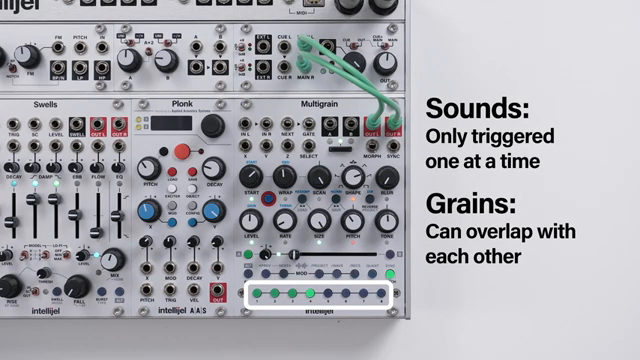
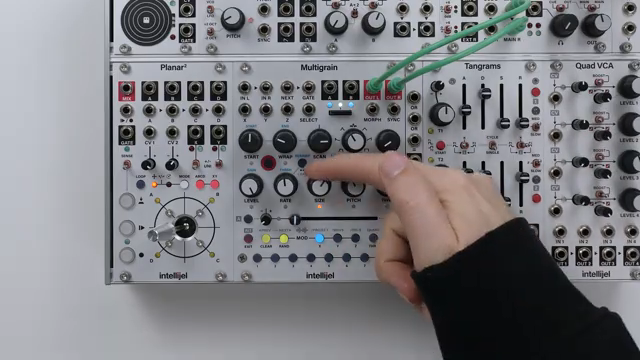
"Now we've added two new modes that allow your sounds to cut each other off for shorter sharper changes in timbre."
© Screenshot/Quote: Intellijel (YouTube)
Mod Outputs: Triggering the Modular Ecosystem
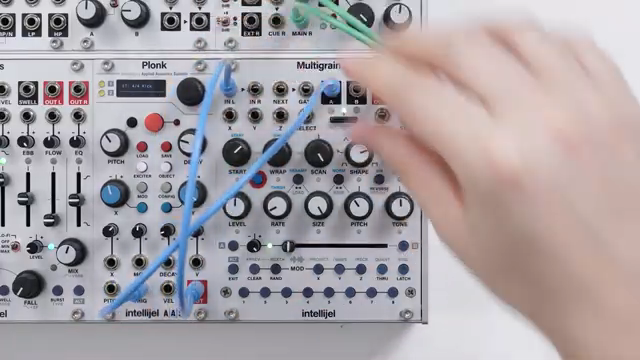
"The first is a trigger or gate output activated when the module is sampling audio."
© Screenshot/Quote: Intellijel (YouTube)
The addition of independent mod outputs A and B in firmware 1.4 is a major expansion of Multigrain’s utility as a modular hub. These outputs can now be set to emit triggers or gates based on sampling activity or input thresholds, making it possible to control other modules in sync with Multigrain’s internal processes. For instance, the sampling trigger sends a pulse when recording starts, perfect for capturing sounds from other modules like Plonk and instantly assigning them to Multigrain’s sound slots.
The threshold gate mode is equally versatile, going high when incoming audio crosses a user-defined threshold. The video shows how these outputs can be patched to modulate parameters such as sample start, pitch, or even external sequencers, with threshold settings now independently adjustable for both the sample and looping recorders. This level of control means Multigrain isn’t just a granular voice—it becomes a reactive part of a larger modular conversation, responding to and shaping the flow of a patch in real time.
Taming the Swarm: Grain Size Scaling Explained
Grain size scaling is the answer to a classic granular problem: what happens when you crank up the rate and size independently, flooding the output with overlapping grains? With scaling off (the default), Multigrain fades out older grains early if things get too crowded, which can truncate grain shapes and reduce output level at high rates. The video walks through this behaviour, showing how long attack shapes get cut short and quieter as the rate increases.
Switching scaling on changes the rules—now, as rate increases, the maximum grain size is automatically reduced, ensuring grains always play out in full but never get too long at high rates. This keeps the output level consistent and preserves the integrity of each grain’s envelope. The choice between these modes is left to the user, with the update making it a simple toggle in the system settings. For those who want to balance lush density with precise articulation, this feature is a welcome addition.
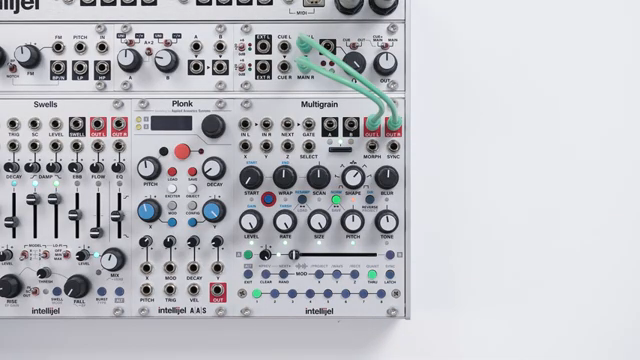
"Choosing whether to switch scaling on or off is entirely down to your preference."
© Screenshot/Quote: Intellijel (YouTube)
Patch, Play, Repeat: Multigrain’s Experimental Spirit
The closing moments of the video reinforce Multigrain’s ethos as an experimental playground. Intellijel encourages users to dive into the new sound options and mod outputs, combining them in unexpected ways to generate rich, complex textures. The module’s design philosophy is all about hands-on discovery—try pairing the threshold gate with an envelope follower, or layer choke and gate modes for unpredictable results. While the manual and further videos are available for deep dives, the real message is clear: Multigrain 1.4 is built for modularists who want to push boundaries and sculpt truly unique soundscapes.
This article is also available in German. Read it here: https://synthmagazin.at/intellijel-multigrain-1-4-firmware-feinschliff-choke-kunststuecke-und-modular-chaos/
More articles about these products:
 Intellijel Metropolix: Mod Lane Gates & Trigs in the Wild
 Intellijel’s Cinematic Drone Palette: A Modular Mini-Rig for Epic Soundscapes
 Intellijel Swells: A Reverb Odyssey for Modular Patchers
 Andrew Huang’s 2025 Gear Picks: Grooveboxes, Glitch and Gearhead Gold
 Underdog Electronic Music School: When Sound Falls Apart—Granular Synthesis as Sonic Storytelling
 Intellijel’s Metropolix & Multigrain: Rhythmic Patch Alchemy in Eurorack
 Intellijel Multigrain 1.3: Granular Power, Now with Smarter Sample Handling
 Intellijel Multigrain: A Deep Dive into Modulation Possibilities
 Intellijel Multigrain: Live Sounds and Looping Recorder—Granular Synthesis Grows Up
 Intellijel Multigrain: Clocking Chaos and Grain Discipline
 Intellijel Multigrain: Granular Sampling in Patchwork Detail
 Intellijel Multigrain: Morphing Granular Sampler in Eurorack – A Deep Dive
Watch on YouTube:
Latest articles
Watch on YouTube:
Visit the channel:
https://www.youtube.com/intellijel
https://www.youtube.com/intellijel
Links from intellijel:
website: https://intellijel.com
forum: https://forum.intellijel.com
instagram: https://instagram.com/intellijel
facebook: https://www.facebook.com/intellijel
Sponsored links:
If you purchase via these links, we may earn a small commission – at no extra cost to you. The link opens an Amazon keyword search, and results may vary depending on availability.
Intellijel MultiGrain
🔗 Check price on Amazon
🔗 Check price on Amazon