The AKAI MPC XL has landed, and Andertons Synths, Keys and Tech are here to show us why this beast is more than just another MPC. Jack Duxbury and Andy Mack get their hands dirty, tearing through features, flexing the new expressive pads, and showing off workflow tricks that would make your DAW cry. If you thought standalone production was already wild, the XL just turned it up to eleven. This isn’t your dad’s sampler – it’s a rave bunker in a box, and Andertons’ no-nonsense approach means you get the real story, warts and all. Ready for a proper look under the hood?

21. January 2026
SPARKY
AKAI MPC XL: Andertons Synths, Keys and Tech Drop a Standalone Bomb
Power Surge: The XL Goes Nuclear
Right out the gate, Andertons Synths, Keys and Tech make it clear: the MPC XL isn’t just a mild refresh, it’s a full-on power upgrade. Andy Mack wastes no time flexing the four-times power boost over previous models and a whopping 16GB of RAM. That’s not just spec-sheet bravado – it’s the kind of muscle that lets you throw ridiculous projects at it without breaking a sweat.
The XL’s dedicated control surface and that massive 10.1-inch touchscreen scream flagship. Everything’s got its own button, so you’re not menu-diving like it’s 2009. This thing wants to be the centrepiece of your studio, and with this much horsepower, it’s not just talk. If you’re still clinging to your old MPC, prepare to feel left in the dust.
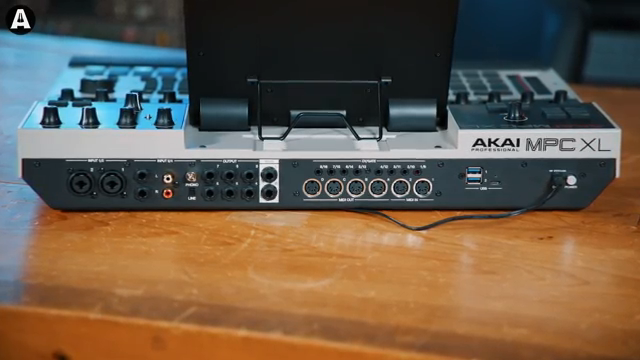
"MPC XL, four times the power of all of the other MPCs and 16 gig of RAM as well."
© Screenshot/Quote: Andertonskeyboarddept (YouTube)
Pads, Q-Links and Workflow: The XL Redefines Standalone
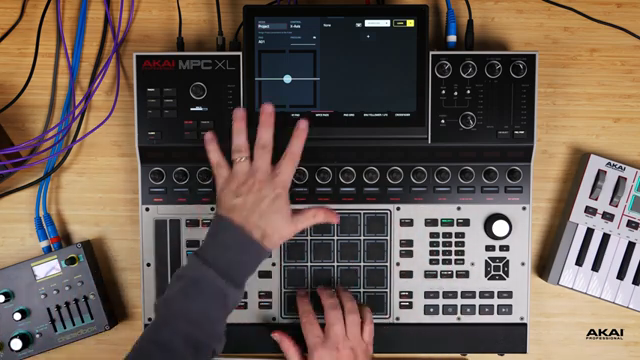
The MPC XL isn’t just about raw power – it’s about making that power usable. The new MPC-E expressive pads are front and centre, letting you bash out beats with a level of nuance that’ll make finger drummers weep. Andertons’ crew show off the dedicated function buttons, Q-links with visual feedback, and a touch strip that’s begging for abuse in live sets.
Navigation is slick: everything’s where you want it, when you want it. The XL channel command section turns the box into a proper console, letting you bounce between channels, submixes, and outputs with zero faff. The workflow is so tight, you’ll spend less time swearing at menus and more time actually making music.
It’s clear Andertons know their audience – they don’t waste time on fluff. If you want a machine that lets you move fast, think fast, and sound massive, the XL’s got your back. But don’t take my word for it – the video’s hands-on jams make the case better than any spec sheet ever could.
Pad FX Mayhem: Assign, Smash, Repeat
"So basically with the pads now, we can assign, we can actually assign, let me go into here. We can assign effects to the pads."
© Screenshot/Quote: Andertonskeyboarddept (YouTube)
Here’s where the XL starts flexing its creative muscle. The new 3.7 update lets you assign effects directly to pads, turning the MPC into a chaos module for live performance. Andy Mack walks through loading loops and then absolutely mangling them with pad-triggered filters, stutters, and more. It’s not just a gimmick – it’s a workflow revolution for anyone who likes their beats unpredictable and filthy.
You can stack up FX, set up XY controls, and even colour-code your performance banks. The result? A playground for finger drummers and live tweakers. If you want to see how deep this rabbit hole goes, you’ll need to watch the video – the sound demos and quick-fire pad tricks are pure MPC magic.
I/O Overload: The Studio Hub Dream
The XL isn’t just a sampler – it’s a command centre. Andertons break down the I/O like they’re reading a festival rider: four combo XLR inputs, line and turntable ins, eight outs, MIDI galore, USB-C for 24-channel streaming, and enough USB ports to run a small synth army. If you’re a gear hoarder, this thing will swallow your entire setup and ask for seconds.
Bidirectional MIDI, CV/gate for modular heads, and even SD card and internal storage options – the XL’s got more ways in and out than a dodgy London club. It’s obvious Akai want this box to be the heart of your rig, and from what’s shown, it’s hard to argue.
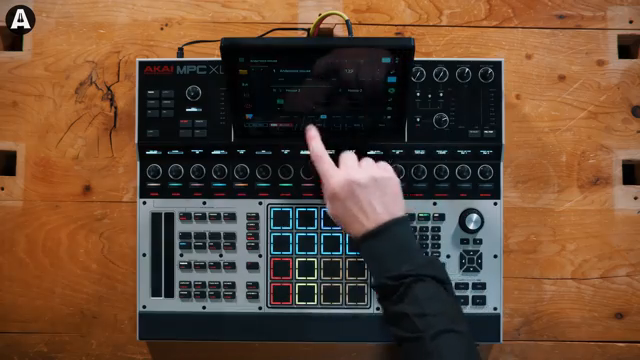
"This is where it really does become the heart of your studio."
© Screenshot/Quote: Andertonskeyboarddept (YouTube)
Workflow in Action: Hands-On Mayhem and Studio Tricks
Andertons don’t just talk – they jam. The video’s packed with hands-on demos: sample chopping, step sequencing, live FX abuse, and arrangement tricks that’ll have your DAW blushing. The expressive pads and touch strip get a proper workout, showing off everything from turntable-style scratches to wild automation.
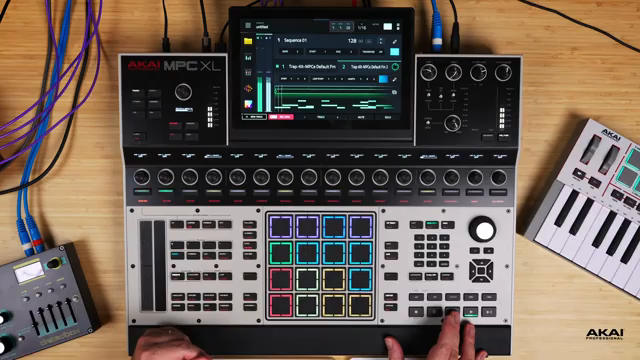
There’s a deep dive into the clip matrix and step sequencer, with real tracks being built on the fly. The workflow is fast, fluid, and – crucially – fun. You get a sense that the XL isn’t just powerful, it’s actually inspiring to use. The ergonomics, the screen, the dedicated controls – it all adds up to a machine that wants you to get lost in the music, not the manual.
But let’s be real: you can’t feel the pads or hear the filth through text. If you want to see the XL get rinsed in a real studio setting, you need to watch Andertons’ video. It’s a proper showcase – and a reminder that sometimes, the only way to judge a groovebox is to see (and hear) it in action.
This article is also available in German. Read it here: https://synthmagazin.at/akai-mpc-xl-andertons-synths-keys-and-tech-zuenden-das-standalone-flaggschiff/
More articles about these products:
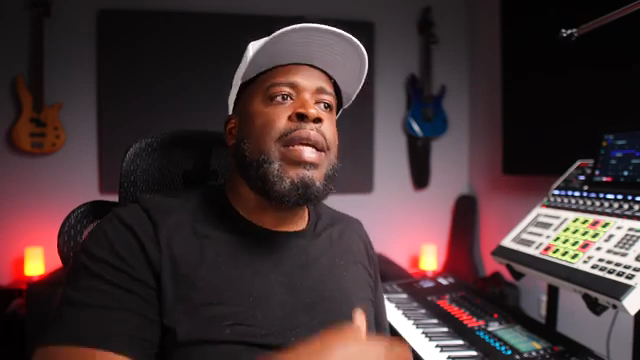 Bolo Da Producer Calls Out the Keyboard Workstation Myth
 Jon Makes Beats: Why the MPC XL Is the Streetwise DAW You Didn’t Know You Needed
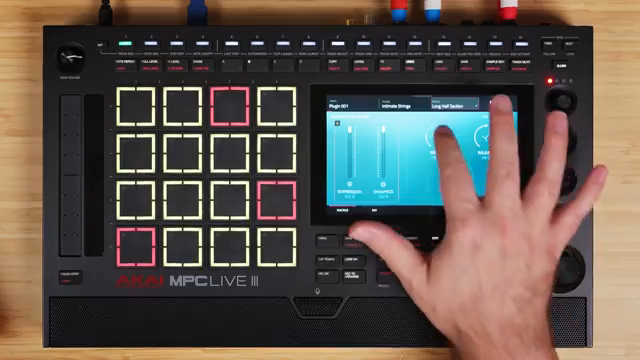 Nebulous Realms: Tefty Music Tech Explores Akai x Spitfire’s Cinematic Instruments
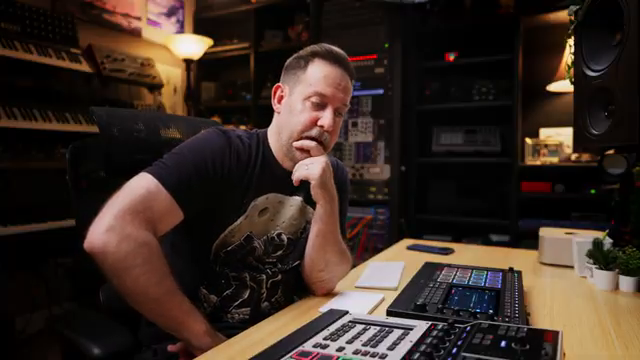 MPC Showdown: Tefty Music Tech Breaks Down Live 3 vs. XL for the Beatmakers
 MALO BEATS Flips the Script: MPC XL vs. SP-1200 Beat Battle
 Bolo Da Producer’s MPC XL & Live 3 Showdown: Do You Really Need External Synths?
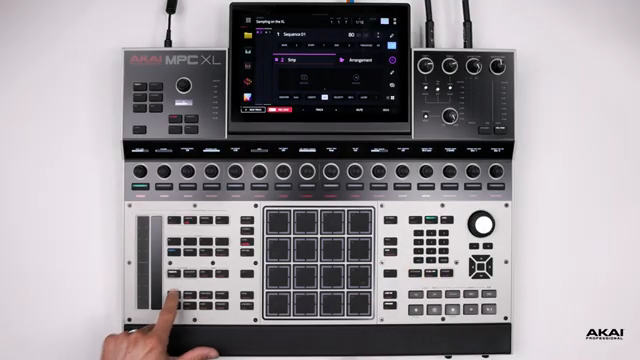 Akai Professional’s MPC XL: Sampling Powerhouse in Standalone Form
 AudioPilz Dishes the Dirt: What Your Synth REALLY Says About You
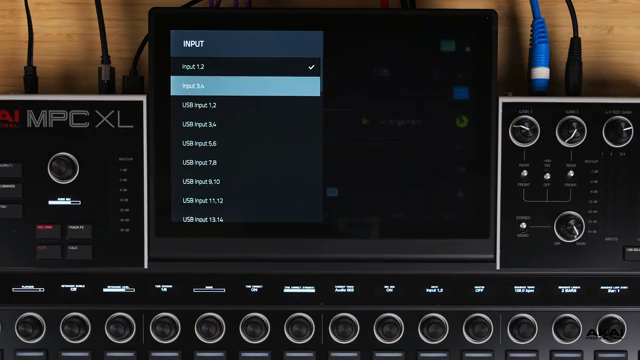 Akai Professional MPC XL: USB-C Integration as Audio Interface and MIDI Hub
 Akai Professional’s MPC XL: A Deep Dive into PAD FX and Performance Workflows
 MALO BEATS Flips the MPC XL: Clip Matrix & Track Mute Automation for Streetwise Beatmakers
 Akai Professional MPC XL: Step Sequencing as Studio Centerpiece
Watch on YouTube:
Latest articles
Watch on YouTube:
Visit the channel:
https://www.youtube.com/AndertonsKeyboardDept
https://www.youtube.com/AndertonsKeyboardDept
Links from AndertonsKeyboardDept:
Andertons.co.uk: https://andertons.co.uk
Instagram: https://instagram.com/andertonsmusicco
Facebook: https://facebook.com/andertons
Twitter: https://twitter.com/andertonsmusic
Sponsored links:
If you purchase via these links, we may earn a small commission – at no extra cost to you. The link opens an Amazon keyword search, and results may vary depending on availability.
Akai MPC XL
🔗 Check price on Amazon
🔗 Check price on Amazon