In this Superbooth 2026 spotlight, Yamaha Synths Official teams up with developer John Melas to showcase his latest suite of tools for the Montage M. Melas presents workflow upgrades for both live performers and deep-dive sound designers, with a strong emphasis on seamless integration and efficient organization. The session dives into the new Performance Editor, streamlined Live Set management, and a hardware-inspired AN-X editor, all designed to unlock the full multi-engine potential of the Montage M. For anyone obsessed with controller mapping, librarian functions, or MIDI 2 parameter depth, this video offers a precise look at how software can transform hardware workflows.
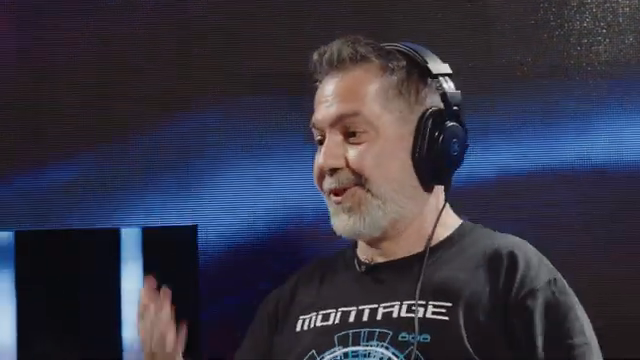
27. May 2026
LYRA
Yamaha Synths Official: John Melas Tools Take Montage M Workflow to the Next Level
Meet the Tools: Superbooth Premiere for Montage M
The video opens with John Melas taking the stage at Superbooth 2026, introduced as a long-time developer of software tools for Yamaha synths. Melas’ work stretches back to 2005, covering a broad lineup that includes Montage, ModX, Motif, and Yamaha’s stage keyboards. This historical context sets the tone for a discussion focused on workflow optimization—Melas’ tools are clearly designed for both sound designers who need granular control and live players who demand quick, reliable access to their sounds.
The session immediately highlights the new Live Set Editor for Montage M, which enables users to organize and sequence patches with drag-and-drop ease. Melas demonstrates how this tool can streamline setlist creation by allowing patches to be reordered, colored, and sorted to match the needs of a specific gig, all with instant updates to the instrument. The emphasis here is on reducing friction during performance prep, and the tools are positioned as essential companions for anyone navigating complex setlists or juggling multiple projects.
Performance Editor: Deep Editing, Familiar Interface
The centerpiece of Melas’ new toolkit is the Performance Editor, a dedicated application for deep sound editing on Montage M. The interface is intentionally designed to feel familiar to users of previous Melas software, but it adapts to the expanded parameter ranges and architecture of the latest Montage M hardware. This consistency in interface is a smart move, ensuring a gentle learning curve for existing users while embracing the new 16-bit MIDI 2 parameter depth now available in Montage M.
Melas walks viewers through the editor’s support for AWM2, FM-X, and the newly added AN-X engines. Of particular note is how element management has been expanded—AWM2 now supports up to 128 elements, which are grouped for easier navigation. The workflow is visually organized and responsive, allowing users to dive into insert effects, controller assignments, and performance parameters without menu-diving on the hardware. The clear focus is on empowering users to fully leverage Montage M’s synthesis engines from the comfort of their computer.
Live Set Management, Controller Editing, and Librarian Magic
Integral to the Melas software suite is the ability to manage Live Sets and organize patches efficiently. The Live Set Editor not only enables drag-and-drop reordering, but also introduces color coding and advanced sorting—making it easy to flag and group songs based on gig requirements. Notably, changes made in the editor are pushed in real-time to the Montage M, ensuring that the instrument always reflects the latest organizational tweaks without manual syncing.
The Librarian tool offers bulk management of user slots, with features for reordering, renaming, and controller editing across multiple patches. A key workflow improvement is the ability to adjust controller assignments (such as footswitch or mod wheel) for entire setlists at once, catering to the practical needs of live performers who may switch gear between gigs. The Librarian can also function as a Live Set Editor, enabling quick conversion of organized patches into performance-ready sets. Overall, these features are designed to help users spend less time on administrative tasks and more time making music.
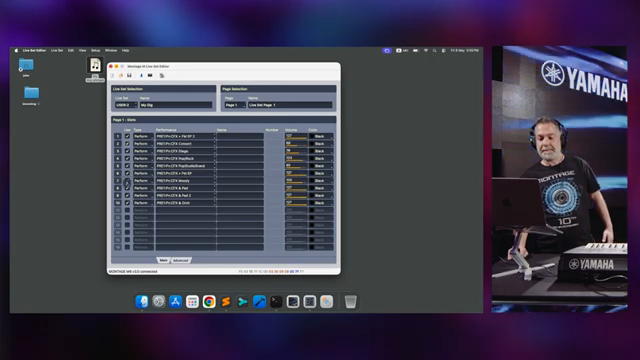
"And it all updates simultaneously in the instruments."
© Screenshot/Quote: Yamahasynthsofficial (YouTube)
AN-X Editor: Hardware-Style Sound Creation, Digitally Delivered
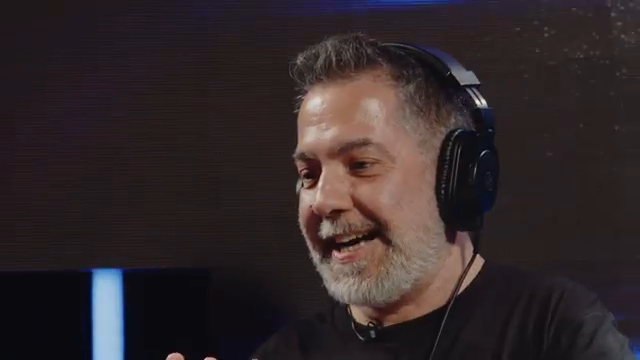
"I wanted to make it look like a hardware synthesizer."
© Screenshot/Quote: Yamahasynthsofficial (YouTube)
A standout moment in the video is the demo of the AN-X editor, designed from the ground up for Montage M’s new analog modeling engine. Melas explains that his goal was to replicate the hands-on workflow of a hardware synth—oscillators, mixer, filters—presented in a clear, visually intuitive layout. Key performance tools like unison, mono, and portamento are front-and-center, allowing for rapid sound design without menu-diving. Even part-specific settings like Monopoly and master portamento are made accessible for efficient lead or bass patch creation.
The editor unlocks deep modulation possibilities, with features such as dedicated envelopes for oscillator sync and pulse width, per-oscillator LFO assignment, and a built-in wavefolder. These architectural details echo the flexibility of modular systems, but are delivered through a software interface that puts all parameters within easy reach. For anyone seeking fast, creative exploration of AN-X, this editor appears to bridge the gap between tactile hardware and the depth of digital editing.
MIDI 2 Integration: Expanding the Parameter Universe
The video briefly but pointedly addresses Montage M’s support for MIDI 2, which brings expanded parameter resolution and range to the platform. Melas notes that the Performance Editor has been updated to accommodate these changes, moving from 8-bit to 16-bit parameter values—a shift that opens up finer control for sound designers and performers alike.
This integration means that complex edits and performance tweaks can be transmitted with greater precision, aligning the hardware and software more tightly than in previous generations. While the video doesn’t dive into every technical detail of MIDI 2, it’s clear that these enhancements are foundational for future-proofing Montage M workflows and enabling a new level of parameter automation and expressivity.
"So it supports MIDI too and all the parameters now are bigger."
© Screenshot/Quote: Yamahasynthsofficial (YouTube)
This article is also available in German. Read it here: https://synthmagazin.at/yamaha-synths-official-john-melas-tools-heben-den-montage-m-workflow-auf-ein-neues-level/
More articles about these products:
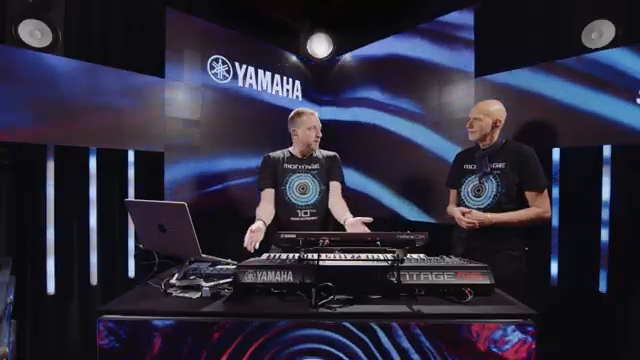
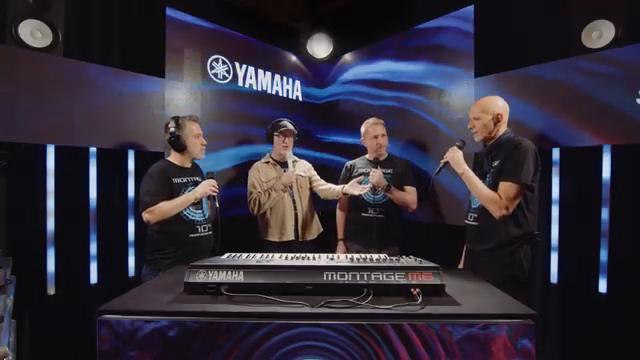 Inside Yamaha Synths: A Decade of Montage Innovation
 Yamaha Synths Official Unveils KDx: A New Era of Visual Editing for Yamaha Synthesizers
 Matt Johnson’s Keyspace: The 2025 Keyboard Killers – No Filler, Just Fire
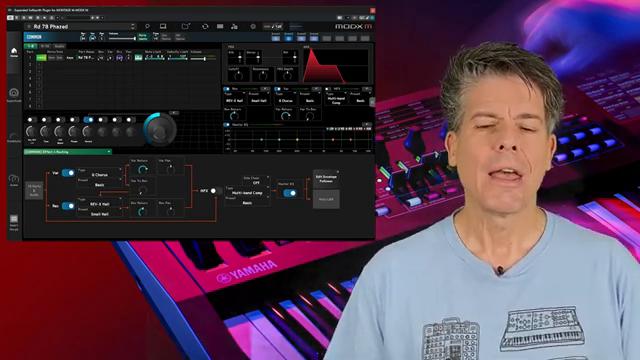 Scott’s Synth Stuff Dives Into Yamaha MODX M OS 3.0: Feature Parity or Just Hype?
 ROLI and Yamaha Montage M: Six Dimensions of Expression Meet Three Engines of Power
 Matt Johnson’s Keyspace: Synths Fit for a Funk Arena
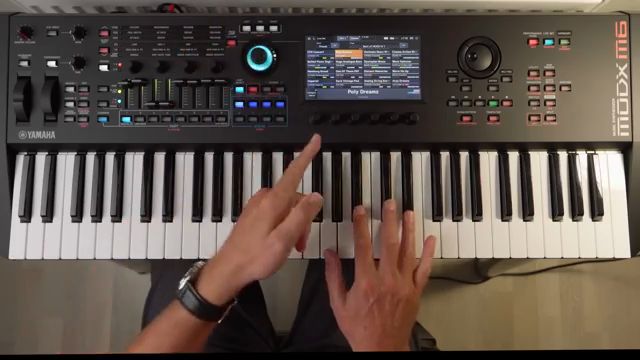 Woody Piano Shack Unleashes the Yamaha MODX M: A Sonic Street Weapon Demo
 Yamaha Synths Official: A Guided Voltage Tour Through 50 Years of Icons
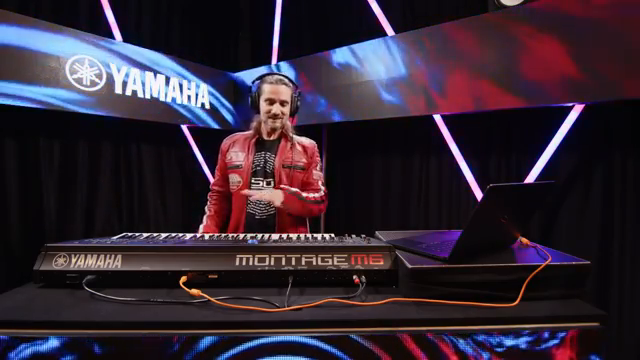 Yamaha Synths Official Unveils Montage M OS v3.0: Effects, Workflow, and DAW Integration Redefined
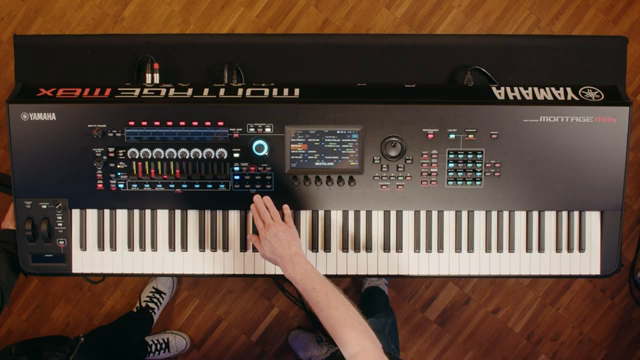 Yamaha Synths Official Unveils the MONTAGE M Series: Digital Powerhouse for Stage and Studio
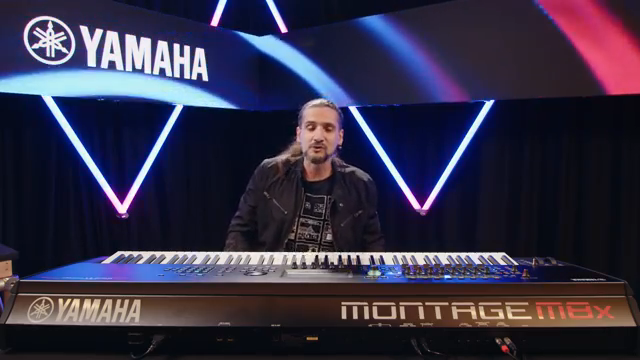 Yamaha Synths Official Unleashes Montage M OS 2.0: A Digital Powerhouse Evolves
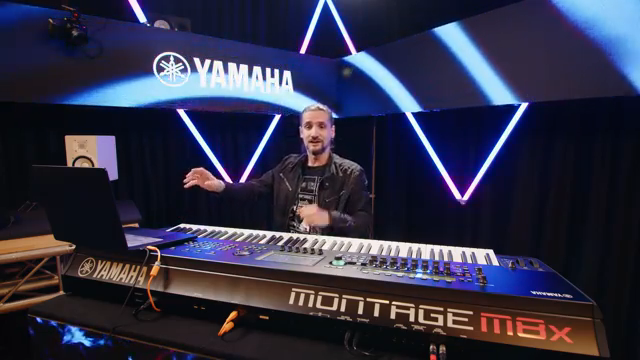 Yamaha Synths Official Unveils Montage M ESP 2.0: The Synth Engine in Your DAW
Watch on YouTube:
Latest articles
Watch on YouTube:
Visit the channel:
https://www.youtube.com/YamahaSynthsOfficial
https://www.youtube.com/YamahaSynthsOfficial
Links from YamahaSynthsOfficial:
instagram: https://instagram.com/yamahasynths_official
facebook: https://www.facebook.com/yamahasynths
twitter: https://twitter.com/YamahaSynths
website: https://yamahasynth.com
Sponsored links:
If you purchase via these links, we may earn a small commission – at no extra cost to you. The link opens an Amazon keyword search, and results may vary depending on availability.
John Melas Montage M Tools
🔗 Check price on Amazon
🔗 Check price on Amazon
Yamaha Montage M
🔗 Check price on Amazon
🔗 Check price on Amazon