The EP-133 KO II just got a firmware injection and SON WU is on the case. If you like your samplers dirty, quick, and full of surprises, this walkthrough delivers. From USB audio wizardry to sample butchery, SON WU cuts straight to what matters—no hand-holding, just fresh features and sharp workflow tricks. Spoiler: the KO II’s not playing around after this update. Ready to push the KO II into new territory? Let’s get stuck in.
26. June 2026
SPARKY
SON WU Unleashes KO II Update: USB Audio and Sample Slicing Madness
Teenage Engineering EP-133 K.O. II, Teenage Engineering OP-1
USB Audio: The KO II Grows Up
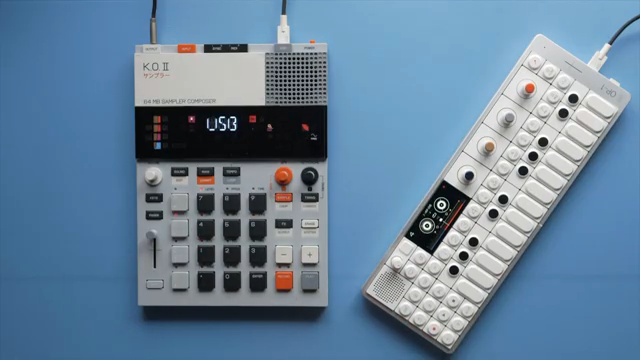
The KO II just got a major upgrade: USB audio is finally here. SON WU wastes no time showing how the KO II can now send and receive audio over USB, with the OP-1 as a trusty sidekick. It’s a straight shot for DAWless heads who want to keep their cables tidy and their workflow tight. You can flip between recording and monitoring modes with a couple of menu punches—meaning you actually control when the KO II listens or plays back audio from USB, depending on which menu you’re in.
It’s not just a tick-box feature. The update lets you choose whether you want to hear USB input in the main menu or keep it isolated to sampling. That kind of routing flexibility is exactly what the KO II needed to step up from toy to tool. No, it won’t turn your bedroom into Abbey Road, but for portable rigs or quick jams, USB audio is a game-changer.
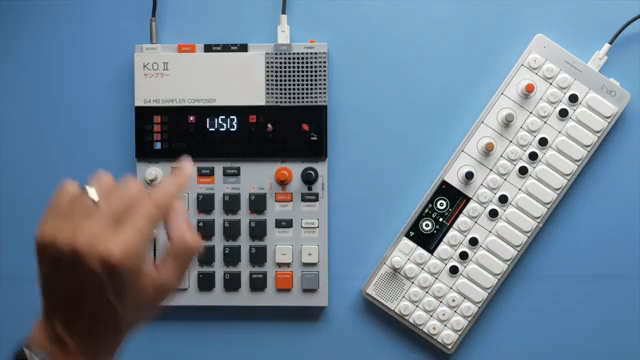
"The first main feature you can already see it on screen it is audio over USB."
© Screenshot/Quote: Sonwu (YouTube)
Sample Cropping, Lo-Fi Magic & Rates Galore
"We also have a new feature that allows us to change the sample rate of our recording which in turn will make the file size smaller and also it will make the sample sound more lo-fi."
© Screenshot/Quote: Sonwu (YouTube)
The fun keeps rolling with variable sample rates—high for clarity, low for that crusty, lo-fi punch. SON WU drops in a side-by-side demo and, predictably, the low-rate samples get grittier and free up memory for more chaos. Picky about your drum loops’ sparkle? Stick to hi-fi. Chasing that 90s cassette feel? Lo-fi’s your new best mate. The KO II doesn’t just drop the sample rate; it does it in a way that’s musical and actually useful.
And then there’s sample cropping. Overshot your recording? Chop off the dead air or botched takes without leaving the KO II. Trimming and overwriting feels slick—no more exporting to a computer just to lose the tail. SON WU walks through the workflow, making it clear: this is a proper upgrade for people who actually use their samplers, not just stare at them.
Longer Samples: Mono Mode Goes the Distance
If you live for long atmospheric pads or want to drop entire acapellas, rejoice: mono mode now offers a hefty 40 seconds of sample time, double the old limit. It’s a small change with a massive impact on what you can actually record live. No more cramming your creativity into short, awkward snippets—now you’ve got space to let your sounds breathe.
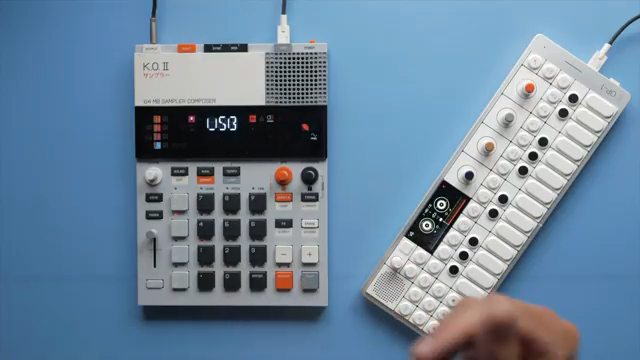
"This update also increases the maximum sampling time to 40 seconds instead of 20 seconds if you switch to mono mode."
© Screenshot/Quote: Sonwu (YouTube)
Reverse, Nudge, and Pattern Copy: Fast Sampling, Faster Beats
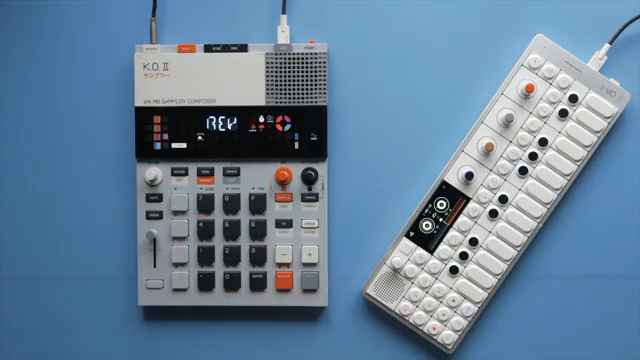
"And the sample is reversed."
© Screenshot/Quote: Sonwu (YouTube)
Reversing samples is now a one-knob operation—no menu-diving, just instant flip for instant weirdness. SON WU shows how it’s done, and it’s perfect for those moments when your loop needs a dose of backwards energy. Then there’s nudge: shift your pad’s timing left or right, making your drums late, early, or just plain off-kilter. It’s the kind of micro-editing that separates button-pushers from groove architects.
Even more, you can copy a pattern from a single pad and paste it wherever you need, not just by group. No more rebuilding hi-hat patterns from scratch—just copy, paste and keep moving. SON WU’s walkthrough is brisk and practical; you can hear the workflow speed up in real time. Add in the new scale and root note options for keys mode, and the KO II is suddenly way more than a pocket toy.
Watch the Full Walkthrough—The Devil’s in the Details
SON WU’s video isn’t just a list of features—it’s a hands-on, no-fluff demo that shows what the KO II can do after this update. If you want to actually hear how USB audio sounds, or see sample cropping and nudge in action, you’ll need to watch the original walkthrough. The gritty demos and live tweaks say more than any written rundown could. For KO II owners, this one’s essential viewing.
This article is also available in German. Read it here: https://synthmagazin.at/son-wu-entfesselt-das-ko-ii-update-usb-audio-und-sample-slicing-wahnsinn/
More articles about these products:
 Teenage Engineering EP-133 K.O. II: How Much Sampler Fits into 128 MB?
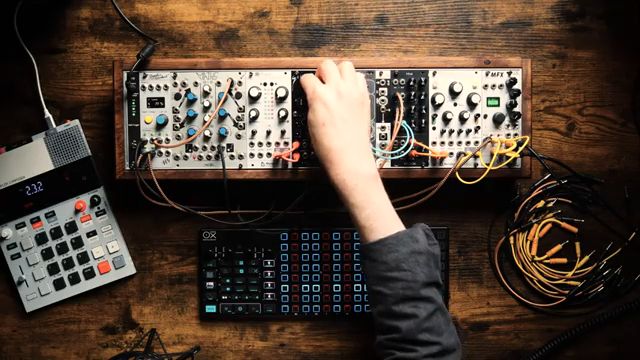 From Blank Slate to Banger: The Unperson’s Modular Mayhem
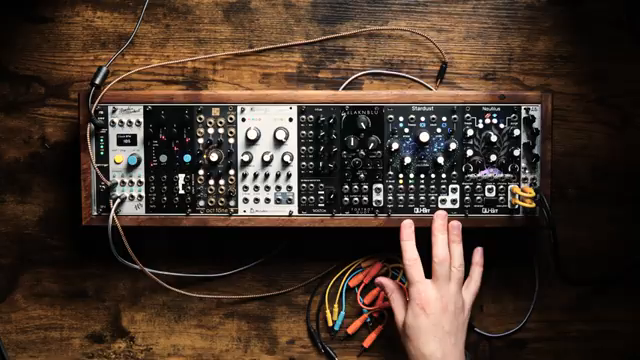 Nebula in a Case: The Unperson’s Eurorack Ambient Machine
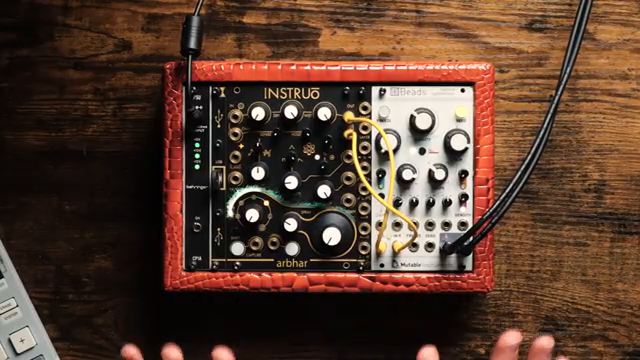 The Unperson’s 40HP Granular Street Weapon: Small Case, Massive Sound
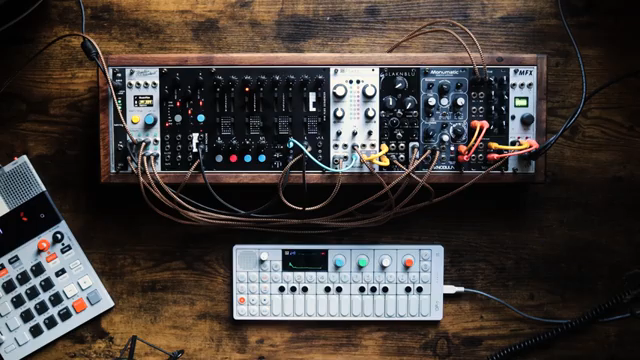 Loop Liberation: The Unperson vs. The Eternal 8-Bar Trap
 The Unperson vs. Rings: Guitars, Modular Mayhem & Physical Modelling Madness
 The Unperson’s Modular Drum Safari: Kicking Writer’s Block in the Teeth
 Woody Piano Shack’s Gear Bloodbath: Tier Rankings, Regrets, and $1,000 Down the Drain
 Sunwarper vs. The DAW: Why Portable Samplers Rule the Studio Streets
 The Unperson Unleashes the Instruo Neoni: Triangle Core Mayhem in Eurorack
 L.Dre Throws Down: Which Portable Sampler Actually Slaps in 2026?
 Verysickbeats Drops the Real on the MPC Sample: No Hype, Just Facts
Watch on YouTube:
Latest articles
Watch on YouTube:
Visit the channel:
https://www.youtube.com/SONWU
https://www.youtube.com/SONWU
Links from SONWU:
Samples & Lessons in my Shop: https://ko-fi.com/sonwu
Instagram: https://www.instagram.com/sonwu.music/
Sponsored links:
If you purchase via these links, we may earn a small commission – at no extra cost to you. The link opens an Amazon keyword search, and results may vary depending on availability.
Teenage Engineering EP-133 K.O. II
🔗 Check price on Amazon
🔗 Check price on Amazon
Teenage Engineering OP-1
🔗 Check price on Amazon
🔗 Check price on Amazon