Play All Day PlayFader: Faders over keys: sequences you can touch
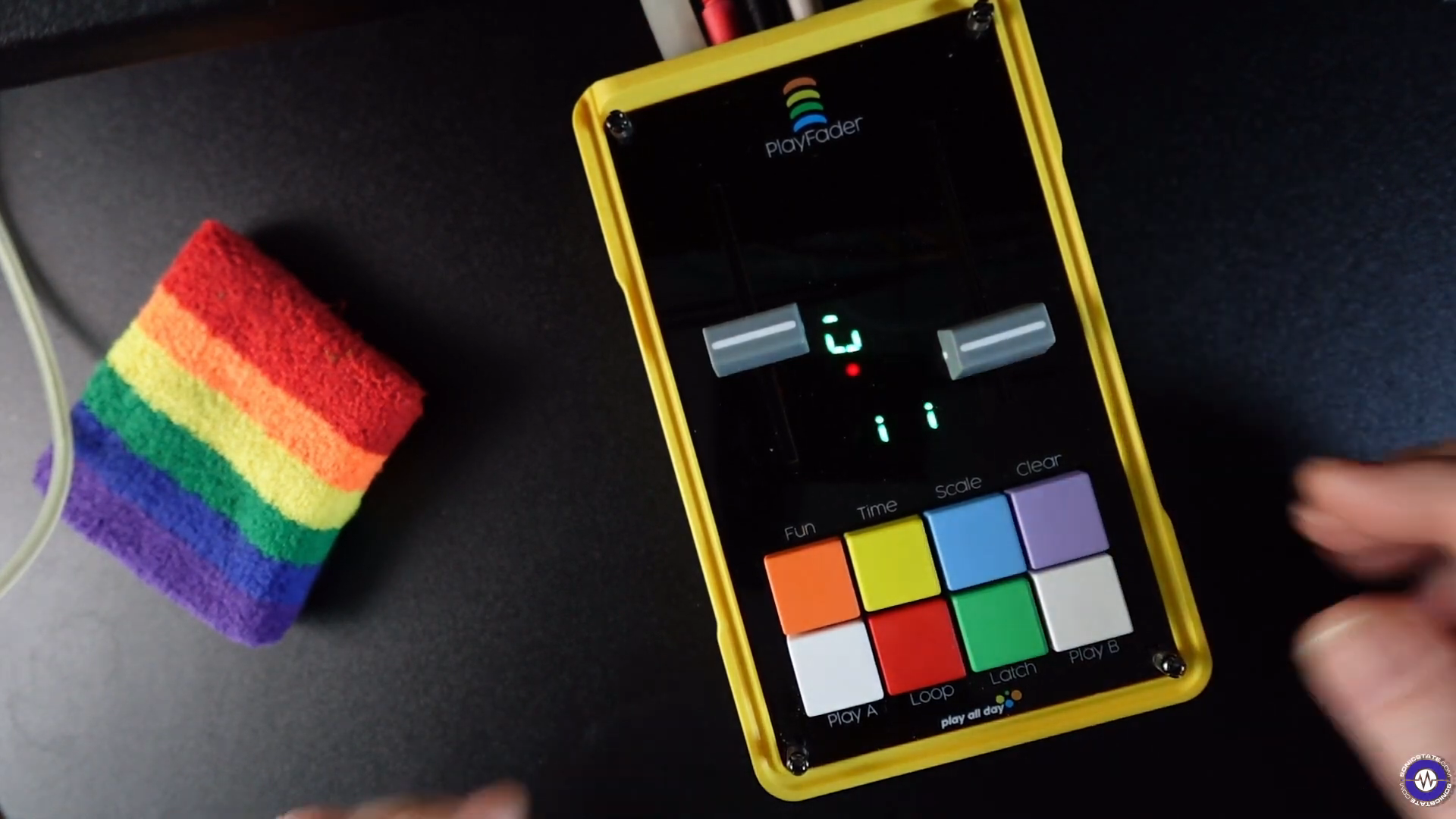
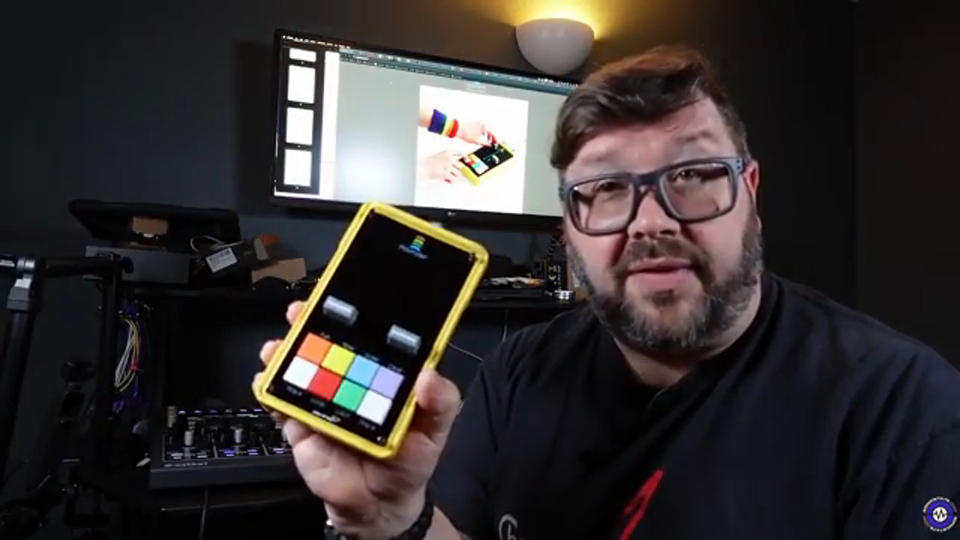
The Play All Day PlayFader is a sequencer with two faders and coloured buttons. These creator quotes explore the thinking behind its controls, how sequences are built and ways to play live.
Enter, clear and recombine notes quickly: one reviewer describes a direct route to sequences of up to 64 steps.
sonicstate
„so it's very quick to kind of mess around punching notes in clearing out ones that you don't want and you can just build up quite complex sequences as i said up to 64 steps um using this method“
True Cuckoo explains that his DJ background and love of sequencing shaped his desire for upright faders. He describes the idea of using them to control pitch and volume, and to loop recordings.
„so I used to be a DJ, I'm a rubbish keyboard PlayFader, but I'm a massive synth fan, and I was like, I love sequencing stuff, and programming sequences in, but being a DJ, I was kind of really wanted something that replaced that feel of upright faders, and I was also really curious, like, what can you do with a fader as a, as like a control mechanism for pitch, and for volume, with more looping, and like, more of that kind of recording looping functionality on the back,“
Starsky Carr describes the gate patterns continuing under Latch Play while pitch is played live. In his account, the performance then returns to the pattern.
„And what it does is it creates this really interesting musical thing where the gate patterns are continuing, but you're playing the pitch, and you've got two hands free, two voices, and ending up with something that's really live and dropping back into your pattern, as always.“
Sonicstate calls the note-entry method unusual and highlights it as a distinguishing feature. This is the reviewer's assessment, not a technical specification.
Read the full statement
„there's not really anything else out there quite like this um although you could say it's a sequencer it's the way in which you put notes in is is not really like anything else“
Set the notes carefully, then vary the melody: a PlayFader user on Elektronauts describes reshaping a prepared loop with loop switching and transposition. For them, focusing on a few gestures at a time made it an instrument to practise.
+
In an October 2024 discussion, a user describes their favourite way of working with the PlayFader: they built a loop from carefully arranged notes, then used loop switching and transposition to play numerous melodic variations. The careful preparation provided the material for the performance that followed. For them, the interplay of those two functions was key. They describe the variations as practically endless and link to two examples of their own. Their view of the controls fits this approach: the key combinations have to be learned; after that, they say, it is possible to develop a fluid way of working with evolving loops. The uncluttered interface focuses their attention on a few gestures at a time. As a result, the PlayFader feels to them like an instrument that takes practice. The carefully arranged note loop, then, gained its particular appeal through repeated variation during performance.
so it allows you to kind of like play musical patterns without really having to play, having to know music theory in some sense as well, and then you can also have smooth voltage as well, so you can set it to modulation, and there's a few modulation options to make it talk nicely to pedals and Eurorack, and then the actual CV output can even be scaled between Eurorack and Buchla as well, and all along the MIDI is duplicated over the top, and you can even have MIDI chords as well as MIDI notes.
We had to implement soft takeover, because as you're moving it out of menus, you need to pick things up, and we never want you to do something externally that you don't want to do.
From: Sequencing with Faders // it's the PlayFader