In this episode of the OXI Playbook, OXI Instruments dives deep into an advanced sequencing technique that leverages a dummy chord sequencer to control both lead and bass tracks on the OXI One. The video, hosted by a member of the OXI team, unfolds the workflow step-by-step, demonstrating how the instrument’s performance page and chord palette can be used to harmonize multiple voices with minimal effort. This isn’t just about flashy presets—it’s a smart, architectural approach to building dynamic progressions and complex soundscapes, all from scratch, showing just how flexible and hands-on the OXI One truly is.
13. August 2026
LYRA
OXI Instruments: Harmonizing Leads and Bass with a Dummy Chord Sequencer
Dummy Chord Sequencer: The Multitrack Conductor
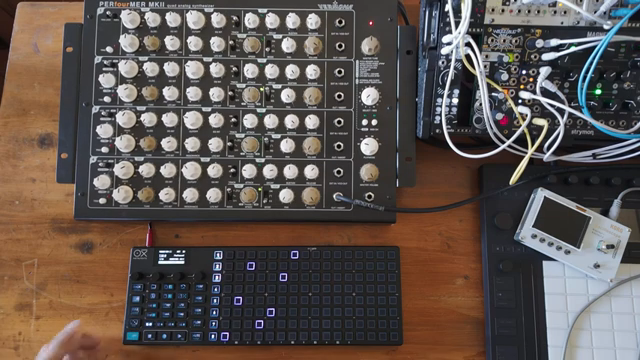
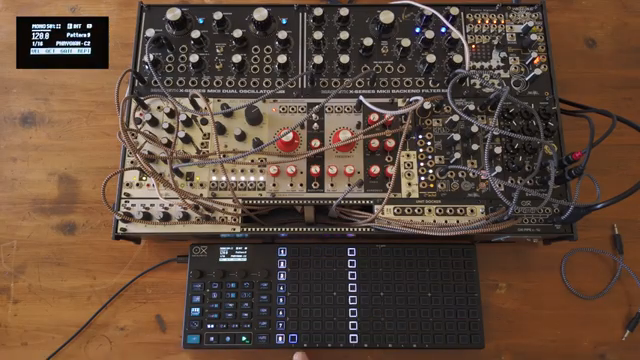
The video opens with a demonstration of a favorite trick from OXI Instruments: using a dummy chord sequencer to harmonize both lead and bass tracks. This method is designed to showcase the OXI One MIDI/CV Sequencer’s ability to serve as a central brain for complex musical ideas. By setting up a dedicated chord track with its MIDI channel disabled, the sequencer becomes a flexible reference for the other tracks.
OXI’s approach emphasizes a workflow where the chord progression is programmed into a ‘dummy’ track, which then feeds harmonic information to other sequencers. This enables the lead and bass lines to follow the same harmonic structure without duplicating programming effort. The demonstration immediately signals the OXI One’s strength in managing multi-voice setups with tight MIDI/CV integration.
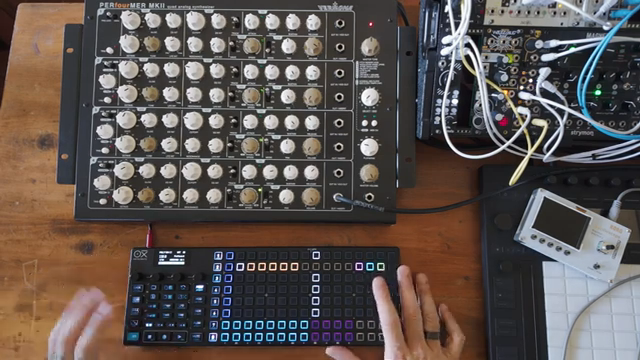
"Basically I'm using a dummy track set as a chord sequencer."
© Screenshot/Quote: Oxiinstruments (YouTube)
From Chord Progression to Performance Page: Behind the Scenes
"Whenever I press one of this chord both sequencer one and three will be harmonized to the chord that I saved."
© Screenshot/Quote: Oxiinstruments (YouTube)
The presenter details how to construct a chord progression that serves as the harmonic backbone for the track. By saving each chord into slots and using the chromatic scale for more adventurous progressions, users gain maximum flexibility over their harmonic palette. The dummy sequencer’s chords are then accessed through the performance page, which acts as a live control interface.
A key step involves activating ‘hold’, ‘ignore sequence’, and ‘trigger instant’ modes in the performance page, ensuring that changes happen smoothly and in real time. The OXI One’s harmonization feature allows sequencers one and three to lock onto the dummy chord track, meaning that pressing any chord instantly re-harmonizes the connected voices. This process is central to creating unified musical movement across multiple tracks.
Building Tracks from Scratch: MIDI Channels and Chord Palette Power
With the groundwork set, the workflow now moves to a blank slate. The user selects sequencer two for chord duties, keeping the scale chromatic for more creative progression possibilities. All voices are initially set to MIDI channel 7, ensuring a unified control structure before the harmonization is set up.
The next step leverages the keyboard page and the chord palette. Activating the chord palette not only makes chord entry faster but also provides real-time suggestions as new chords are programmed. This dynamic feedback loop encourages experimentation and helps users craft progressions that are both harmonically rich and sonically engaging.
An important practical insight is shared: the bass line will always pick up the lowest note of any given chord, typically the tonic. By intentionally varying the lower notes in each chord, the user achieves more motion and interest in the bass part. Once chords are programmed, MIDI channels are reassigned for the lead and bass tracks, and the dummy chord track continues to serve as the harmonization reference.
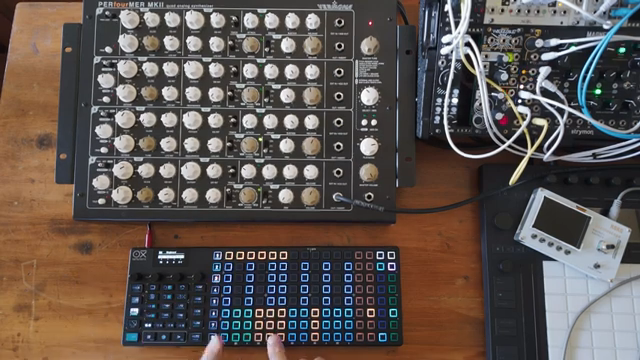
"The bass line will pick the lowest note and generally is the tonic of the chord."
© Screenshot/Quote: Oxiinstruments (YouTube)
Instant Soundscapes: OXI One’s Intuitive Workflow in Action
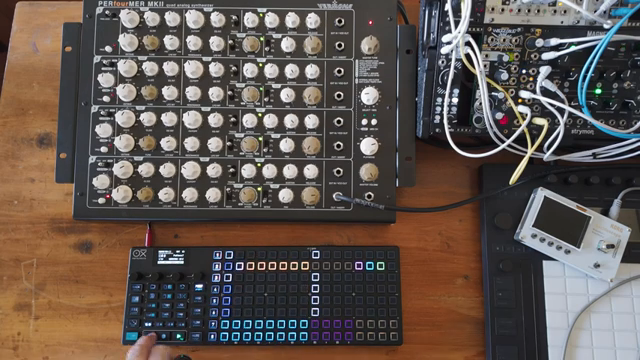
"This is a very fast way to get something very beautiful going on."
© Screenshot/Quote: Oxiinstruments (YouTube)
The final segment demonstrates just how quickly complex, harmonized textures can be created with the OXI One. By simply adding steps to the lead sequencer and a long note to the bass sequencer, the system is ready to perform. The real magic happens in the performance page: pressing any chord slot triggers instant harmonization, transforming the sequence into a lush, evolving soundscape.
This workflow highlights the OXI One’s efficiency and creative potential. The video makes it clear that once the process is understood, users can generate intricate, musically coherent ideas in a matter of minutes. The hands-on approach and immediate feedback make the OXI One a powerful tool for both studio composition and live improvisation, reaffirming OXI Instruments’ focus on fast, intuitive electronic music workflows.
This article is also available in German. Read it here: https://synthmagazin.at/oxi-instruments-harmonisierung-von-lead-und-bass-mit-einem-dummy-akkord-sequencer/
More articles about these products:
Watch on YouTube:
Latest articles
Watch on YouTube:
Visit the channel:
https://www.youtube.com/oxiinstruments
https://www.youtube.com/oxiinstruments
Links from oxiinstruments:
website: https://oxiinstruments.com
instagram: https://www.instagram.com/oxiinstruments
facebook: https://www.facebook.com/oxiinstruments/
support: https://oxiinstruments.com/support
Sponsored links:
If you purchase via these links, we may earn a small commission – at no extra cost to you. The link opens an Amazon keyword search, and results may vary depending on availability.
OXI One MIDI/CV Sequencer
🔗 Check price on Amazon
🔗 Check price on Amazon