Bluetooth MIDI is everywhere, but getting your gear to actually talk to each other? That’s a rave in a toaster. TAETRO steps up, showing how a free iOS app can bridge the chaos—no more menu-diving, just pure groove. Forget tangled cables and MIDI voodoo: this video is about cutting through the nonsense, unlocking proper hands-on control, and letting your studio flow. If you’re tired of Bluetooth heartbreak, this is the streetwise fix.
30. August 2026
SPARKY
TAETRO’s Bluetooth MIDI Hack: Free App, Zero Headache
MIDIMITTR iOS App, MVAVE FM1, Synido TempoKey W25, Xynthesizr, Yamaha SEQTRAK
Bridging the Bluetooth MIDI Abyss
Bluetooth MIDI should make life easier, but most gear turns it into a slow-motion car crash. TAETRO dives straight into the mess, introducing a free iOS app—MIDIMITTR—that acts as the missing link between controllers, synths, and music apps. Forget about built-in Bluetooth settings (which half your gear probably doesn’t have); this app’s the real bridge for your setup.
With the Synido TempoKEY W25 and MVAVE FM1 on the table, TAETRO shows how MIDIMITTR lets you hook up devices that refuse to talk to each other out of the box. It’s not just about convenience—freeing up USB ports and making your rig less spaghetti-like is a win every time. The big takeaway: slap this app in your workflow, and suddenly, MIDI over Bluetooth actually works.
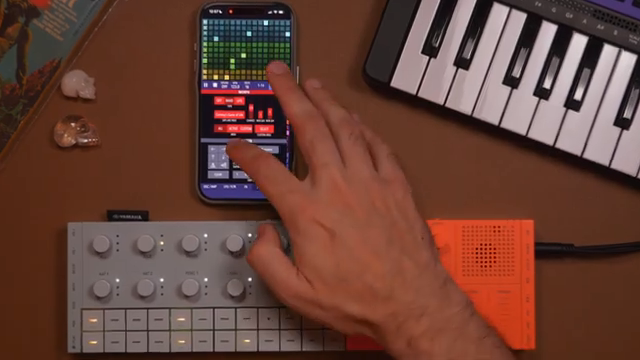
"I'm going to show you a free app that works as a bridge between all these Bluetooth items today."
© Screenshot/Quote: Taetro (YouTube)
Routing MIDI Like a Pro (No Tears)
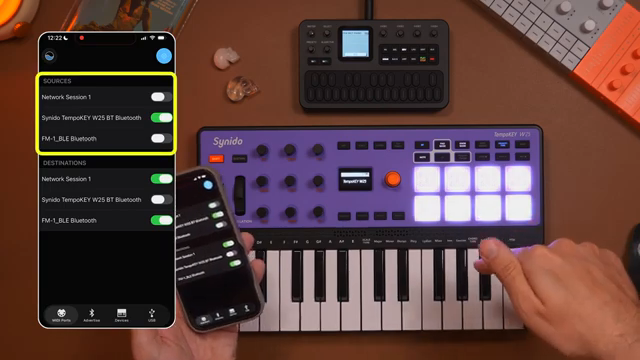
"The source of the notes is the TempoKey. The destination of those notes is the FM1."
© Screenshot/Quote: Taetro (YouTube)
Setting up MIDI sources and destinations is usually an exercise in pain, but with MIDIMITTR, it’s all on one screen. TAETRO lines up his source (TempoKEY W25) and destination (FM1), showing how to get those notes firing to the right place. If you’ve ever trashed a session because your synth was listening on the wrong channel, you’ll appreciate the simplicity here.
TAETRO makes it clear: sources send, destinations receive. Get that right, and you’re halfway to a working setup. Sure, there are still quirks—sometimes you’ll need to force close the app to kick things into gear—but once it’s locked, the connection stays, even with your phone asleep. The groove continues, cables be damned.
Bluetooth MIDI: When It All Goes Wrong
Of course, nothing in MIDI land ever works first time. TAETRO hits the classic problem: everything’s connected, but the synth’s as silent as a library. The culprit? Mismatched MIDI channels or an app that needs a nudge. The fix: double-check your gear’s MIDI channel, then force close and reopen MIDIMITTR if things still don’t click. Old-school, but it does the job.
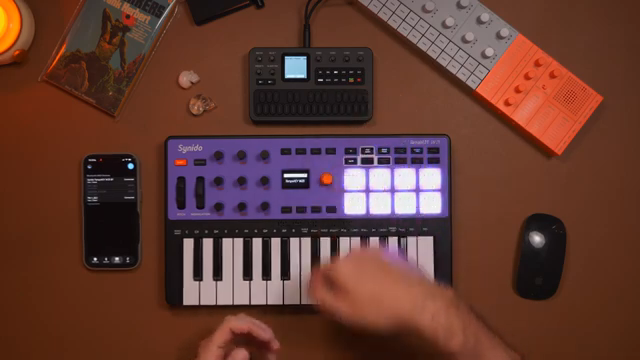
"You're going to want to make sure that it's receiving MIDI on the proper channel."
© Screenshot/Quote: Taetro (YouTube)
Custom MIDI CC Mayhem: Hardware Domination
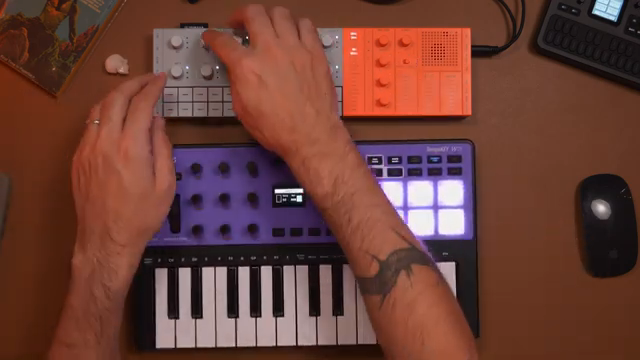
"This custom MIDI mapping is why the tempo key and the other Sinido controllers are sort of my go-to when I'm building a hardware setup."
© Screenshot/Quote: Taetro (YouTube)
Here’s where the real fun starts. TAETRO gets hands-on, mapping MIDI CCs from the TempoKEY directly to the Yamaha SEQTRAK’s filter, attack, release, and effects—no menu-diving required. It’s all about fast tweaks and instant feedback, letting you perform, not just program. Want to switch between synths or drum tracks? Just change the MIDI channel and keep jamming.
Drum pads go rogue, mapped to different MIDI channels for total control. Within seconds, TAETRO’s programming beats, layering up kicks, claps, and synth lines—all wirelessly. The takeaway: with custom mapping this flexible, your controller becomes a full-on street weapon. For the full sonic carnage, you’ll want to watch the video—text can’t capture the joy of a low-latency Bluetooth jam.
Apps Without Bluetooth? Sorted.
Not every app has a Bluetooth MIDI option—some just stare blankly at you. TAETRO shows how MIDIMITTR can force the connection, letting sequencer apps like Xynthesizr talk to your hardware with zero faff. Suddenly, those generative melodies and evolving patterns are pumping out of your hardware synths, no cables or menu-hunting required. It’s a small hack, but it opens up a world of possibilities for app–hardware mashups.
This article is also available in German. Read it here: https://synthmagazin.at/taetros-bluetooth-midi-hack-gratis-app-null-kopfschmerzen/
More articles about these products:
 Blairy’s Beatlab vs. the Mvave FM1: Punk-Sized Revolution or Just a Cheap Thrill?
 Yamaha Synths Official reimagines the groovebox: Seqtrak OS v2.0’s workflow architecture explored
 TAETRO’s Ableton FX Racks: Add Some Aussie Mayhem to Your Beats
 Yamaha Synths Official Unveils KDx: A New Era of Visual Editing for Yamaha Synthesizers
 Yamaha Synths Official: Seqtrak as a Tone Generator with YC88 – Expanding Live Keyboard Architectures
 TAETRO’s Tempokey W25 x Roland P-6: Hardware Fear? Smash It with This Combo
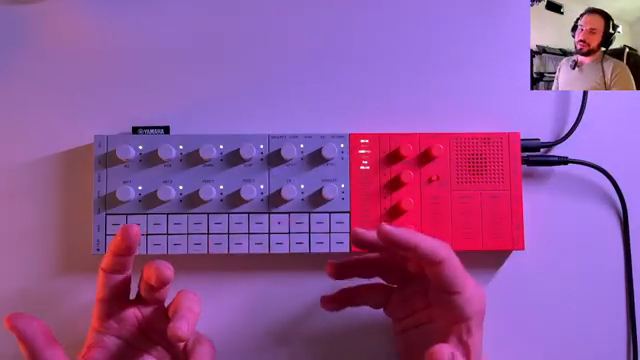 sunwarper Unleashes the SEQTRAK 2.0: Groovebox Gets Gritty, Sampler Still Sulks
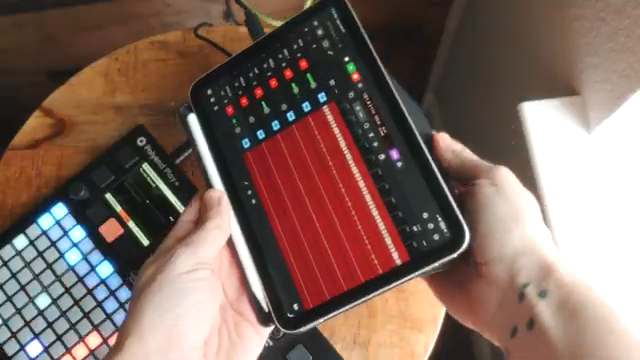 TAETRO Goes Mobile: Logic Pro for iPad Packs a Punch
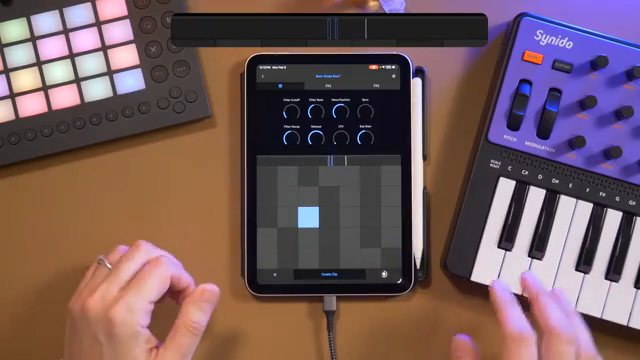 TAETRO’s Streetwise Hack: Ableton Note + Synido TempoKey W25 vs. Ableton Move
 NAMM 2026’s Wildest Rigs: Sunwarper’s Top Gear Picks That’ll Make Your Studio Roar
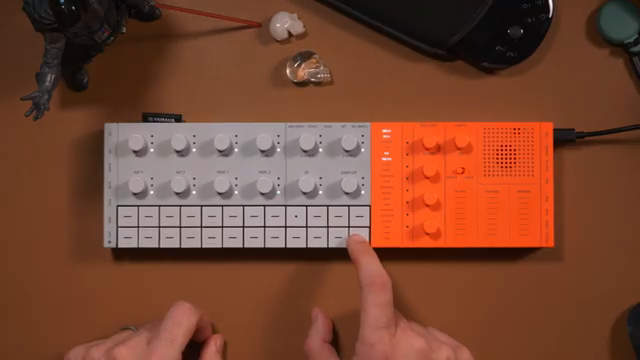 TAETRO Unleashes SEQTRAK 2.0: Groovebox Resurrection or Just Hype?
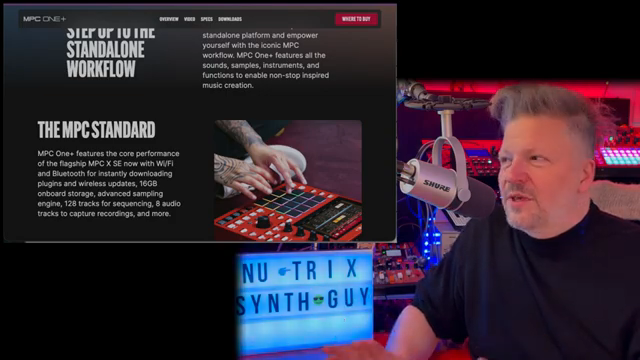 Sampler Showdown 2026: Nu-Trix The Synth Guy Keeps It Real
Watch on YouTube:
Latest articles
Watch on YouTube:
Visit the channel:
https://www.youtube.com/Taetro
https://www.youtube.com/Taetro
Links from Taetro:
Instagram: https://instagram.com/taetro
Facebook: https://facebook.com/taetromusic
Bandcamp: https://taetro.bandcamp.com
Sponsored links:
If you purchase via these links, we may earn a small commission – at no extra cost to you. The link opens an Amazon keyword search, and results may vary depending on availability.
MIDIMITTR iOS App
🔗 Check price on Amazon
🔗 Check price on Amazon
MVAVE FM1
🔗 Check price on Amazon
🔗 Check price on Amazon
Synido TempoKey W25
🔗 Check price on Amazon
🔗 Check price on Amazon
Xynthesizr
🔗 Check price on Amazon
🔗 Check price on Amazon
Yamaha SEQTRAK
🔗 Check price on Amazon
🔗 Check price on Amazon