The OP-XY just got a firmware injection, and SON WU is on it like a rave ferret. Subfolders, project templates, actual pattern sanity—finally, some order in chaos. If you’ve suffered the OP-XY’s file system before, this is the update you’ve prayed for (or ranted about in forums). SON WU slices through the new features, calls out the quirks, and even demos the bits that still need a miracle. Get your tea, this one’s for the real heads.
3. July 2026
SPARKY
SON WU Delivers: OP-XY’s Update Finally Sorts Its Sample Life
Subfolder Salvation: OP-XY Stops Being a Mess
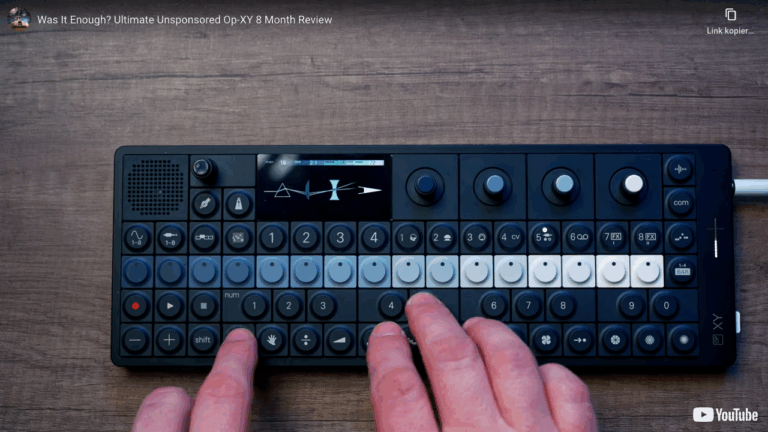
SON WU dives straight into the OP-XY’s new update, and the first headline is sample subfolders. Finally, you can chuck your sounds into actual categories instead of wading through a swamp of files. It’s the sort of thing you’d expect from the start, but hey, we got there in the end.
There’s a catch: you only get one level of subfolders. That’s right—no nesting your drum kits like Russian dolls. Importing a folder tree deeper than one layer? The transfer just throws a strop and fails. It’s better than before, but don’t expect library bliss just yet.
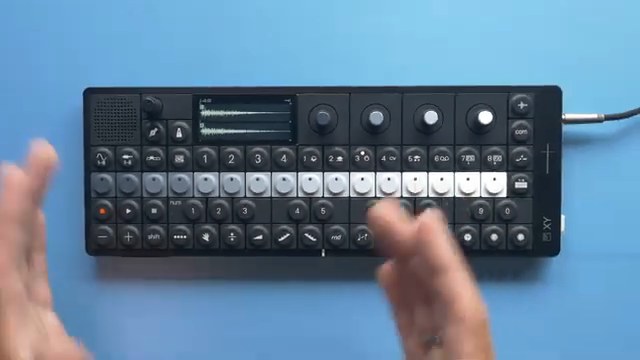
"Now in my opinion this addition was really necessary because before it was really cumbersome to work with samples."
© Screenshot/Quote: Sonwu (YouTube)
Templates: Workflow on Turbo
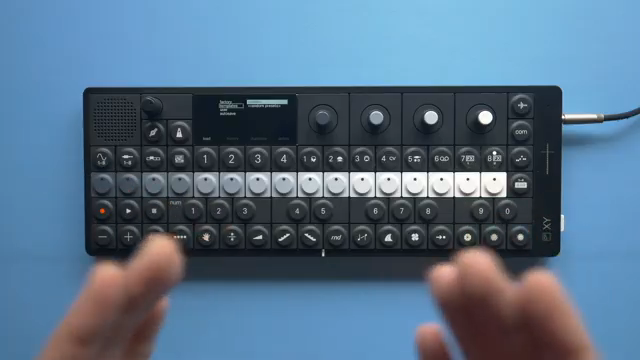
"But more importantly you can create your own user templates which allows you to always start with the sounds that you want to start a project with already on the tracks and not having to load them each time."
© Screenshot/Quote: Sonwu (YouTube)
Project templates are finally on deck, and SON WU is all for it. You can now save your dream setup, complete with your favourite sounds on every track, and launch straight into a new project—no tedious load-up every single time. Factory templates are included, but the real win is user templates: set up your kit, save the project, and stash it for instant recall.
Of course, this wouldn’t be a teenage engineering update without a twist. There’s no templates folder when you plug in—so you’ll need to make that yourself. Classic. Once you’re past that, it’s smooth sailing and a total workflow upgrade. Random preset templates? Yes please, more chaos for the groovebox crew.
Sequencing Gets the Upgrade: Rotate, Repeat, Rejoice
Sequencing just got a much-needed vitamin shot. Rotating or shifting trigs is finally here. Punch a button, nudge your patterns left or right, and stop living in 2019. It’s so simple you’ll wonder why it wasn’t always there.
And let’s hear it for pattern sanity: 16 patterns per track, not just nine. Even numbers! The OP-XY finally acts like it wants to join your live rig instead of sabotaging it. If you’re into polyrhythms and weirdness, this is your new playground.
"The next feature that has been added is really important to me and in my opinion should have been there from the beginning and that is rotating or shifting trigs."
© Screenshot/Quote: Sonwu (YouTube)
Quality-of-Life: The Little Fixes Matter
Automatic sound previews, visible drum envelopes, EQ reset, and a new MIDI monitor—these are the tweaks that turn a groovebox from annoying to addictive. SON WU points out the auto-preview can be a love/hate thing, but at least it’s there. The MIDI monitor is a proper backstage pass for troubleshooting, and the rest just makes the OP-XY less of a toaster-fight.
Want the Full Treatment? Watch SON WU’s Demo
This article’s just the highlights. If you want to see every menu tap, sound preview, and SON WU’s hands-on moves, the video is essential viewing. Nothing beats hearing the update in action—and some quirks are best seen, not just read about. Trust me, your ears will thank you.
This article is also available in German. Read it here: https://synthmagazin.at/son-wu-liefert-ab-op-xy-update-bringt-endlich-ordnung-ins-sample-chaos/
More articles about these products:
Watch on YouTube:
Latest articles
Watch on YouTube:
Visit the channel:
https://www.youtube.com/SONWU
https://www.youtube.com/SONWU
Links from SONWU:
Samples & Lessons in my Shop: https://ko-fi.com/sonwu
Instagram: https://www.instagram.com/sonwu.music/
Sponsored links:
If you purchase via these links, we may earn a small commission – at no extra cost to you. The link opens an Amazon keyword search, and results may vary depending on availability.
Teenage Engineering OP-XY
🔗 Check price on Amazon
🔗 Check price on Amazon