RolandChannel returns with a deep dive into the SP-404MKII v4.04 update, targeting beatmakers and live performers hungry for new creative tools. This official walkthrough, led by PJ Bridger, highlights how Roland’s iterative approach—driven by user feedback—translates into tangible workflow improvements. From loop capture inspired by classic Roland gear to seamless integration with the Koala Sampler app, the update is positioned as a major step forward for both standalone and hybrid setups. If you’re curious about how digital sampling architectures evolve to meet real-world demands, this video is a must-watch.

5. April 2024
LYRA
RolandChannel Unveils SP-404MKII v4.04: Workflow Upgrades for the Modern Beatmaker
A Sampler Evolved: The v4.04 Vision
RolandChannel sets the stage by framing the SP-404MKII as a sampler built for the modern beatmaker, with the v4.04 update representing a significant leap in both features and workflow. The update is explicitly described as a response to community feedback, with Roland aiming to ignite creativity and streamline the production process. This approach is typical of Roland’s communication style, emphasizing user-driven development and iterative refinement.
The introduction makes it clear that the SP-404MKII is not just about incremental tweaks, but about expanding the creative palette. By referencing both new and classic features—like loop capture inspired by the SP-555—the video positions the v4.04 update as a blend of heritage and innovation. The message is unambiguous: this is a sampler that wants to keep pace with evolving production needs, whether in the studio or on stage.
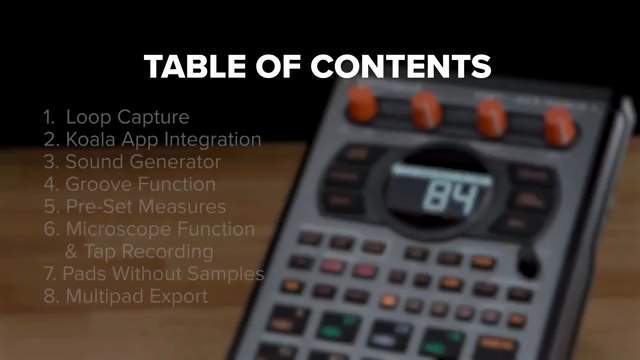
"This update is packed with exciting new features guaranteed to ignite your creativity and enhance your workflow."
© Screenshot/Quote: Rolandglobal (YouTube)
Headline Features: Loop Capture, Koala, Sound Generator & Groove
"Thanks to a collaboration with ELF Audio we can now use our SP404 MK2 to control the awesome koala app."
© Screenshot/Quote: Rolandglobal (YouTube)
The v4.04 update’s headline features are given a thorough demonstration, beginning with the new Loop Capture mode. Drawing inspiration from the SP-555, this mode allows users to record, overdub, and manipulate loops with flexible measure lengths, auto-triggering, and routing options. The workflow is hands-on: users can set up their loop environment, record in real time, and even undo or redo takes, all from the front panel. The ability to export live loops directly to pads further cements the SP-404MKII’s role as a performance-oriented sampler.
Integration with the Koala Sampler app stands out as a nod to hybrid workflows. The SP-404MKII can act as a controller for Koala, triggering samples, accessing banks, and even recording directly into the app. The video highlights how familiar SP shift commands map to Koala functions, making the transition seamless for existing users. The new Sound Generator is also showcased, offering a range of basic waveforms with adjustable parameters—frequency, volume, pan, envelope, and microtuning—enabling users to create custom tones and export them to pads. Finally, the Groove Function, inspired by the VP-9000, introduces glitchy, humanized timing effects to samples, expanding the creative toolkit for beatmakers seeking rhythmic nuance.
Workflows in Action: Real-Time Manipulation and Integration
The video moves from feature overview to practical application, demonstrating how the SP-404MKII’s new tools enhance real-time manipulation and integration into broader setups. For example, the ability to set pre-defined measure lengths before recording ensures that live takes stay in sync, making it easier to capture tight loops without post-editing. The microscope function allows for detailed step-by-step editing of patterns, including pitch, velocity, and timing—crucial for those who demand precision in their sequences.
Exporting multiple pads at once is another workflow booster, enabling users to quickly bounce stems or MIDI files for further editing or remixing in other environments. The SP-404MKII’s compatibility with external gear is also highlighted: pads without samples can trigger external MIDI instruments, and these performances can be recorded directly into patterns. These features collectively position the SP-404MKII as a flexible hub for both standalone and integrated setups, whether you’re jamming live or prepping material for the DAW.
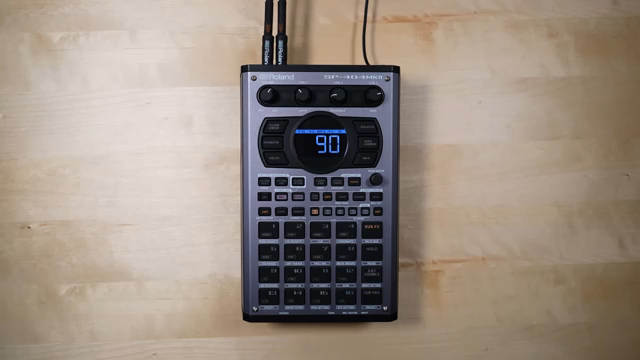
"You can now export your patterns as multiple WAV files to your SD card."
© Screenshot/Quote: Rolandglobal (YouTube)
Sample Merge and Project Import: Streamlining Creative Flow
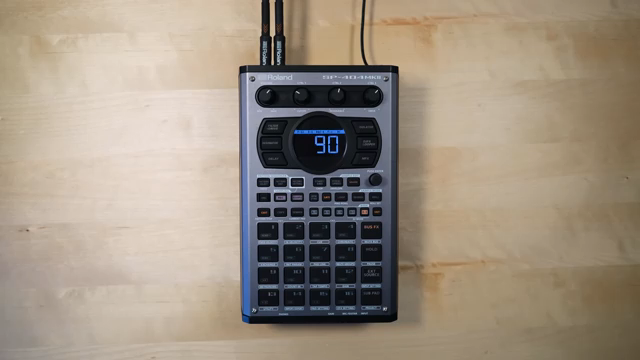
"Sample merge has now been added. This allows you to combine multiple samples into a single sample."
© Screenshot/Quote: Rolandglobal (YouTube)
RolandChannel demonstrates how new functions like Sample Merge and project importing from SD cards are designed to remove friction from the creative process. Sample Merge lets users combine multiple samples into one, with control over the mix percentage for each source. This is particularly useful for layering sounds or consolidating ideas without leaving the hardware environment. The process is straightforward: select pads, adjust mix, and export to a new pad.
Project import features are equally pragmatic. Users can now bring in entire projects from SD cards, including legacy SP-404SX/A projects, with minimal fuss. The video walks through the steps for importing and converting projects, emphasizing the ease with which content can be transferred and repurposed. DJ mode enhancements allow for sample imports while tracks are playing, and the ability to perform other actions during import keeps the workflow uninterrupted. These updates make the SP-404MKII a more versatile tool for managing and evolving large sample libraries and project archives.
Personalization and Project Management: User-Friendly Touches
The final stretch of the video spotlights user-friendly improvements that encourage personalization and efficient project management. Editing sample and project names directly on the SP-404MKII is now possible, with a simple value knob-driven interface. This small but meaningful upgrade reduces reliance on external editors and helps users keep their setups organized, especially when juggling multiple projects or performing live. These refinements, while less flashy than headline features, demonstrate Roland’s attention to the day-to-day realities of creative work.
This article is also available in German. Read it here: https://synthmagazin.at/rolandchannel-praesentiert-das-sp-404mkii-v4-04-workflow-updates-fuer-moderne-beatmaker/
More articles about these products:
 Verysickbeats Proves Old Gear Still Smacks: SP-303 vs SP-404MKII Beat Session
 Verysickbeats Calls Out the SP-404MKII: What’s Still Missing in 2026?
 sunwarper’s SP404 MK2: Five Years Deep and Still the Studio Chameleon?
 Verysickbeats Drops 3 Sidechain Moves on the SP‑404MKII That’ll Make Your Beats Breathe
 RolandChannel Delivers: SP-404MKII V5.50 and the Art of Side Chain Compression
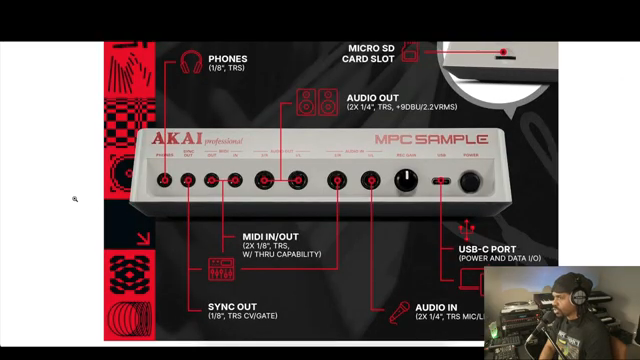 Verysickbeats Drops the Real on the MPC Sample: No Hype, Just Facts
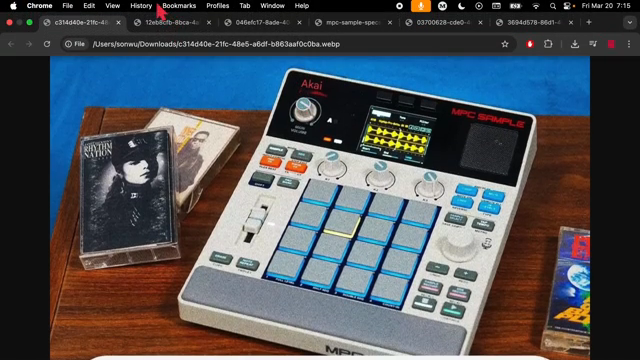 SON WU Digs Into the MPC Sample Leak: Classic Vibes, Modern Tricks
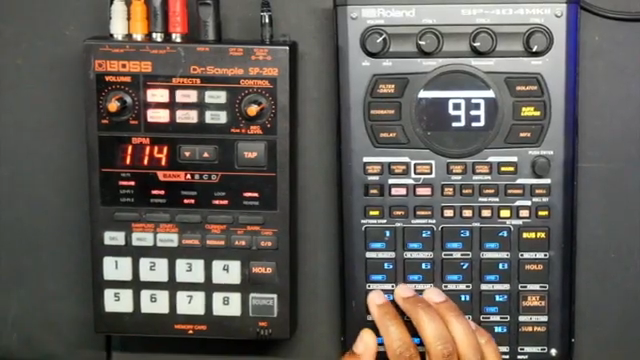 Verysickbeats Flips Psychedelic Rock: SP-202 & SP-404MKII Go DAWless and Dirty
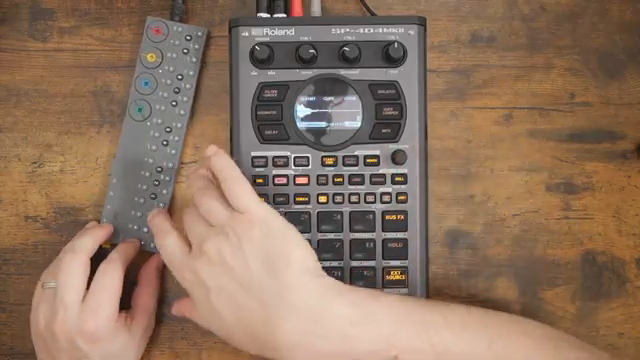 Free Beat Turns the SP-404MKII Into a Groovebox Monster
 Free Beat Unleashes the SP-404MKII DJ Mode: More Than Just Decks and Drops
 Free Beat’s Drum Sampling Mayhem: SP-404MKII Unleashed
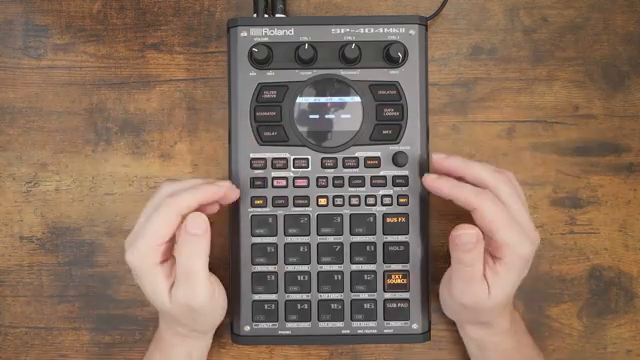 Free Beat’s Deep Dive on the SP-404MKII: Is It the Right Kick-Off for Music Newbies?
Watch on YouTube:
Latest articles
Watch on YouTube:
Visit the channel:
https://www.youtube.com/rolandglobal
https://www.youtube.com/rolandglobal
Links from rolandglobal:
website: https://www.roland.com
roland_cloud: https://www.roland.com/global/promos/about_roland_cloud
instagram: https://instagram.com/rolandglobal
Sponsored links:
If you purchase via these links, we may earn a small commission – at no extra cost to you. The link opens an Amazon keyword search, and results may vary depending on availability.
Roland SP-404MKII
🔗 Check price on Amazon
🔗 Check price on Amazon