Ever stared at an empty Ableton project and felt like your creativity just ghosted you? Rapid Flow (aka Erik) is here to slap that blank screen into shape, showing off a workflow that’s smoother than a fresh jar of peanut butter. In this video, Erik doesn’t just build a track—he builds a whole vibe, live and unfiltered, using his signature Rapid Flow method. Expect real talk, hands-on MIDI mapping, and some cheeky tricks that’ll have you finishing tracks faster than you can say “sidechain that pad.” If you want to see how a pro flips nothing into a club-ready groove, this is your jam.
7. December 2025
RILEY
Rapid Flow’s Blank Slate: From Zero to Banger in Ableton Live
Ableton Live, Eventide Blackhole, Microtonic, Torso T-1, Zensphere
Blank Canvas, Big Moves
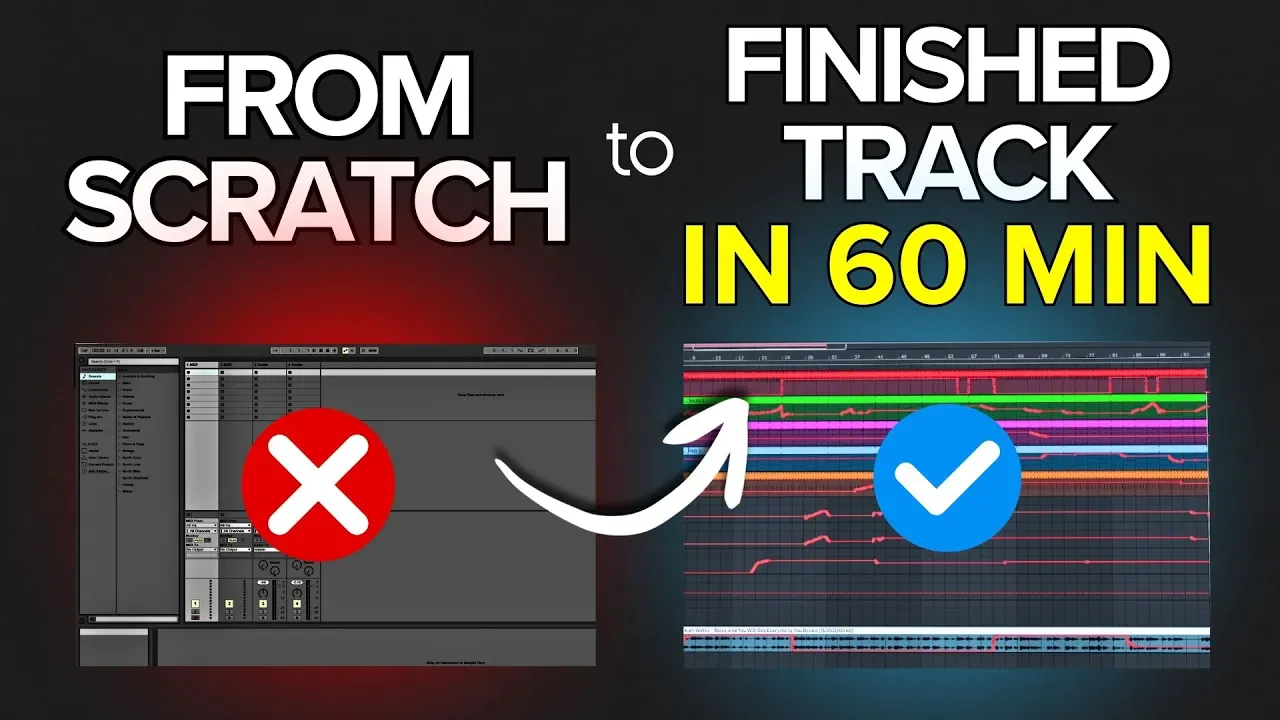
Rapid Flow kicks things off with a totally empty Ableton project—no samples, no tracks, just pure possibility. Erik’s not here to bore you with endless menu-diving; instead, he lays down his foundational workflow right from the jump, setting up a mastering channel before anything else. That’s right, mastering chain first—because why wait to sound pro?
He’s got a no-nonsense approach: everything routes through a mastering channel, and he’s already thinking about headroom and punch before the first kick hits. This isn’t your average YouTube tutorial where you get lost in the sauce—Erik’s all about keeping it musical, not technical. If you’re tired of staring at blank projects and overthinking every step, this is the kind of workflow that’ll get you moving before your coffee even cools off.

"I think at the end of this video you'll never look at producing with Ableton the same way again."
© Screenshot/Quote: Rapidflow Shop (YouTube)
Mastering Chains, Gain Staging, and Zensphere Magic
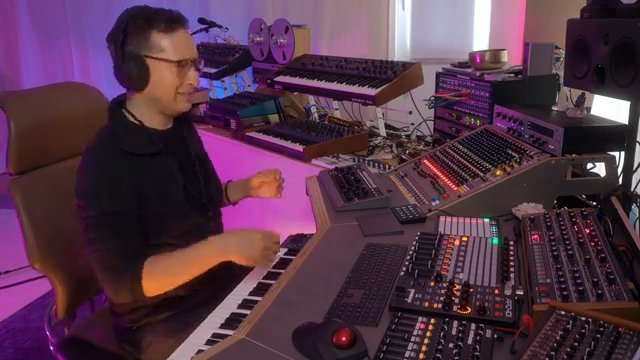
"the whole idea with zensphere is just to make the interface super intuitive and easy and have all the parameters ready to go"
© Screenshot/Quote: Rapidflow Shop (YouTube)
Next up, Erik dives into the nitty-gritty: setting up a secondary main bus, adding a limiter, and making sure every sound gets the VIP treatment. He’s not just dropping a kick and calling it a day—he’s sampling, processing, and mapping everything for hands-on control. The kick gets its own fader, a high cut filter, and a backstory that involves more outboard gear than most of us have in our dreams.
But the real sauce comes with Zensphere, Rapid Flow’s in-house instrument. Erik shows how it slides into the mix with zero fuss—pre-mixed, pre-mastered, and ready to groove. He’s tweaking filters, dialing in delays, and making sure the bass sits just right. If you want to see how pros keep their mixes clean without a PhD in EQ, this section is pure gold. And trust me, the way he handles gain staging will have you rethinking your whole approach.
Workflow That Works: Templates and Track Building for All
This is where the workflow really starts to flex. Erik’s not just building a beat—he’s building a system. With every sound, he’s mapping MIDI controllers for quick tweaks, setting up send FX for depth, and making sure everything’s ready to jam. He’s got tricks for hi-hats, snares, and pads that make the process look way easier than it has any right to be.
What’s wild is how accessible this all is. Whether you’re a total beginner or you’ve been around the block, Erik’s step-by-step style keeps things clear and actionable. He’s dropping little hacks left and right—like using microtonic for hi-hats or sidechaining pads the old-school way. If you’re looking for a workflow you can actually use (instead of just watching and forgetting), this is the section to pay attention to.
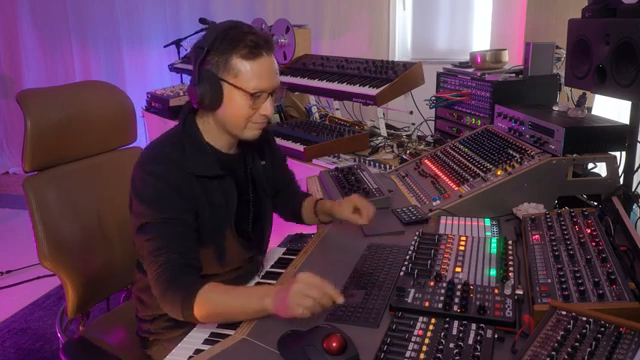
"the cool thing about map the controllers is that it's very intuitive and very fast to try different things on your mix right"
© Screenshot/Quote: Rapidflow Shop (YouTube)
Live Mapping and Real-Time Sequencing: The Secret Sauce
"that's really what I love about this approach is that you have so much control over the dynamics of your track"
© Screenshot/Quote: Rapidflow Shop (YouTube)
Now we’re getting into the fun stuff. Erik shows how real-time MIDI mapping and live sequencing turn a static project into a living, breathing track. He’s got faders mapped for everything—high cuts, DJ effects, even Alan Watts samples for that extra sprinkle of philosophy. The energy goes up and down with a twist of a knob, and arranging happens live, not with endless mouse clicks.
This is the kind of workflow that makes you want to get your hands dirty. Watching Erik sequence a track in real time is like seeing a street artist flip a blank wall into a mural—messy, spontaneous, and full of happy accidents. If you want to feel the groove and not just talk about it, you gotta see this part in action. Some of these controller tricks are way easier to catch in the video than in words, so don’t sleep on watching the real deal.
Takeaways You Can Actually Use
The best part? Erik’s workflow isn’t just for show—it’s built for you to steal and use today. He wraps up with encouragement to jump in, mess around, and finish more tracks without getting bogged down in technical nonsense. Whether you’re after a killer template or just a few workflow hacks, Rapid Flow’s approach is all about keeping it fun, fast, and musical. If you want to catch every little trick, hit up the video—some things just vibe better in motion.
This article is also available in German. Read it here: https://synthmagazin.at/rapid-flow-auf-null-von-der-leeren-ableton-session-zum-banger/
Watch on YouTube:
Latest articles
Watch on YouTube:
Visit the channel:
https://www.youtube.com/RapidFlow_Shop
https://www.youtube.com/RapidFlow_Shop
Links from RapidFlow_Shop:
Rapid Flow Store: https://rapidflow.shop
Instagram: https://www.instagram.com/rapidflow_shop/
Facebook: https://facebook.com/SetsunaMusic
Sponsored links:
If you purchase via these links, we may earn a small commission – at no extra cost to you. The link opens an Amazon keyword search, and results may vary depending on availability.
Ableton Live
🔗 Check price on Amazon
🔗 Check price on Amazon
Eventide Blackhole
🔗 Check price on Amazon
🔗 Check price on Amazon
Microtonic
🔗 Check price on Amazon
🔗 Check price on Amazon
Torso T-1
🔗 Check price on Amazon
🔗 Check price on Amazon
Zensphere
🔗 Check price on Amazon
🔗 Check price on Amazon