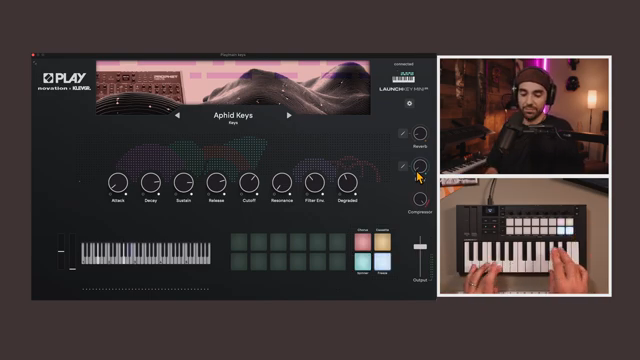
Diving deep with Taetro, we explore the Novation Play and how this free software, paired with the Launchkey Mini, opens new doors for sound design. Whether you’re a novice or a season pro, there’s something to learn from this engaging guide.
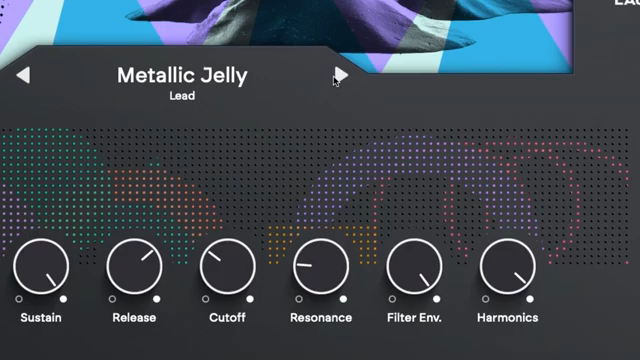
Novation’s latest offering, Play, is a virtual instrument that aims to bridge the gap between tactile hardware and flexible software. Designed exclusively for the Launchkey MK4, Play operates as both a standalone app and a plugin, promising immediate inspiration and hands-on control. With a sound palette sampled from iconic synths and a workflow that tightly integrates with Launchkey’s encoders and pads, Novation Play is positioned as a creative catalyst for producers and performers alike. In this walkthrough, Novation demonstrates how Play’s architecture and hardware mapping can streamline music production, from beat creation to expressive sound design.
If you purchase via these links, we may earn a small commission – at no extra cost to you. The link opens an Amazon keyword search, and results may vary depending on availability.