Ableton Operator: A little instability brings a sound to life
Ableton Operator is an FM synthesizer in Ableton Live. Its four oscillators can be interconnected, so changing one can affect the resulting sound. Sound-shaping options shown here include drawing harmonic spectra and adding modulation with an LFO.
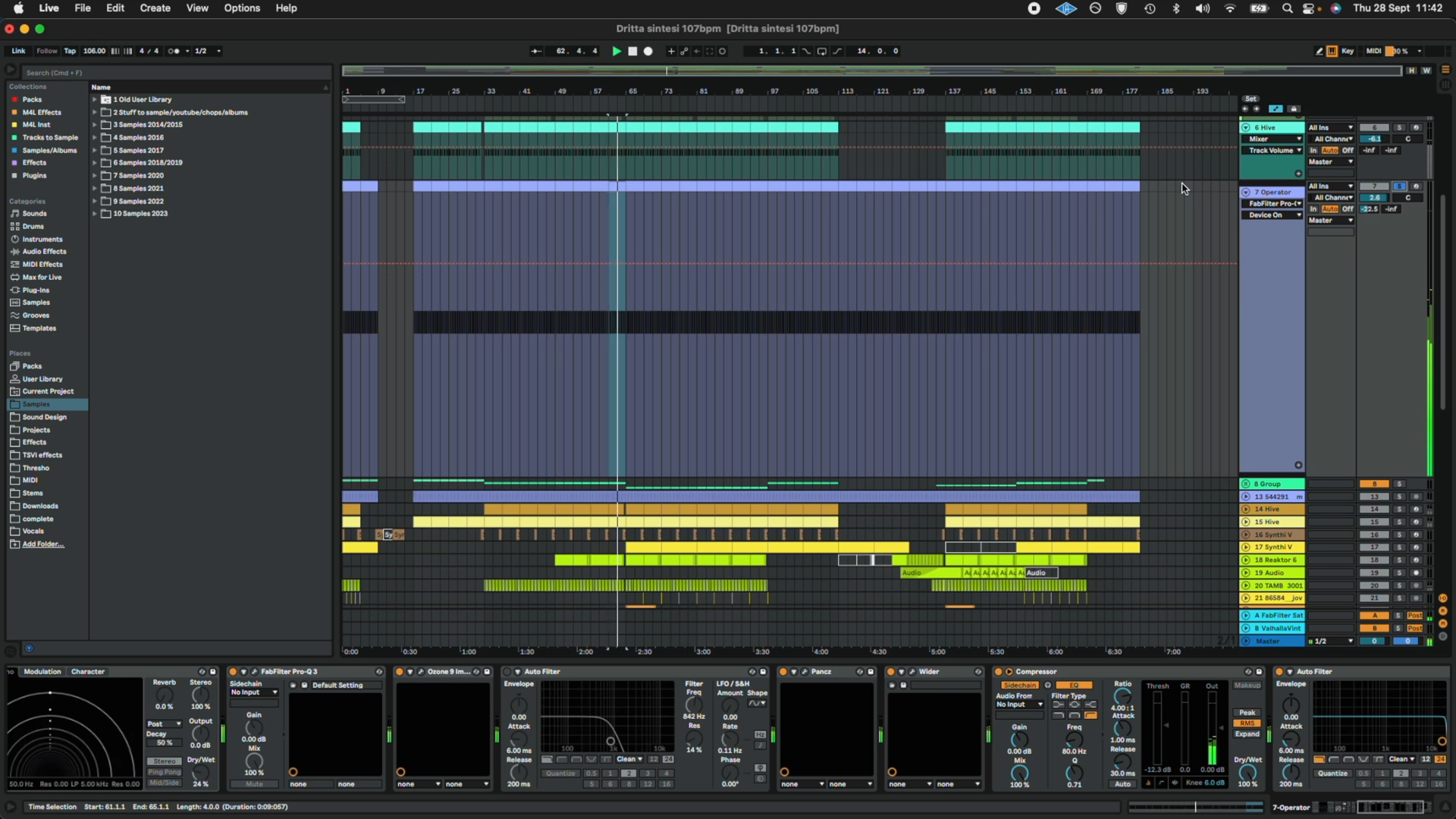
An LFO on oscillator D, subtle shifts over time: TSVI shows how movement can make an Operator patch feel less perfect and, in his words, more analog.
Voltage Labs
„so it's a basic like Operator patch, let's see what I did yeah this is like the LFO yeah modulate the oscillator D level to give a bit of movement throughout the track I use a lot of LFO just to give like a bit like nuances like a bit of like variation like throughout like the the track so it feels like you know a bit analog sounding not perfect“
Ableton Operator meets Mega Drive: FM patches on the move
genmddj translates Operator presets to the YM2612 and back, opening an exchange between familiar sound design in Live and the constrained sound world of a Sega console.
+
A short FM bass starts in Operator, but its next destination could be a Mega Drive. Sebastian Tomczak's genmddj combines a console tracker with browser tools that translate individual Operator presets between .adv and its own .gmi instrument format. The instrument patcher also provides an audition function using an OPN2 core in the browser. This makes it possible to explore the translation by ear before putting a patch into a console composition.
The interesting part is the friction between the instruments: four FM operators provide common ground, although their algorithms and envelopes do not align completely. A percussive sine-based sound therefore offers a practical starting point for experiments. Live sets containing Operator tracks can also become tracker songs. Newly added selection loops turn that material into spontaneous variations: a selected song area repeats while participating tracks retain their independent chain lengths.
Compatibility and limitations
Documented inputs include Operator .adv presets and Operator tracks in Live .als files. Supported Live file versions are not exhaustively specified. The project reports tracker tests on PAL/NTSC Genesis, Mega Drive and Nomad hardware, and in emulation.
Conversion is lossy: non-sine waveforms, filters and other Operator properties are omitted; algorithm and envelope matching remain approximate. Song import keeps only the highest chord note, quantizes to sixteenths and omits note-offs. The project remains under development.
Ableton Operator: design filter movement through conversation
Ableton Live MCP connects an AI client to Live's parameters and automation. Its documented Operator example sets a filter value and develops it into a deliberate two-bar movement.
+
An Operator sound is ready, but the transition into the chorus needs movement. Ableton Live MCP documents a concrete conversation for this situation: set the filter to 800 Hz and open it to 5 kHz over two bars. An MCP server connects an AI client to a Remote Script inside Live; parameters can be inspected and changed, and automation envelopes written from points or shapes.
Can Arslan's project preserves the history of ahujasid/ableton-mcp and extends it with general access to the Live Object Model. For Operator, this suggests a workflow: inspect the existing sound, request a bounded change, then judge it in musical context. The current fixes improve everyday project handling: a track named “808” is recognized by name, and the relevant correction makes new audio clips start at the beginning of their files. The musical attraction is quickly expressing and comparing an idea.
Compatibility and limitations
The project specifies Live 11 or 12, Python 3.10 or later, uv, an MCP client and its matching Live Remote Script. Operator must be available in Live. Some extensions require newer Live versions; compatibility across every combination is not established.
The client can change the Live set; results need musical and technical review. Arrangement automation on MIDI tracks uses a Session clip as an intermediate step; actual track automation is recorded audibly in real time. Installation guidance specifies using only one MCP client at a time.
Pick Yourself acknowledges that Operator can seem complex and less approachable than subtractive or wavetable synths. For practical uses, he says, getting started can nevertheless be easier than expected.
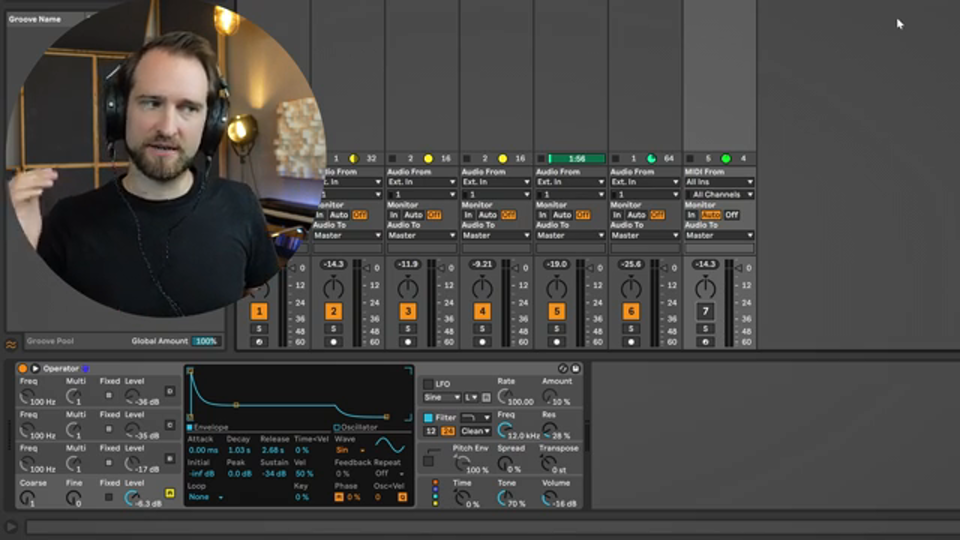
„you need to know and we're going to use Operator. Now I know that Operator is one of those devices in Ableton Live that a lot of people are scared of because it seems complex, it seems not as approachable as some of the other classic subtractive synths and it even feels more complex than the wavetable synth for example. But honestly this can be much easier than you think.“
LNA Does Audio Stuff demonstrates a serial FM setup: in her example, changing oscillator C’s frequency alters the resulting sound because the oscillators are interconnected.
„So now, example, if I go to the oscillator, the C and change the course, hear how how it changes the sound of everything else. So like that, so basically all them are connected right now. And when I change one, everything else will change. And that's the cool thing about FM synthesis.“
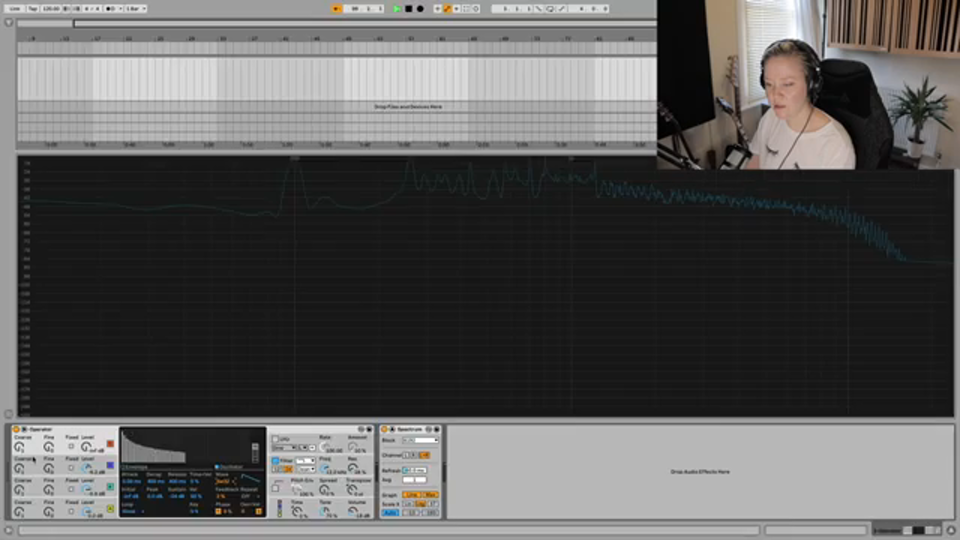
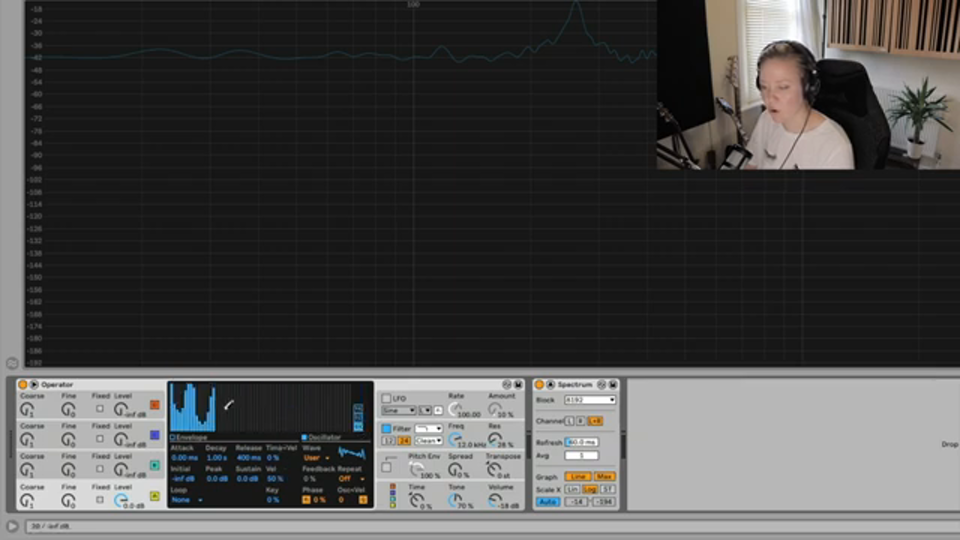
LNA Does Audio Stuff shows how to draw a harmonic spectrum directly in the User-mode grid. She also uses the context menu to select even or odd harmonics.
Read the full statement
„And when I go on with my mouse on the top of this grid here, you can see that I can draw on it. Perfect. And I can also right click it or two finger click so we can have even or odd harmonics also.“
Reddit – r/abletonA favourite song becomes a sound-design exercise
The controls were familiar, but the sound in mind still felt out of reach. One user set out to recreate sounds from favourite songs in Operator, building them from scratch. The exercise helped him recognise synthesis techniques by ear; he saved the results as reusable presets.
+
The question comes from a familiar dead end: musical ideas are there, but the right sounds remain elusive. One reply describes a practical exercise using Operator. The user focused on this one synthesizer until he knew its parameters. Then he picked sounds from songs he liked and tried to build them himself.
He found building from scratch more helpful than taking apart finished presets. Having a specific sound in mind gave his experiments direction. With practice, he began to recognise certain synthesis techniques by their sound and use them more deliberately to achieve a desired tone. Freely turning knobs remained useful, but taught him less than trying to match a specific sound. He saved the recreated sounds in his user library to reuse later.
The FM principle made sense, but reliable results remained elusive. A suggestion to start with oscillator A and add others deliberately prompts an revealing admission: all four had been in use every time. The reply focuses on the size of the patch.
+
Understanding the principle of FM synthesis does not automatically produce the sound you want. One Operator beginner was looking for reliable starting points: are there useful combinations, or is it a matter of tweaking until a lucky accident happens?
A reply recommends starting with oscillator A and building the sound from there. The respondent says they rarely need all four oscillators; usually two are enough, sometimes three. The original poster then admits that they had been using all four as a rule.
The explanation that follows addresses the consequences of that habit: additional oscillators introduce more harmonics and the possibility of detuning, which can make the overall sound harder to dial in. The suggestion therefore reduces the number of sound sources acting at once. No successful recreation is documented afterwards. What is documented is the moment when the assumption that all four should be used is questioned for the first time.