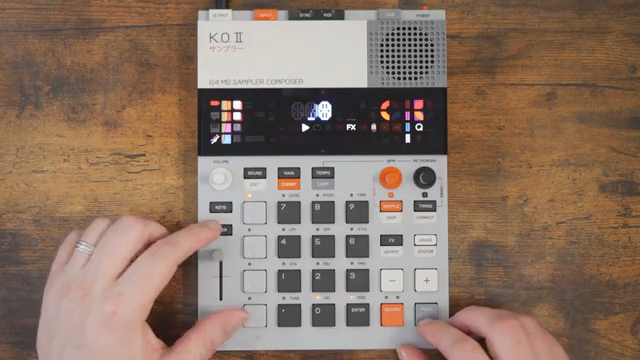
Free Beat’s finally cracked the KOII fader, and it’s about time. If you’ve ever stared at that slider wondering if it’s just a volume knob in disguise, prepare to have your mind (and maybe your jam sessions) blown. This video is a crash course in real-time sound mangling, fader assignments, and the kind of performance tricks that make the KOII a proper street weapon. Free Beat’s practical, hands-on style means you get the dirt, not the brochure. If you want to see the KOII fader actually earn its keep, this is your ticket.
1. February 2026
SPARKY
Free Beat Unleashes the KOII Fader: Finally, Some Real-Time Mayhem
Fader Unleashed: Not Just a Volume Knob
Let’s be honest: most faders on grooveboxes are about as exciting as a wet weekend in Blackpool. But the KOII fader? Turns out, it’s a proper Swiss Army knife for your sound. Free Beat dives in, finally tackling the last KOII feature that’s been taunting him from the shadows. He’s using a project from his full-song series, so you know this isn’t just a demo – it’s real-world chaos.
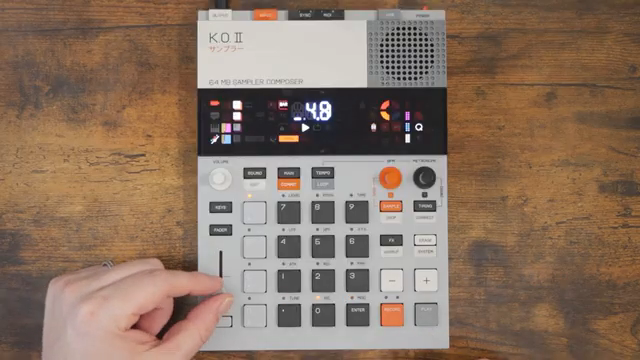
What makes the KOII fader stand out is its ability to manipulate a whole range of parameters in real time. We’re talking level, pitch, filter sweeps, effects send, envelope tweaks, and more – all at your fingertips. It’s not just about turning things up or down; it’s about grabbing your track by the scruff and shaking it until something interesting falls out. If you thought the fader was just for polite fades, think again.
"It's really that simple."
© Screenshot/Quote: Freebeat (YouTube)
Group Therapy: Fader Assignments on the Fly
"So you can combine them, which is really cool."
© Screenshot/Quote: Freebeat (YouTube)
Here’s where things get spicy. The KOII lets you assign the fader to different functions per group, so you can have drums ducking, bass warping, and synths panning all at once. Free Beat shows how holding down the fader button brings up a grid of options – no menu-diving, just straight-up pad-punching. Each group can have its own fader job, and the KOII remembers your choices.
Want to pitch your drums into oblivion while filtering your bass into a puddle? Go for it. The assignments are instant, and you can combine them for some seriously twisted results. Free Beat’s workflow is all about speed and flexibility, and the KOII fader finally seems to keep up. This is the kind of per-group control that turns a jam into a performance.
Record, Erase, Repeat: Sequencing Fader Moves
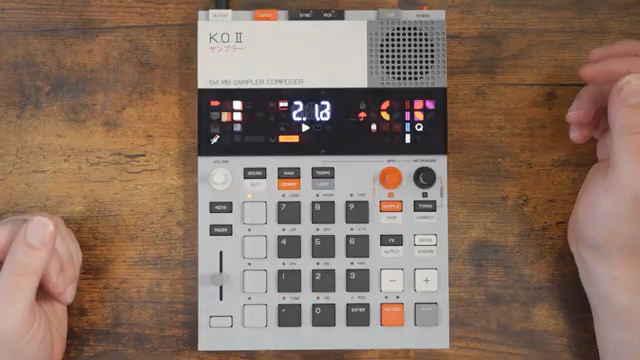
Now for the real party trick: recording fader movements straight into the sequencer. Free Beat demonstrates how you can capture your wildest fader rides and have them play back perfectly in time. Just hold record and move the fader – no rocket science here. The result? Dynamic, evolving patterns that sound like you’ve got an extra pair of hands.
Erasing and resetting fader moves is just as easy, though there’s a catch – you’ll need to stop the sequencer to wipe things clean. Not ideal for live chaos, but it’s a small price to pay for the flexibility. The ability to step-lock fader positions means you can get deep into automation territory, pushing the KOII into proper performance gear status.
"You can hear the pitch going up and down."
© Screenshot/Quote: Freebeat (YouTube)
Performance Power: KOII in the Real World
"This is a fantastic piece of gear."
© Screenshot/Quote: Freebeat (YouTube)
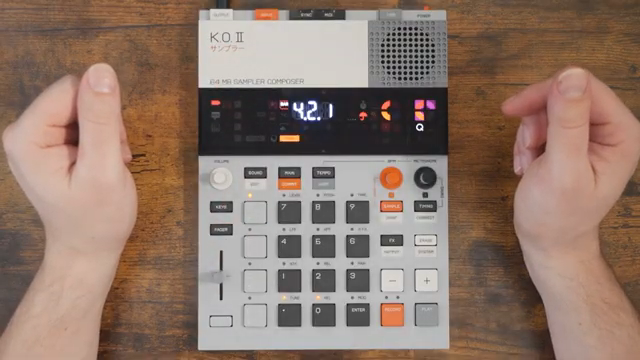
Free Beat doesn’t just talk the talk – he shows how the KOII fader fits into a live setup. With real-time recording, instant parameter switching, and that signature Teenage Engineering workflow, this box is finally earning its keep. The fader isn’t just a gimmick; it’s a performance tool that can twist, warp, and mangle your sounds on the fly.
The video is packed with practical examples, from pitching drums to filtering synths and beyond. If you’re the kind of person who likes to get their hands dirty mid-jam, the KOII fader is your new best mate. Free Beat’s enthusiasm is infectious, and you can see why he’s getting OP-Z flashbacks – this thing is built for action.
See It, Don’t Just Read It
Honestly, you can read about fader assignments and automation all day, but nothing beats seeing Free Beat wrangle the KOII in real time. The video’s packed with quick tips, workflow hacks, and the kind of hands-on demos that words just can’t do justice. If you want to see the KOII fader go from zero to rave bunker, hit play and watch the magic happen.
This article is also available in German. Read it here: https://synthmagazin.at/free-beat-entfesselt-den-koii-fader-endlich-echtes-echtzeit-chaos/
Watch on YouTube:
Latest articles
Watch on YouTube:
Visit the channel:
https://www.youtube.com/FreeBeat
https://www.youtube.com/FreeBeat
Links from FreeBeat:
Support the Channel: https://patreon.com/freebeat
Instagram: https://instagram.com/freethebeatwithin
Sponsored links:
If you purchase via these links, we may earn a small commission – at no extra cost to you. The link opens an Amazon keyword search, and results may vary depending on availability.
Teenage Engineering KOII
🔗 Check price on Amazon
🔗 Check price on Amazon