Arturia’s latest firmware update for the AudioFuse 16Rig isn’t just a minor revision—it’s a bold leap into the world of immersive monitoring. With version 2.0, Arturia brings next-generation surround and spatial audio workflows to its flagship interface, promising up to 16-channel speaker management, deep bass control, and flexible routing—all without the need for costly external hardware. The official Arturia video walks us through these new features, focusing on how the update transforms both the hardware and the AudioFuse Control Center software. For producers and engineers working in Dolby Atmos, Apple Spatial Audio, or any multi-speaker setup, this update could be a game-changer. Let’s break down what’s new and how it fits into modern studio architectures.
24. January 2025
LYRA
Arturia’s AudioFuse 16Rig 2.0: Immersive Monitoring Reimagined
Immersive Monitoring: The New Standard
Arturia’s AudioFuse 16Rig Update 2.0 is all about immersive audio—think Dolby Atmos, Apple Spatial Audio, Sony 360, and beyond. The update brings a next-generation monitoring system directly into the interface, eliminating the need for expensive outboard gear or monitor controllers. This is a significant architectural shift, as immersive formats have traditionally been locked behind high-cost solutions, making them inaccessible for many studios.
With this firmware release, Arturia’s engineers have embedded a full-featured immersive monitor management system into the 16Rig, available as a free update. The video emphasizes that this isn’t just a surface-level tweak: users gain access to a complete system supporting up to 16 speakers, making the 16Rig a central hub for any modern surround or spatial audio workflow. The update is positioned as a transformative tool for anyone looking to expand their monitoring capabilities without overhauling their hardware ecosystem.

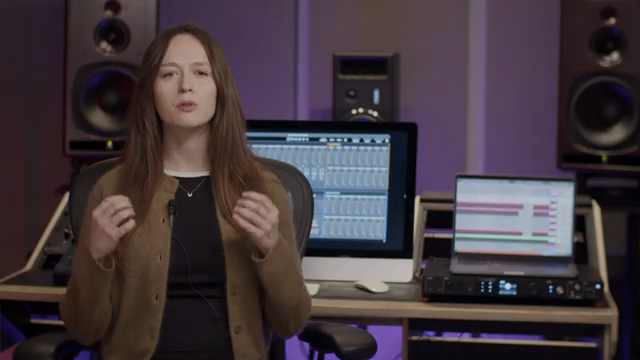
"Update 2.0 comes with a new major feature - next generation immersive monitoring."
© Screenshot/Quote: Arturiaofficial (YouTube)
16 Speakers, Bass Management, and Time Alignment: Under the Hood
"You'll get a complete monitor management system supporting up to 16 speakers."
© Screenshot/Quote: Arturiaofficial (YouTube)
One of the headline features is support for up to 16 speakers, accommodating layouts from classic 5.1 to ambitious 9.1.6 setups. The immersive monitoring system leverages all analog and ADAT outputs, allowing flexible combinations to suit a wide range of studio configurations. Each speaker channel is managed via dedicated strips in the AudioFuse Control Center, where users can assign speaker types, physical outputs, and audio sources from their DAW or operating system.
Level matching is handled with per-speaker trim controls, offering ±6dB adjustment in 0.1dB increments—crucial for precise imaging in immersive environments. Time alignment is equally robust, with up to 20ms of delay per channel and fine resolution down to 0.01ms. The interface allows delay values to be entered in either milliseconds or meters, catering to both technical and practical workflows.
Bass management is comprehensive, with individual crossover settings per speaker. Users can bypass bass management, select between 12dB or 24dB/octave filters, and set crossover frequencies as needed. The system even allows the front panel monitor button to toggle bass management, a thoughtful touch for mixers who need quick access during sessions. LFE management includes a +10dB boost and dedicated filtering, ensuring that both cinematic and music production needs are covered.
Flexible Routing for Immersive Formats
Routing in the 2.0 update is designed for maximum flexibility. The video demonstrates how users can create custom setups for formats like Dolby Atmos, assigning speaker types and mapping them to physical outputs with ease. The process is visually guided in the Control Center, where each channel strip corresponds to a speaker in the room.
Audio sources for each speaker are mapped from the DAW or rendering software, making the system adaptable to any production environment. The workflow is streamlined: once the routing is set, users can save stereo and immersive setups as presets for quick recall. Safety features, such as automatic muting when switching presets or enabling immersive monitoring, are built in to prevent accidental signal blasts—a small but important detail for real-world studio use.
Quality-of-Life Upgrades: Control Center Gets Smarter
Beyond the headline features, Update 2.0 brings a host of usability improvements to the AudioFuse Control Center. The user interface now includes a dedicated immersive monitoring icon, granting direct access to all new features. Global controls like master volume, bass management, and LFE are grouped at the top, while individual channel strips are organized below for granular control.
Other enhancements include multi-channel VU meters, individual mute and solo buttons for speaker groups, and a reference level reset for quick calibration. The AV sync feature introduces up to 20ms of global delay for aligning audio with video, essential for post-production workflows. The interface remembers your last-used settings, reducing setup time when switching between music and video projects. These refinements collectively make the 16Rig’s software environment more intuitive and performance-ready.
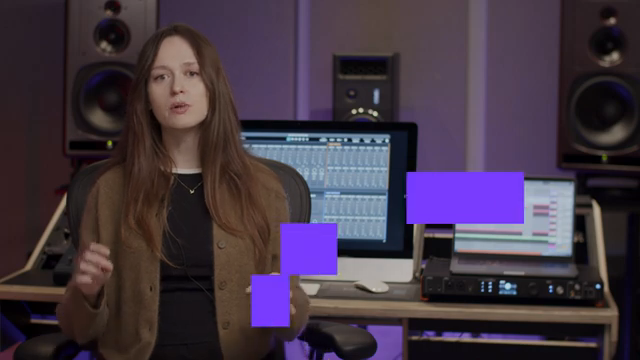
"We've included an AV lip sync delay with up to 20 ms of delay."
© Screenshot/Quote: Arturiaofficial (YouTube)
Aimed at the Modern Audio Professional
Arturia’s update is clearly targeted at audio professionals who demand both flexibility and precision in their monitoring environments. By integrating immersive monitoring, advanced routing, and streamlined controls into a single firmware update, the AudioFuse 16Rig becomes a compelling centerpiece for studios working in both music and video production. While the video focuses on the new features and workflow improvements, it’s clear that this update is designed to help users achieve optimal sound quality across a variety of complex, multi-speaker setups.
Watch on YouTube:
Latest articles
Watch on YouTube:
https://www.youtube.com/ArturiaOfficial
Links from ArturiaOfficial:
Sponsored links:
If you purchase via these links, we may earn a small commission – at no extra cost to you. The link opens an Amazon keyword search, and results may vary depending on availability.
🔗 Check price on Amazon